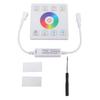
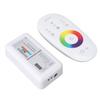
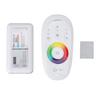
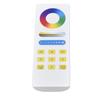
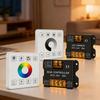
Feature:
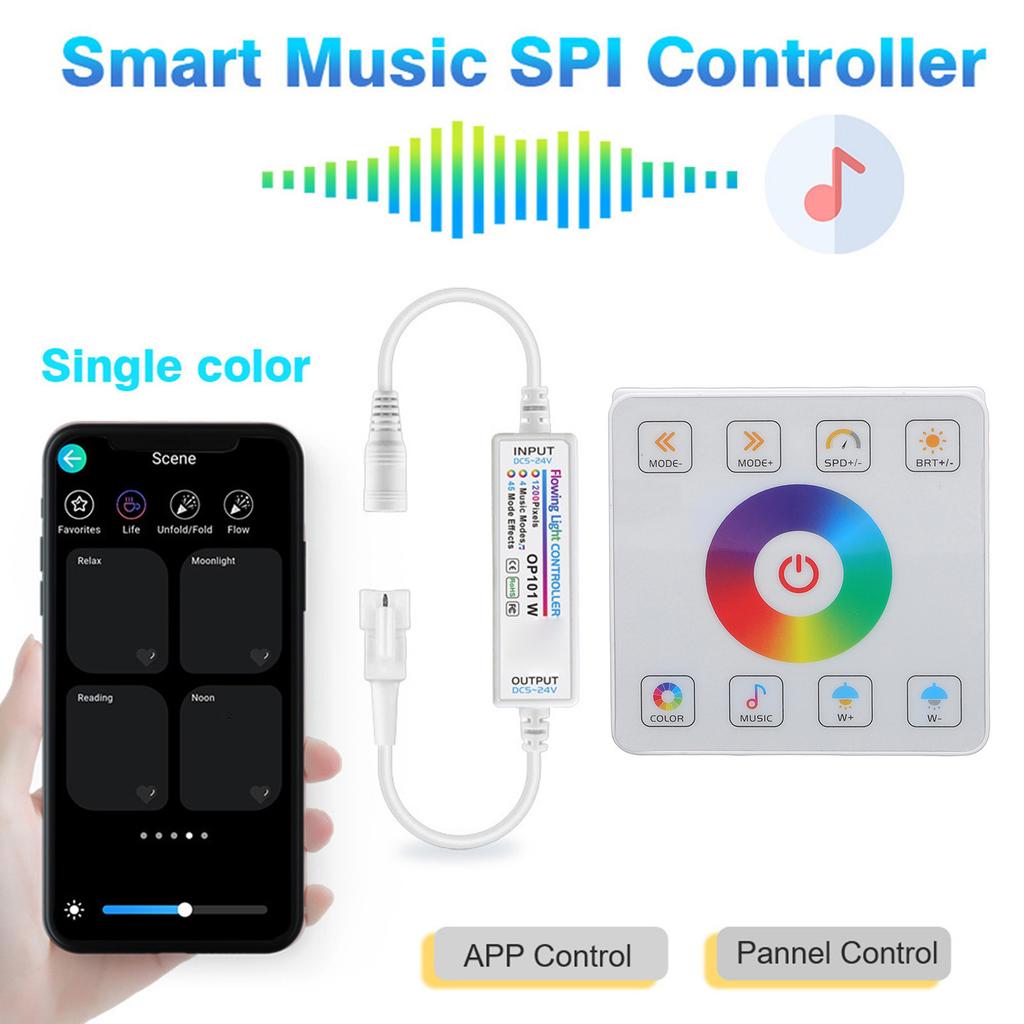
1. Innovative Bluetooth Connectivity: Experience seamless integration with your favorite devices through Bluetooth connectivity. Control music and lighting effortlessly via a dedicated app.
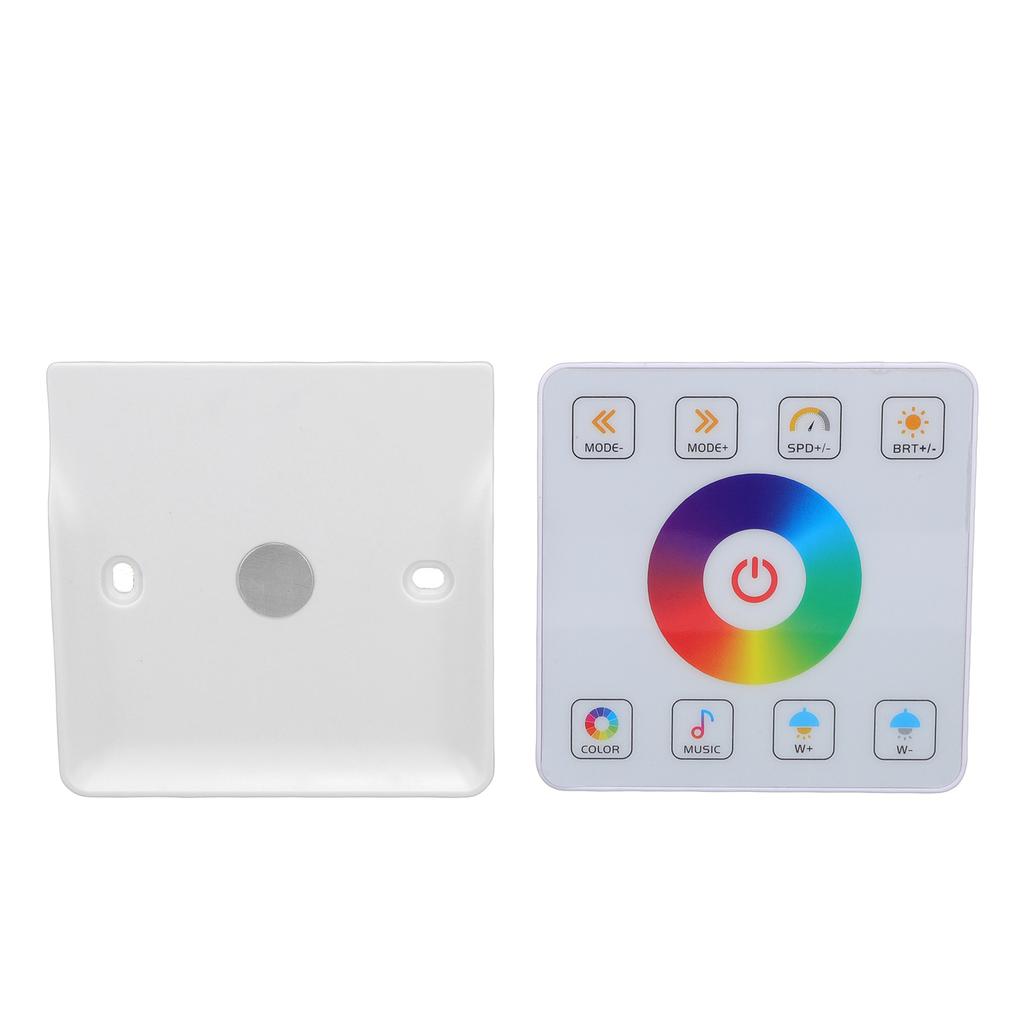
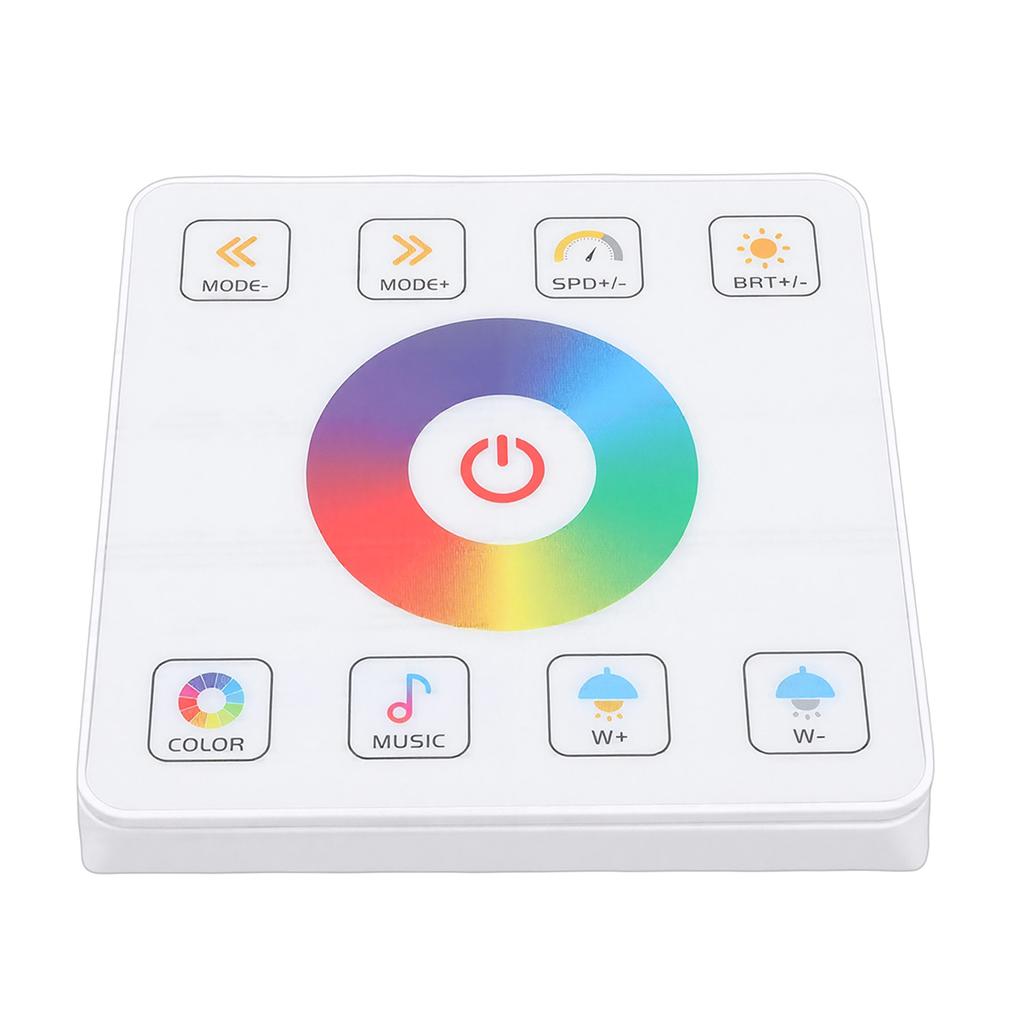
2. Magnetic Remote Control Design: Featuring a convenient magnetic remote control, this music LED controller ensures effortless operation. Enjoy enhanced user experience as you navigate settings without any hassle.
3. RF 2.4G Colorful SPI Technology: Equipped with advanced RF 2.4G colorful SPI technology, this controller makes your lighting displays more captivating. Revel in vibrant, dynamic lighting effects that transform your space into an excellent visual experience.
4. Adjustable Color Temperature: Tailor your environment with adjustable color temperature settings. Create the excellent ambience for any situation, whether you're looking for a cozy, warm ambience or a bright.
5. Dynamic Lighting Effects: Enjoy an array of 13 built in dynamic effects and music modes. These dazzling light displays bring excitement and festive spirit to your home.
Specification:
Item Type: Music LED Controller
Material: ABS
Battery: Button Battery 150mah (included)
Control Method: Bluetooth APP Control + Magnetic Wireless Touch Panel Control
APP Name: Support for DREAM TIME
Maximum Load Power: Can Drive 2400 IC Lamps
Mode Effect: Built In Multiple Dynamic Effects, Music Mode: 13 Types
Connection Interface: DC+SM 3 Pin interface
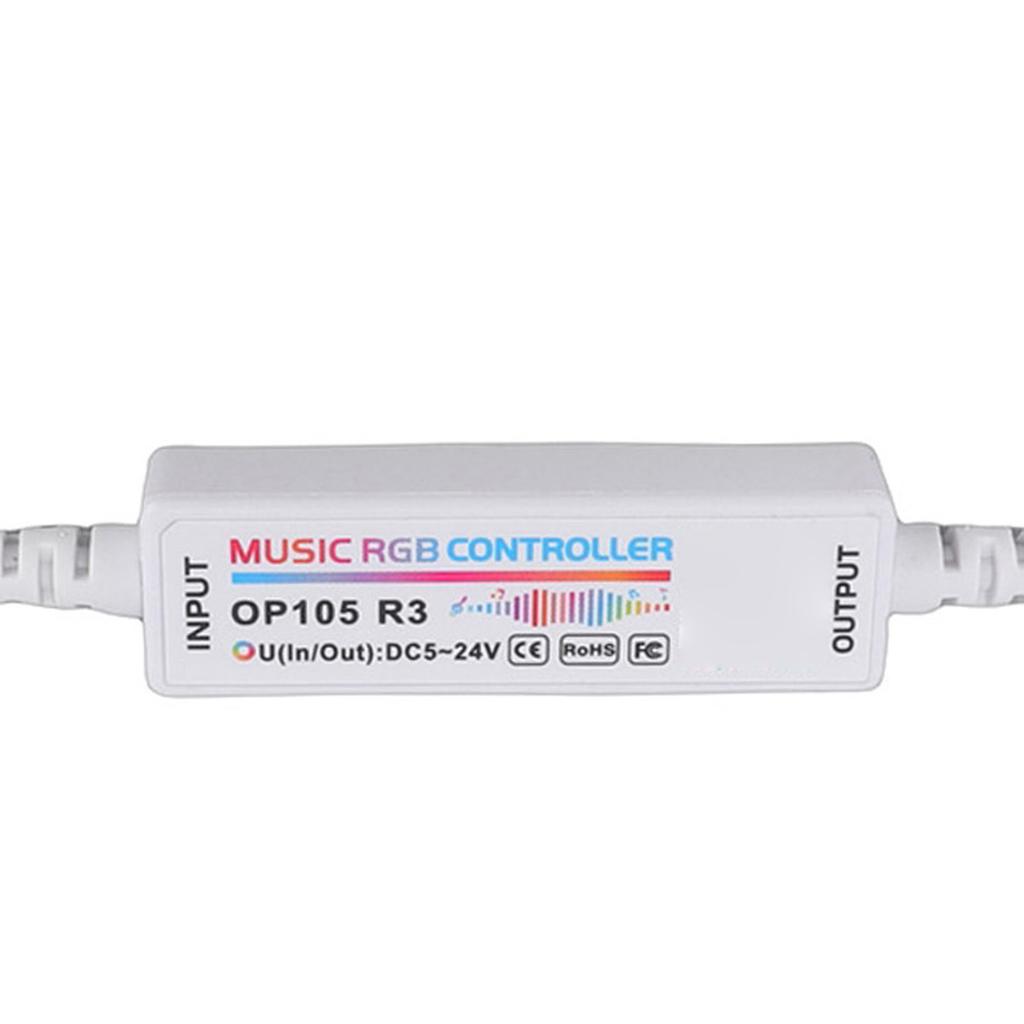
Controller Size: Approx. 55.7 x 16.6 x 10.7mm / 2.19 x 0.65 x 0.42in(L x W x H)
Support IC Model: WS2811, WS2812, UCS1903, M1804, etc.
Remote Control Distance: Approx. 10-20m / 32.8-65.6ft
Appearance Size: Approx.86 x 86 x 10mm / 3.39 x 3.39 x 0.39in(L x W x H)(Panel)
Weight: Approx. 90.00g / 3.17oz
How to Use:
1. Open the Bluetooth and GPS of your phone and ensure that the Bluetooth permission is allowed to use support for DREAM TIME application.2. Open the support for DREAM TIME app.3. Home Page Functions:Click the '+' icon in the top right corner of the app's home page to add devices and groups.Note: Long press on a device icon to edit or delete the device; long press on a group device icon to edit or delete the group.4. How to Add a Device:Click the '+' icon in the top right corner of the app's home page, select 'Add Device', and return to the app's home page after successfully adding the device.5. Flowing Light App Functions:(1) Device Function List:The device's function list includes: 'Power On/Off', 'Adjust Static Color', 'Select Dynamic Scene Mode', 'Music Mode', 'Loop', 'Timer', and 'Settings' main interfaces.
Package List:
1 x Controller
1 x Connection Cable
3 x Accessories
1 x Manual





 Geld zurück bei Nichtlieferung