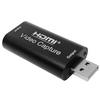
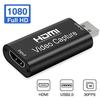
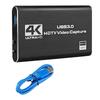
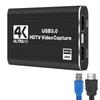
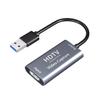
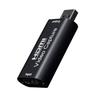
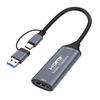
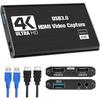
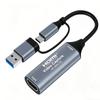
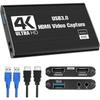
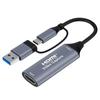
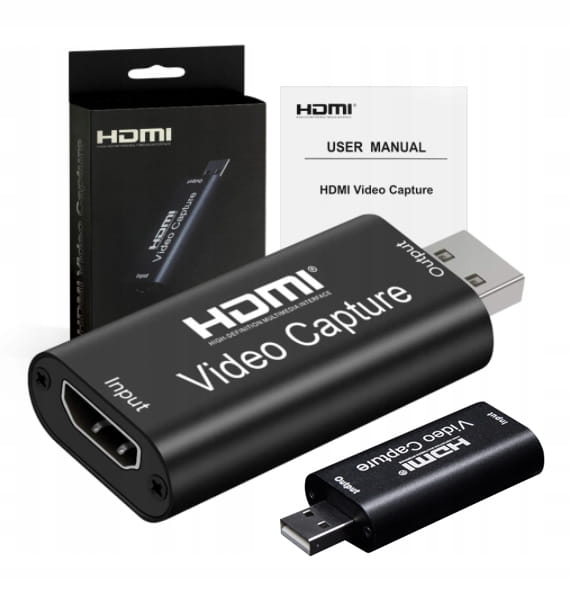
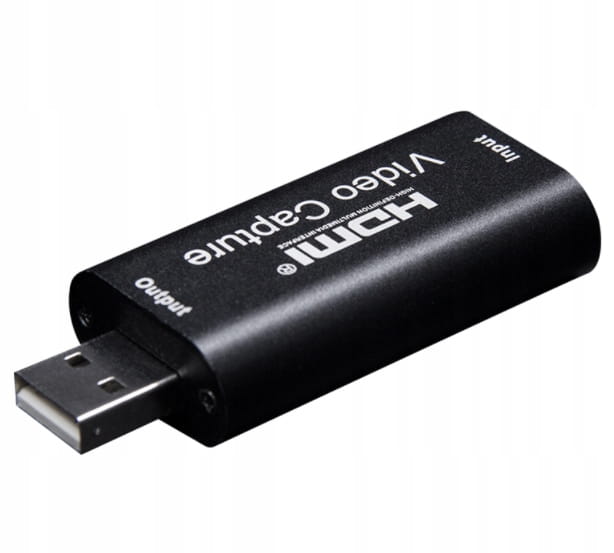
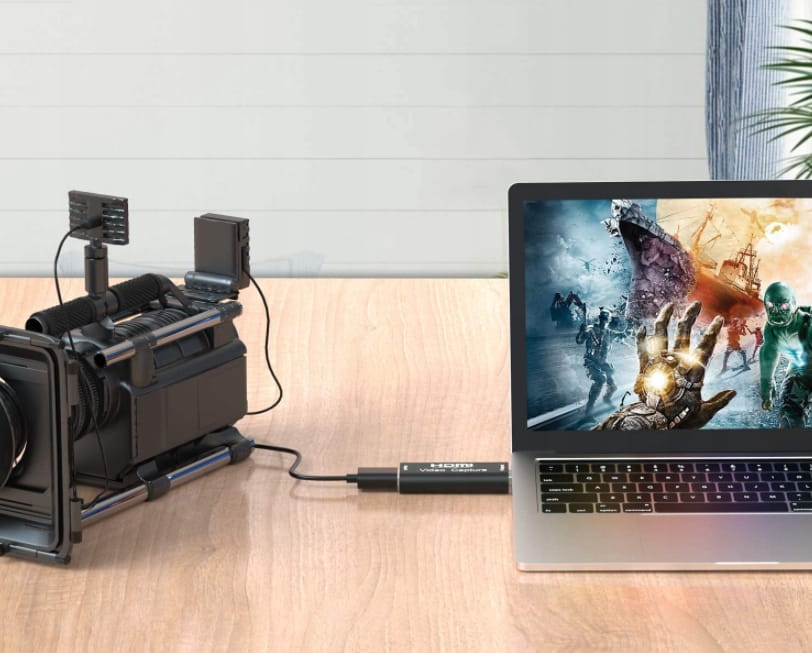
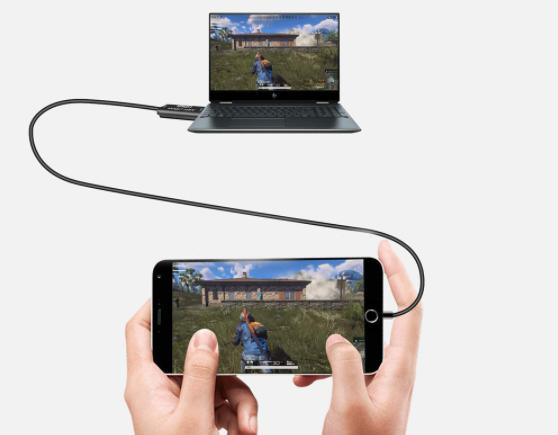
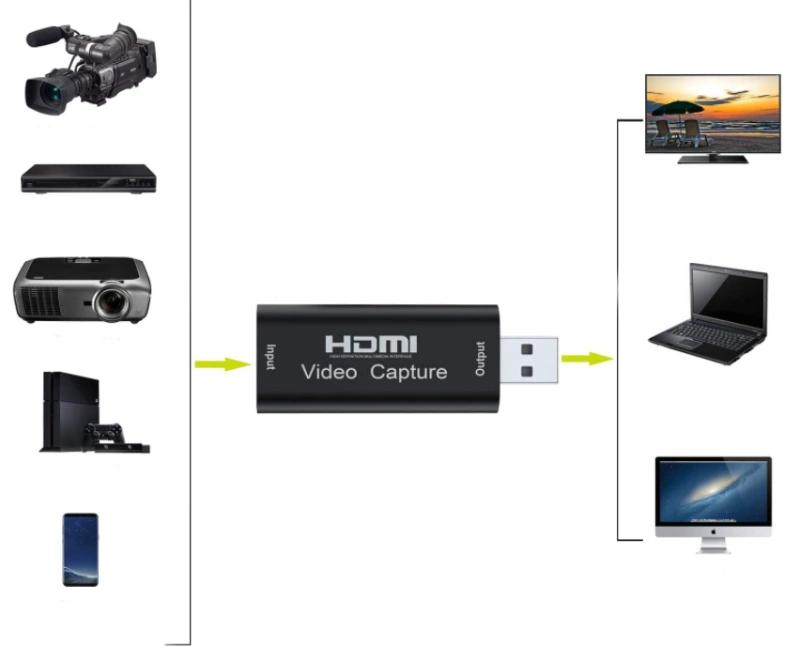
VIDEO GRABBER HDMI ADAPTER FOR CAPTURING HIGH QUALITY VIDEO IMAGE connected to the USB portHigh quality recorder - image grabberfrom the HDMI port. It allows you to record video/audio signal from an HDMI source (players, consoles, cameras with HDMI connector), image from another computer to a hard drive or stream online using a PC. It captures images in 720p/1080p resolution. It does not require an external power supply, compact and portable.It works with Windows and MacOS systems.The device works with any source (that does not have HDCP recording protection) – computers, multimedia movie players, decoders, TV tuners, game consolesIt is an excellent tool for users of paid decoders of platforms equipped with a hard drive. Thanks to the recorder, recordings from the hard drive of such a decoder can be in an unencrypted form (clean MPEG4, .flv format). The recorded material is saved on the PC's hard drive in the default folder Videos. Recording is started and stopped in OBS Studio. Interestingly, the device can be used as an HDMI to USB converter - perfect for traveling, for example, when you want to connect a decoder to a laptop.Compatibility with systems:Windows 11Windows 10Windows 8 / 8.1Windows 7AndroidMac Osand othersWHY IS IT WORTH BUYING OUR PRODUCT✅ Important: Easy to use - you don't need to download any applications in Chinese to use Grabber.✅ Aluminum housing, high quality workmanship.Gold-plated HDMI inputHigh quality of captured image and soundVery high compatibilityCompact sizeDrivers installed right after connectionWide application possibilities Key FeaturesSupport maximum input resolution 3840 x 2160 @ 30HzSupport maximum output resolution 1920 x 1080 @ 30HzSupport 8/10/12bit deep color.Support standard AWG26 HDMI cable: input up to 15 meters, resolution 1080P and belowSupport most acquisition software such as VLC, OBS, Amcap etc.Support Windows and MacOSCompliant with USB Video and UVC standardCompliant with USB Audio UAC standardNo external power source, compact and portable.HDCP content encryption HDMI devices cannot be capturedHDMI video Capture pure equipment, small size, easy to carry.Professional layout, stable reception, simple operation.Supports most output devices HDMI.Aluminum housing, high quality workmanship. Specification Technical:HDMI Resolution: Maximum input can be 3840×2160@30HzVideo Output Resolution: Maximum output can be 1920×1080@30HzSupport Video Format: 8/10/12-bit Deep ColorVideo Output Format: YUV JPEGSupport Audio Format: L-PCMInput Cable Distance: ≤15m, Standard Cable AWG26 HDMIMaximum operating current: 0.4A / 5VDCOperating temperature range: (from -10 to + 55 )Dimensions (L x W x H): 63x28x13 (mm)Weight: 21.4 gWorks with programs such as: OBS, VLC, Amcap etc.No external power supply required. Live broadcastIm perfect for live broadcastingwhen connected to a camera / digital camcorder, for example. It works very well for video conferencing or online teaching.If you have a camera or camcorder at home, this grabber is the perfect solution for you! A short guide on how to start and use Grabber HDMI:Connect the device to the USB port on your PC, it will install automatically in Windows 8/10.Check if the device is visible in Device Manager, in image and sound controllers, name: FHD Capture / FHD Webcamera;In the control panel, in the sound tab, set the default "Digital Audio Interface" and adjust the parameters in the Advanced tab;Download and install the free OBS Studio program (https://obsproject.com/download), ORIGINAL WINDOWS SYSTEM REQUIRED, the program downloads and uploads Microsoft software VC;Run the OBS program, add a source by clicking on "+" and selecting the Image Capture Device;In the Device category, select FHD Capture / FHD Webcamera;Click OK, or configure other categories in this window as desired.. Let the career of a Streamer and Youtuber open up for you.The device works with the popular program OBS Studio but also with other programs of this type.Thanks to this adapter:You can connect consolessuch as PS 4, PS 5, XBOX, Nintendo Switch to your computer with an HDMI cable and show it on a stream or record your gameplay.You can connectanother computer -your gaming machine.You canconnecta camera or camcorderthat sends the image via the HDMI port.Connect your mobile phone or tablet(you must have an HDMI adapter for the phone) and broadcast your gameplay in mobile games.Connect other devices that send the image via HDMI - e.g. TV boxes.Other more professional application:Connectolder typeCCTV recorderswith HDMI port to a computer.orservicee.g. microscopes with HDMI output and record the screen preview on the computer.Recording the image from the camera. The set includes:HDMI Grabber,Tasteful packaging -a great gift idea !User manual in Polish and English, (in electronic form).





 Geld zurück bei Nichtlieferung