Label:Yes
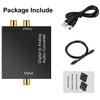
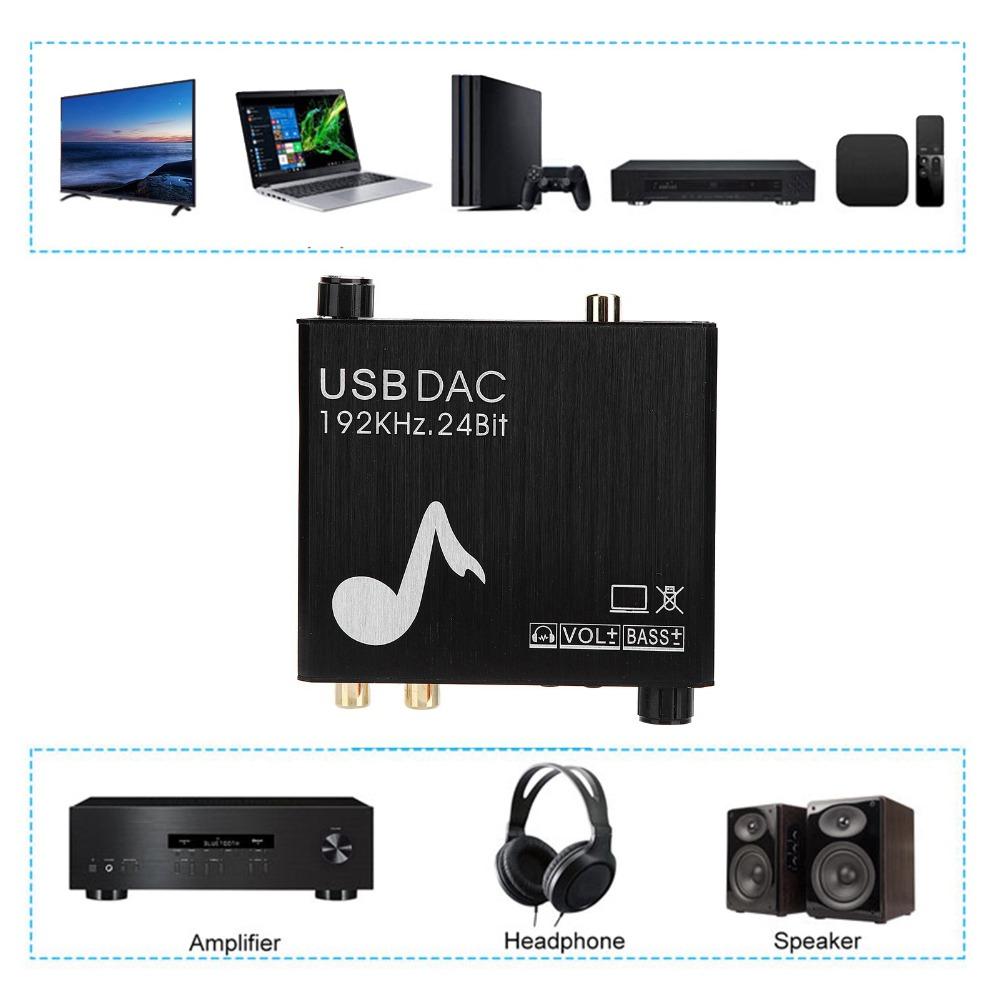
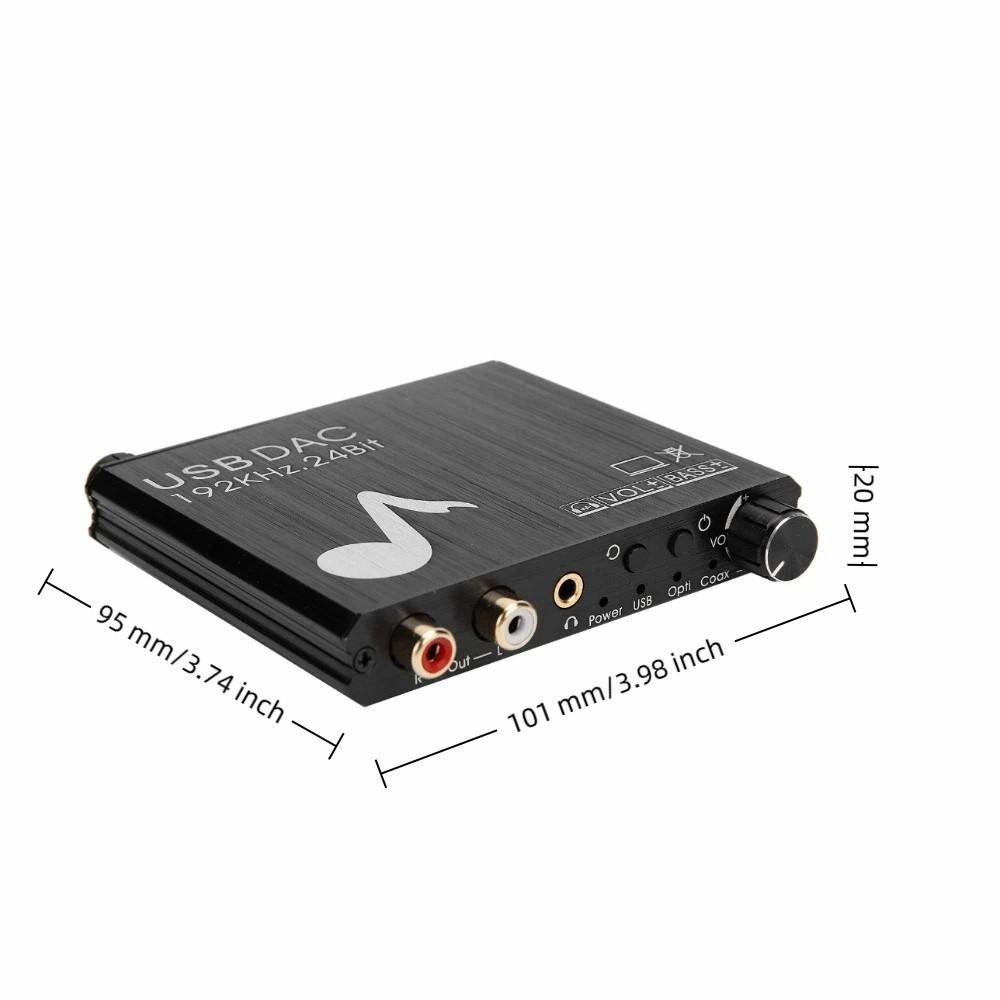
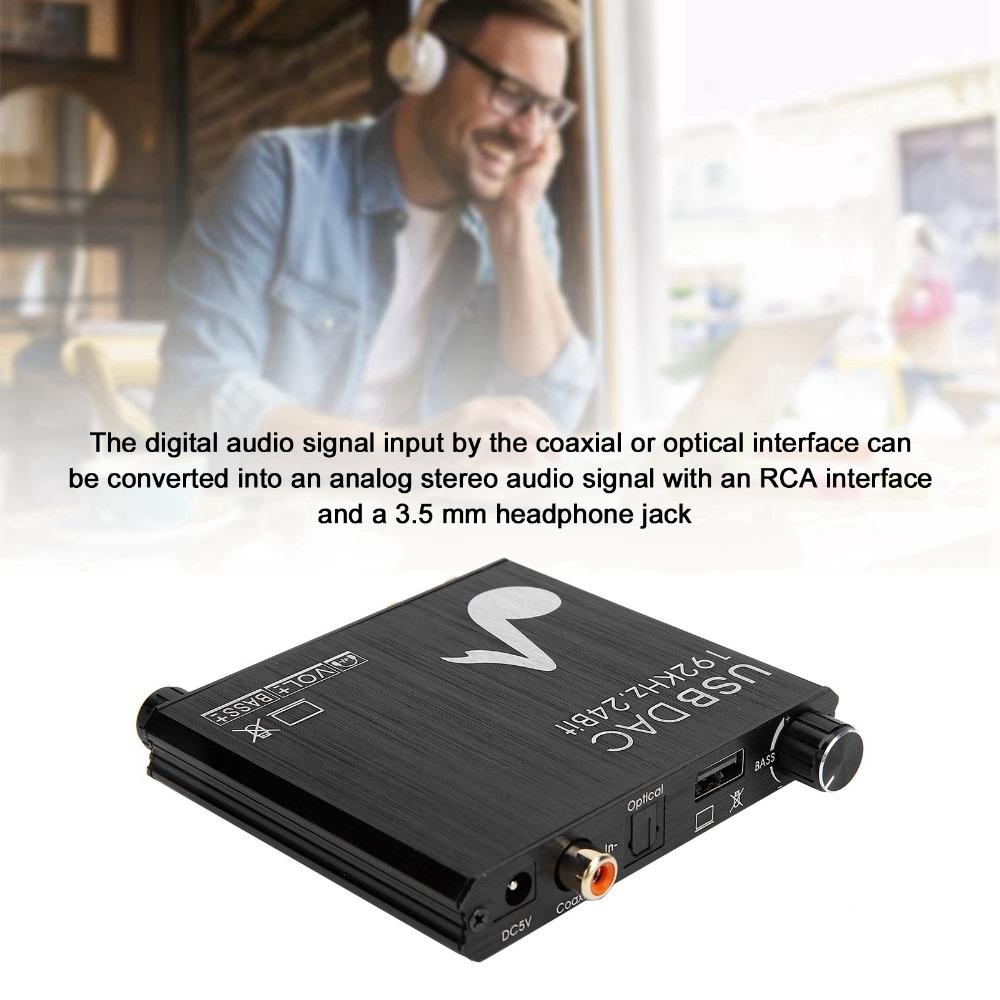
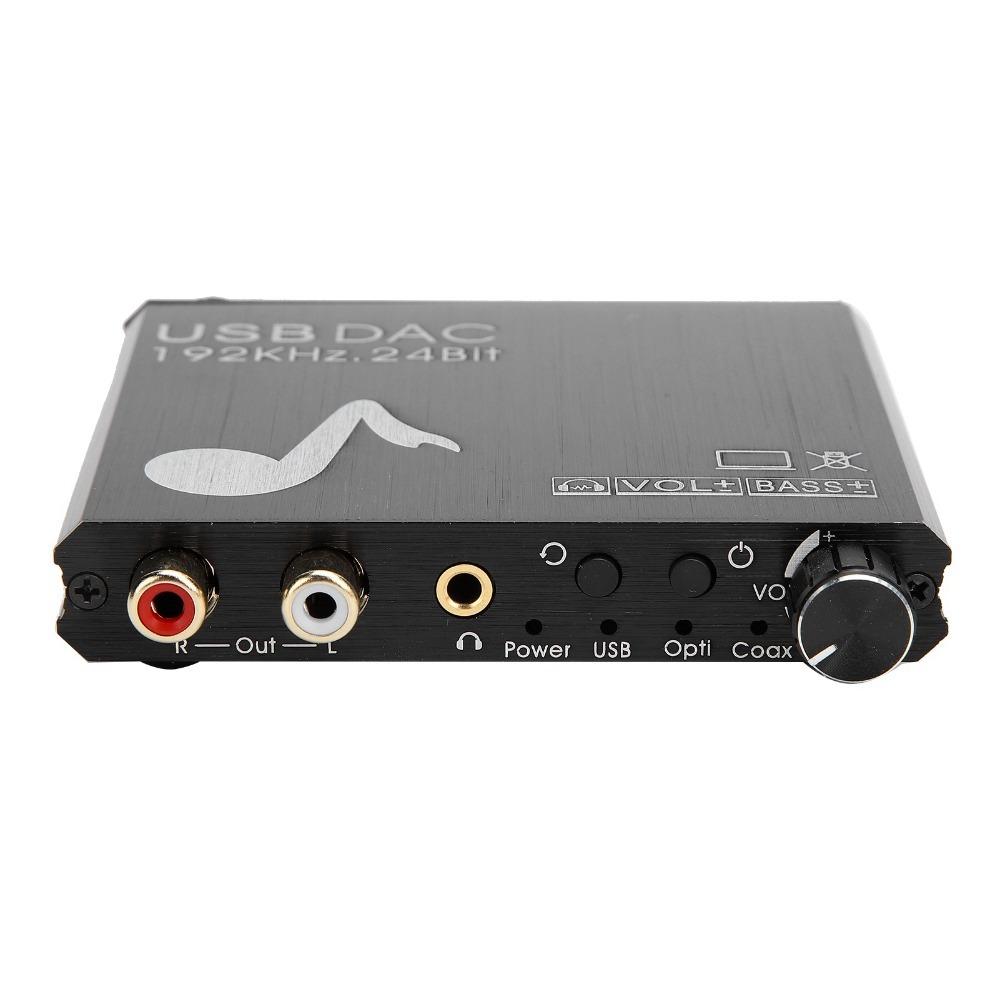
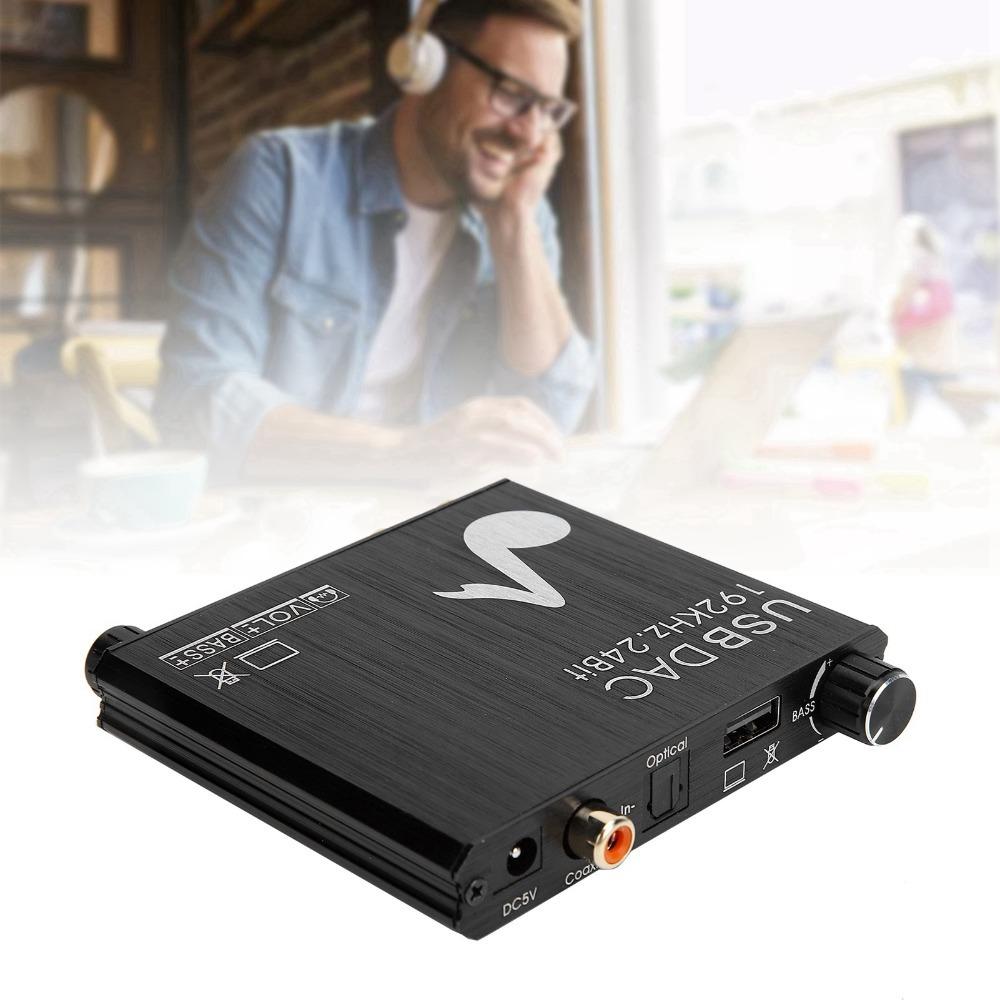
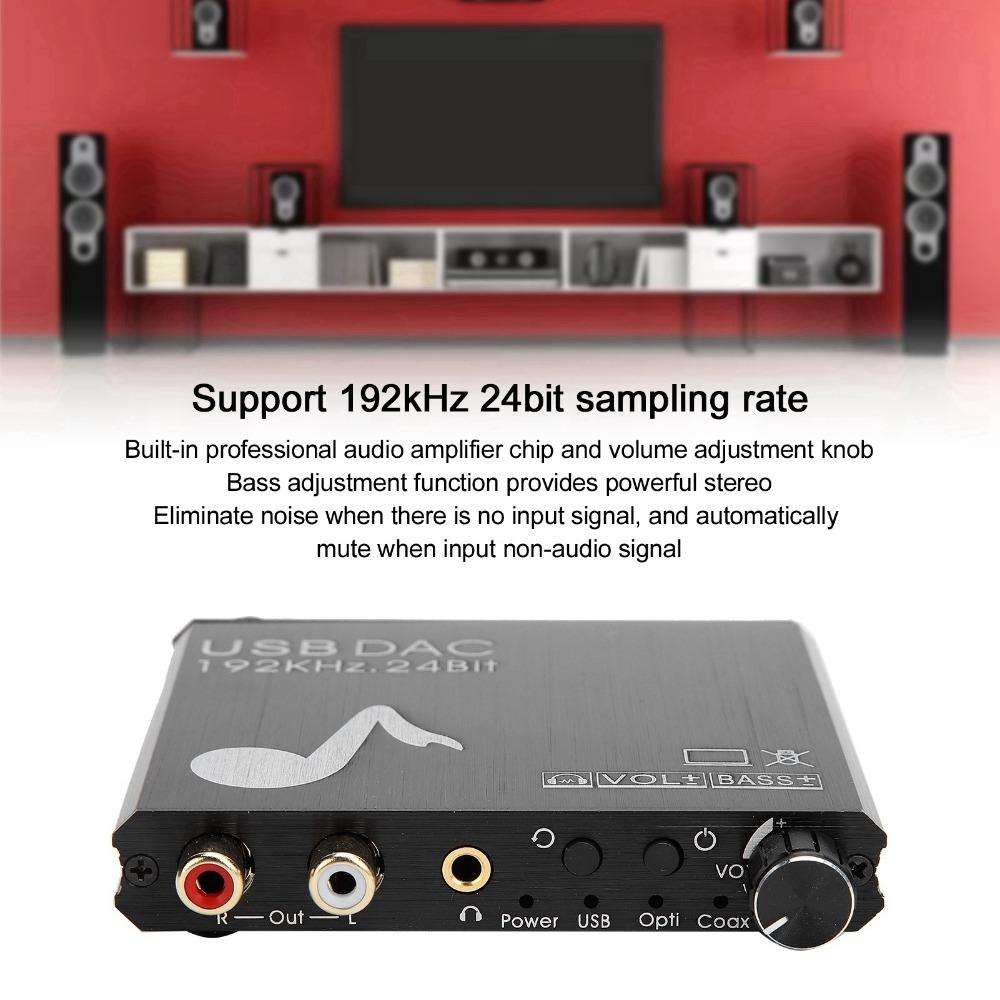
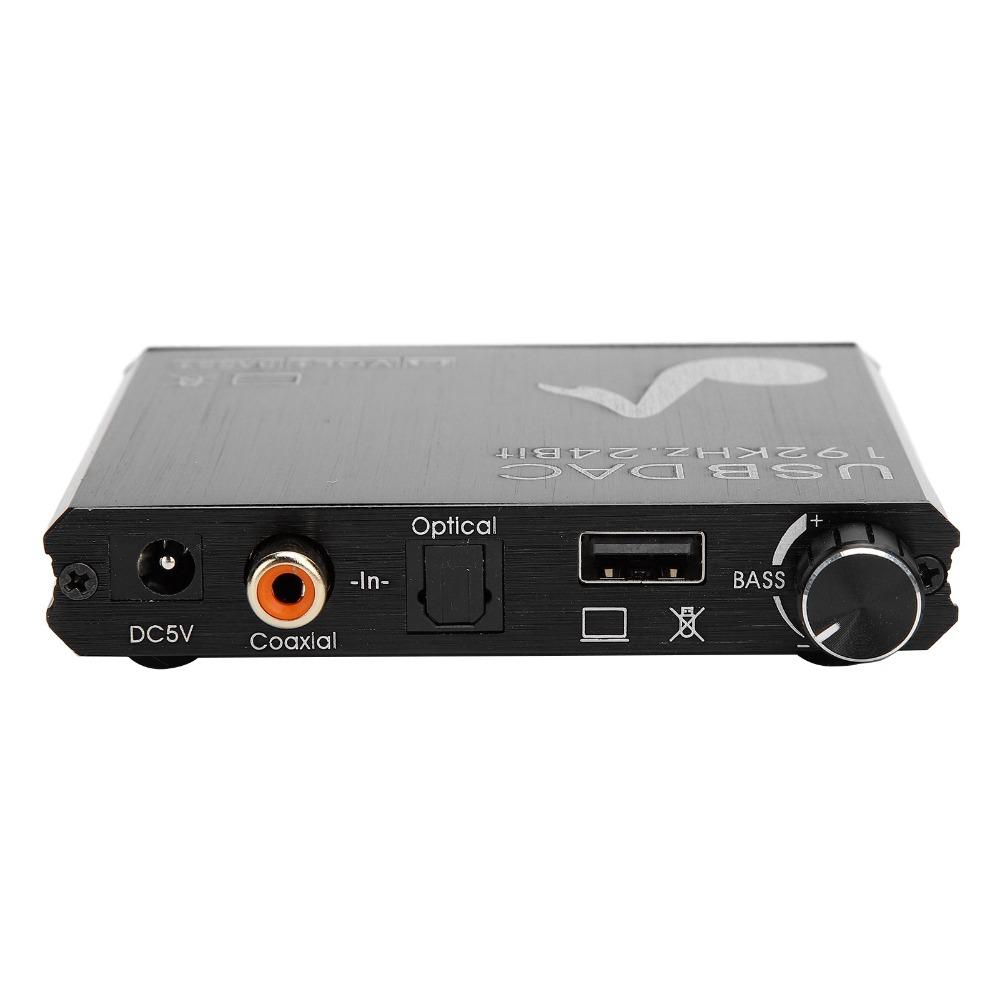
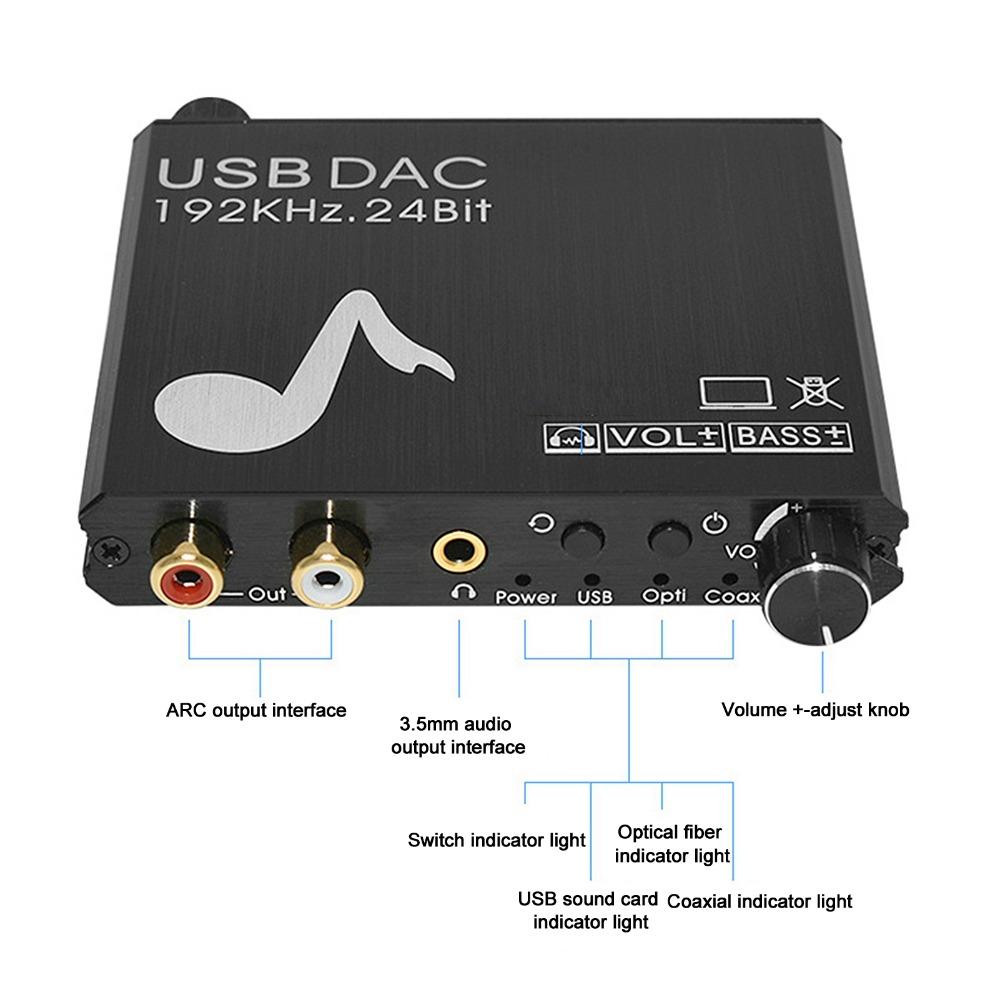
1.You can easily convert the digital audio signal input from the coaxial or optical interface into an analog stereo audio signal with an RCA interface and a 3.5 mm(0.14 in) headphone jack.
4.Renduce noise when there is no input signal, and automatically mute it when a non-audio signal is input. Support 192kHz 24bit sampling rate.
2.The built-in professional audio amplifier chip and volume adjustment knob can directly drive the headphones and adjust the volume.
5.For RCA output interface is connected to the power amplifier system. A channel 3.5mm(0.14in) audio output interface, connected to headphones.
3.The bass adjustment function can provide powerful stereo, heavy bass effects, and create a ideal environment different from the sound field.
Specification:
Item Type: DAC Converter
Material: Metal
Color:Black
Size:101*95*20mm(3.98*3.74*0.79in)
Support Audio Format: PCM
Resolution (1KHZ): 94DB
Response Frequency: 20Hz-20KHz-0.2db
Signal-to-Noise Ratio (SNR): -100DB
Total Harmonic Distortion (THD + N): 10Hz-20KHz 0.25-0.065%
Blocked Time: 0.577Fs
Sampling Rate: 32-192 KHz
Bit Rate: 16-24 bits
Headphone Output Level (Adjust the Bass to the Maximum): 3V
RCA Output Level (Adjust the Bass to the Maximum): 9V
Headphone Output Power (Adjust the Bass to the Maximum): (32ohm) 30mW
Headphone Output Impedance: 0.8ohm
RCA Output Impedance: 450ohm
Working Voltage: + 5V
Maximum Voltage: + 6V
Maximum Power Consumption: 75mA
Working Temperature Range: -10-70℃
Storage Temperature Range: -60-150℃
Working Humidity Range: 10-80%RH (non-condensing)
Storage Humidity Range: 5-90%RH (non-condensing)
How to Use:
1. Use optical cable or coaxial cable to connect CD/DVD and other playback devices to optical interface or coaxial interface. Use a USB cable to connect the laptop to the USB port.
Note: Do not connect a USB flash drive to this USB port.
2. Use RCA cable or 3.5mm(0.14in) audio cable to connect the decoder to the audio amplifier or headphones.
3. Use a USB cable to connect the DC 5V power connector of the decoder to the power source.
4. Use the knob to adjust the volume appropriately.
5. According to your preference, adjust the bass component appropriately through the knob.
Package List:
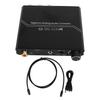
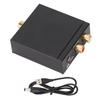
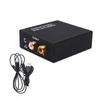
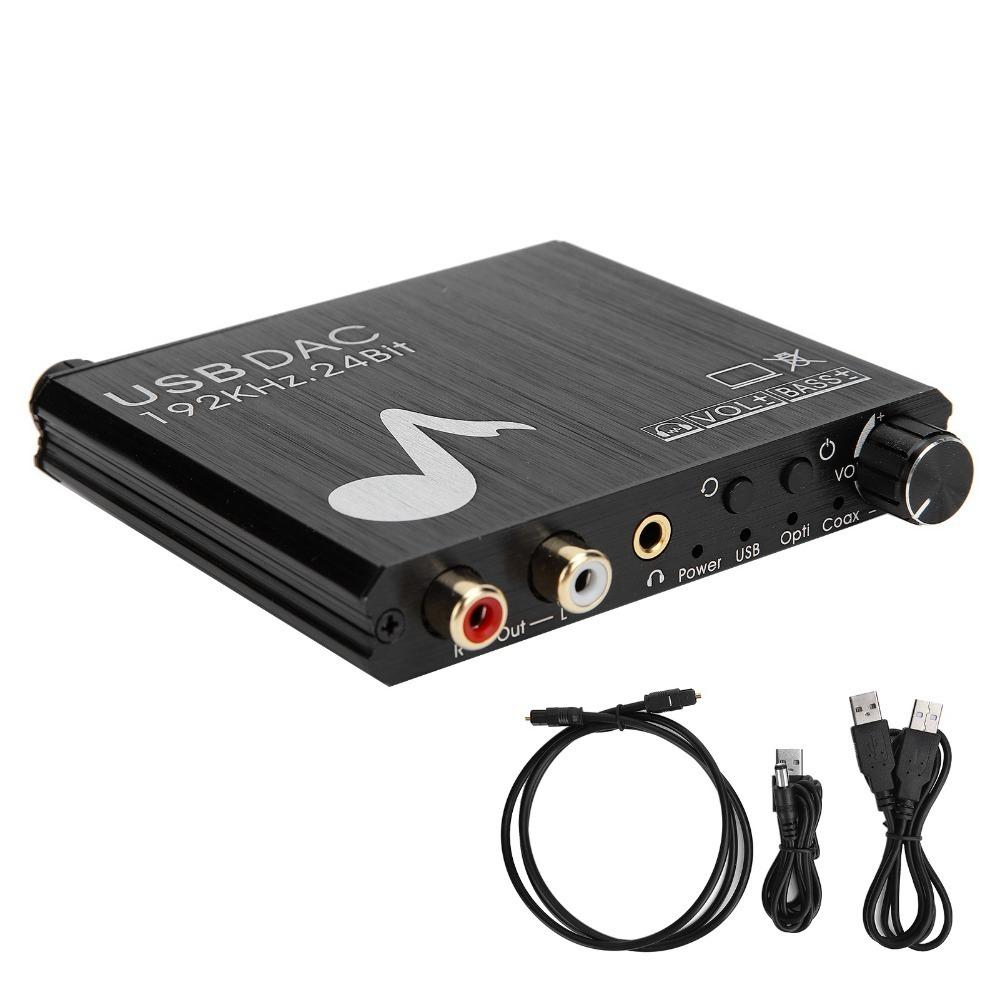
1 x DAC Converter
1 x User Manual
1 x Power Cable
1 x For Toslink Cable
1 x USB Data Cable
Note:
1. This DAC supports digital PCM audio format. Before using PLS, please set your digital audio equipment (such as HD TV, TV BOX or game console) to PCM or LPCM audio. It doesn't support for DTS Dolby AC3.
2. PCM setting path: device homepage-system setting-image and sound-voice setting-digital audio output-PCM
3. It is suitable for Samsung or for LG TV. If you want to connect them, please follow the steps below
Settings:
A. For Samsung TV setting path:
PCM format: Settings-Sound-Expert Settings-Audio Format-PCM.
External speakers: Settings-sound-select speakers-optical.
B. For LG TV setting path:
PCM setting path: menu-all settings-sound output-optical-digital sound output-PCM.
If you need to synchronize the output of the TV speakers and the optical fiber: menu-all settings-sound output-optical fiber-internal TV speaker + optical fiber.
4. Power charging: USB power cord-separate 5V 1A standard plug-wall socket.
5. Do not use the power adapter by plugging the USB cable directly into the TV (an unstable power source can cause humming).
6. If the volume (from the output of the DAC) is not loud enough, please connect the output of the DAC to a low-impedance mobile phone headset, headphone amplifier or power amplifier.
7. It is not suitable for Netflix and for YouTube video sites.
8. Before turning on, you must turn the adjustment knob counterclockwise to reduce the volume, so as not to damage your hearing!
9. USB flash drives are not supported!



 Geld zurück bei Nichtlieferung