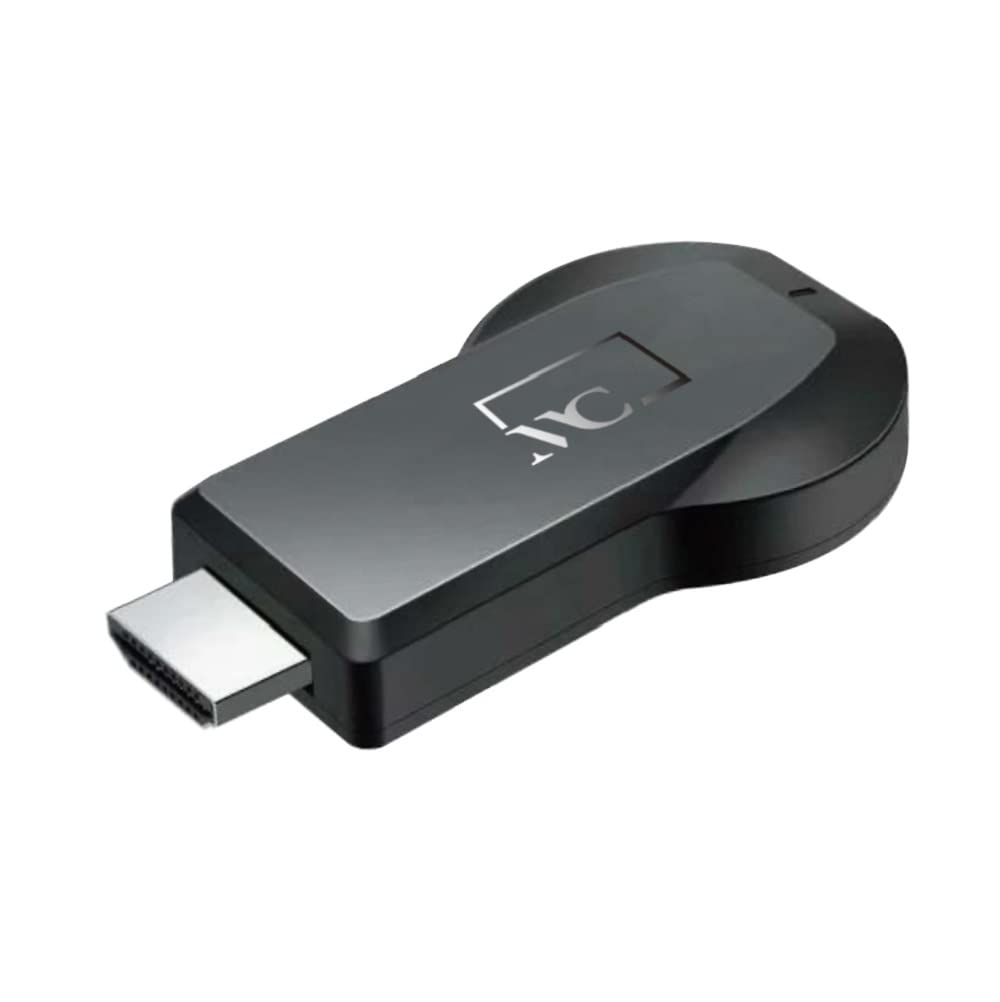
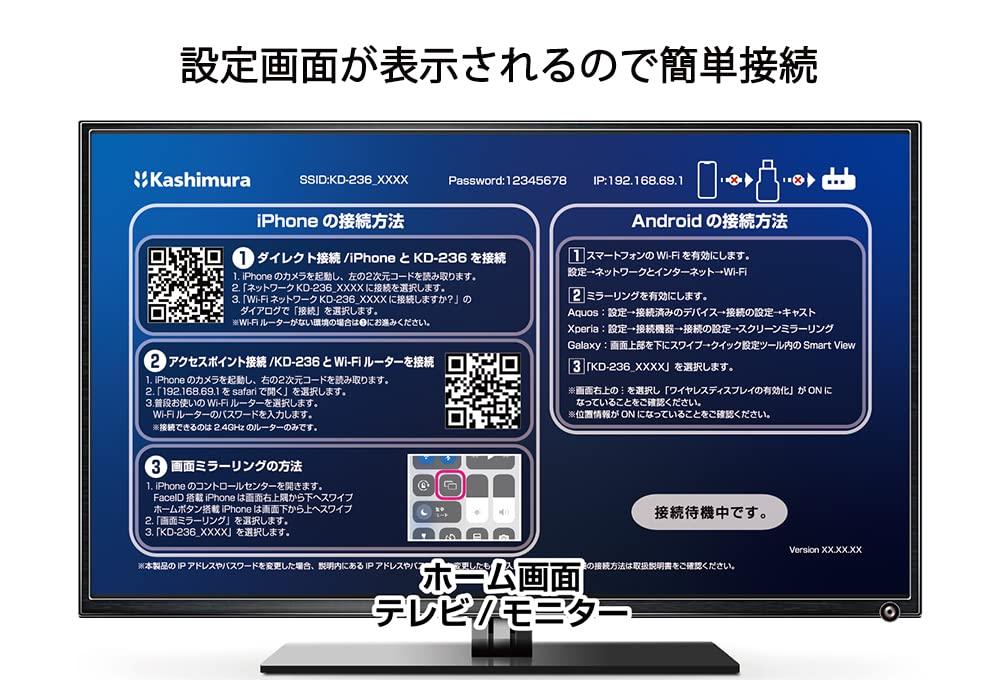
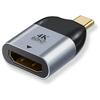
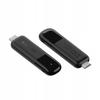
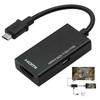
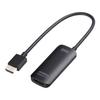
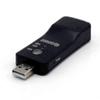
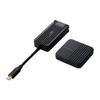
• Can be connected in two ways: Wi-Fi direct connection & router connection
• Wi-Fi direct connection requires no internet environment
• To connect to a monitor, simply plug the main unit into the HDMI terminal
• Compatible with both iPhone/Android smartphones
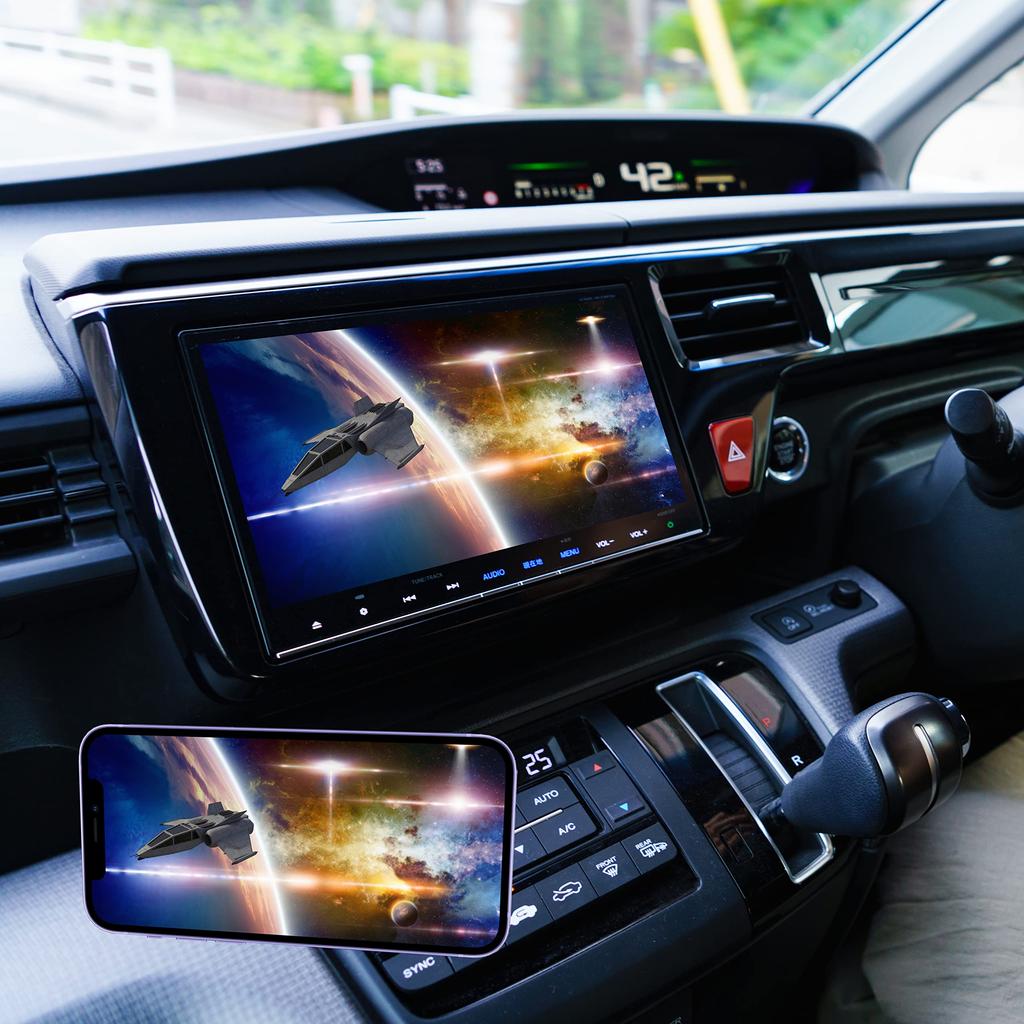
• You can also watch smartphone apps on a large screen.
Miracast receiver for wireless mirroring and easy connection.
You can connect in two ways: Wi-Fi direct connection or router connection.
Wi-Fi direct connection requires no internet environment.
This product and smartphone are directly connected using Wi-Fi standard radio waves.
Therefore, it can be used even in environments without a wireless LAN router.
Wi-Fi router connection Connect this product and smartphone via the wireless LAN router access point.
Since your smartphone connects to the Internet through a wireless LAN router, you can reduce the amount of data you use on your smartphone.
To connect to a monitor, simply plug the main unit into the HDMI terminal.
Compatible with both iPhone/Android smartphones.
You can also watch smartphone apps on the big screen.
(The viewing environment varies depending on the smartphone and app version.)
Separately required items
・TV/monitor equipped with HDMI type A terminal ・Compatible device model ・USB-A charger
*An extension cable may be required when connecting to a car navigation system.
*Cannot be used with Google's Pixel series.
*This function may not be available depending on your device.
For details, please check the instruction manual of your device.
*Depending on the OS version of your smartphone, you may not be able to connect to this product.
*We do not guarantee normal operation of video/audio mirroring for all apps.
*USB power supply not included. A USB power supply with a rating of 5V0.5A or higher is required.
*Cannot be used with car navigation systems/TVs/monitors that are not equipped with an HDMI input terminal.
*If there is something that causes radio interference between this product and your smartphone, or if the distance between the two is large, audio and video may be interrupted.
*Depending on the OS version of your smartphone and the app or app version you are using, you may not be able to view videos, still images, or audio, or the audio and video may be out of sync.
*Customers should check with the service company to confirm whether or not they can view copyrighted video services.
*Use while driving depends on the TV viewing environment of the car navigation system, so if there are viewing restrictions, you will only be able to enjoy the audio.