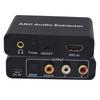
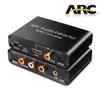
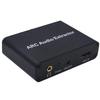
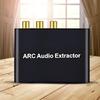
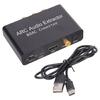
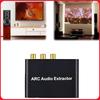
Besonderheit:
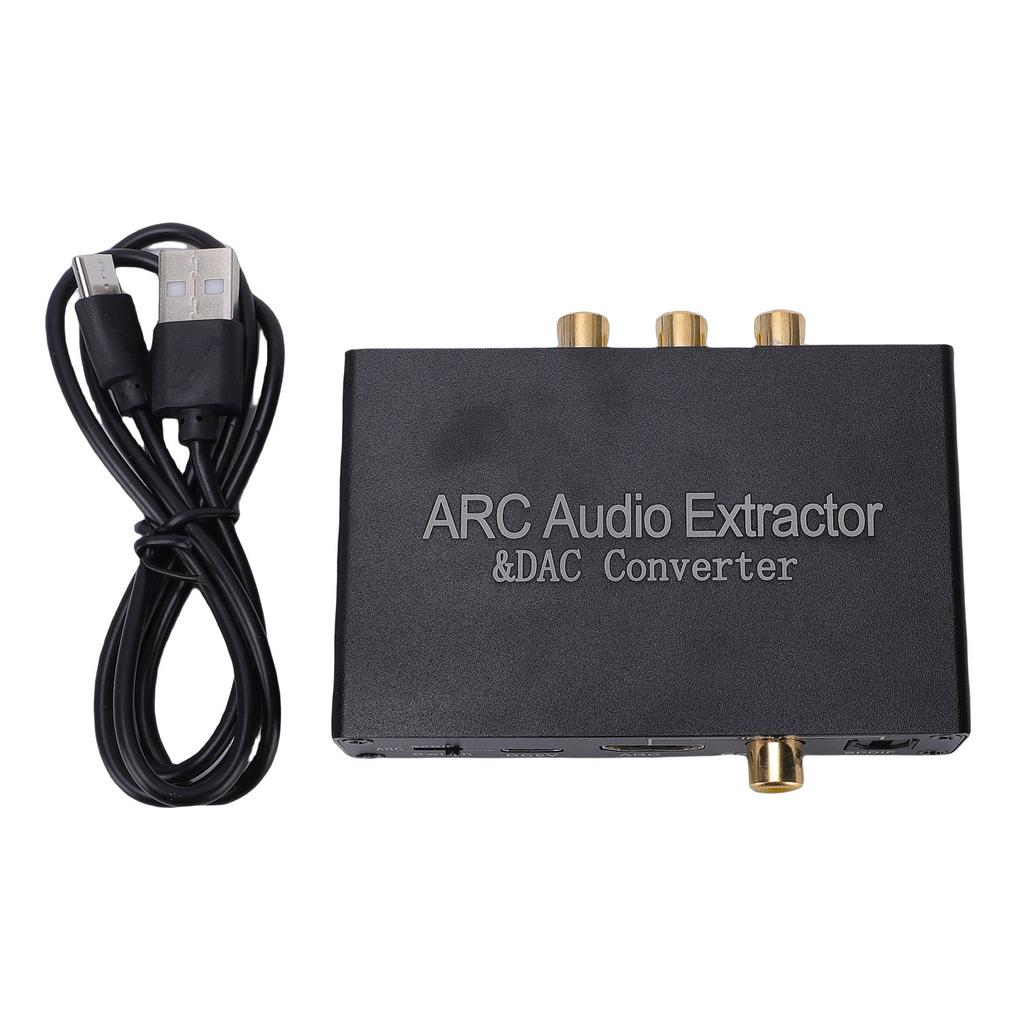
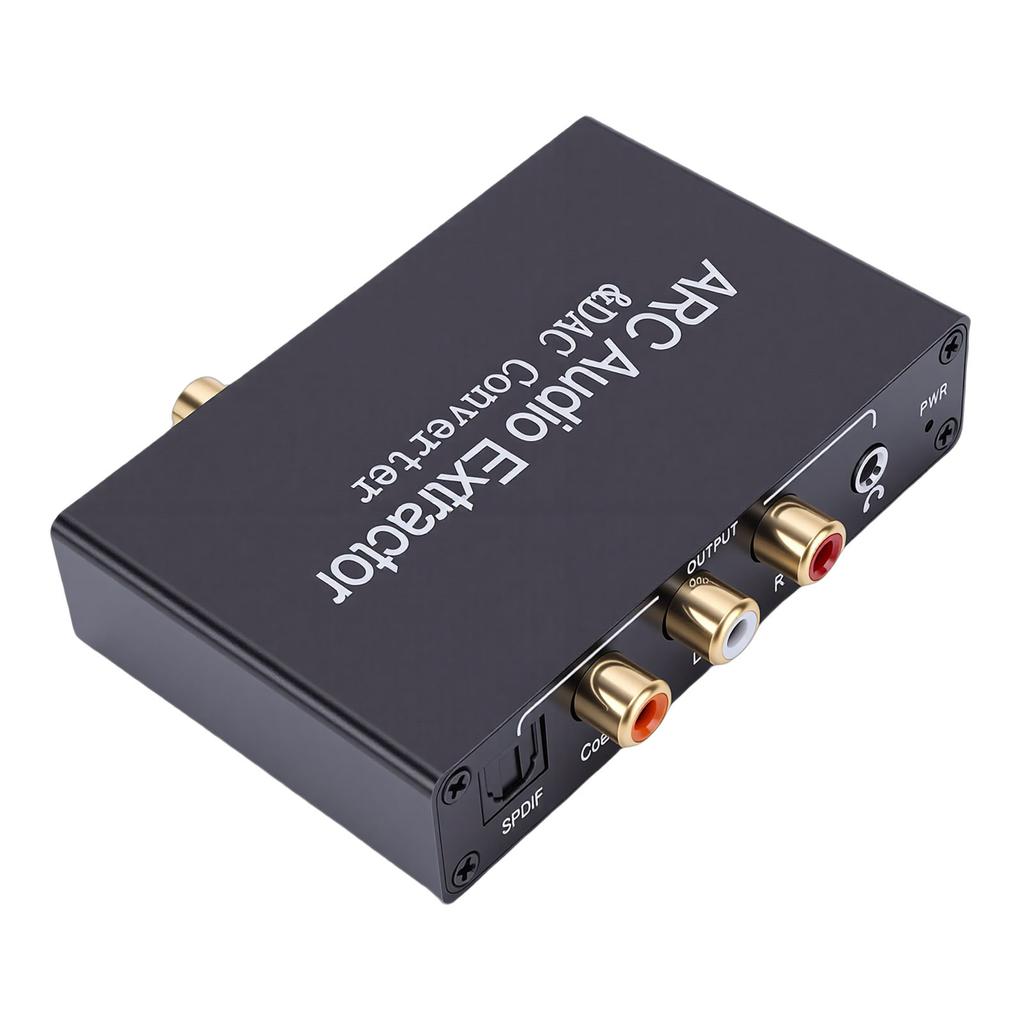
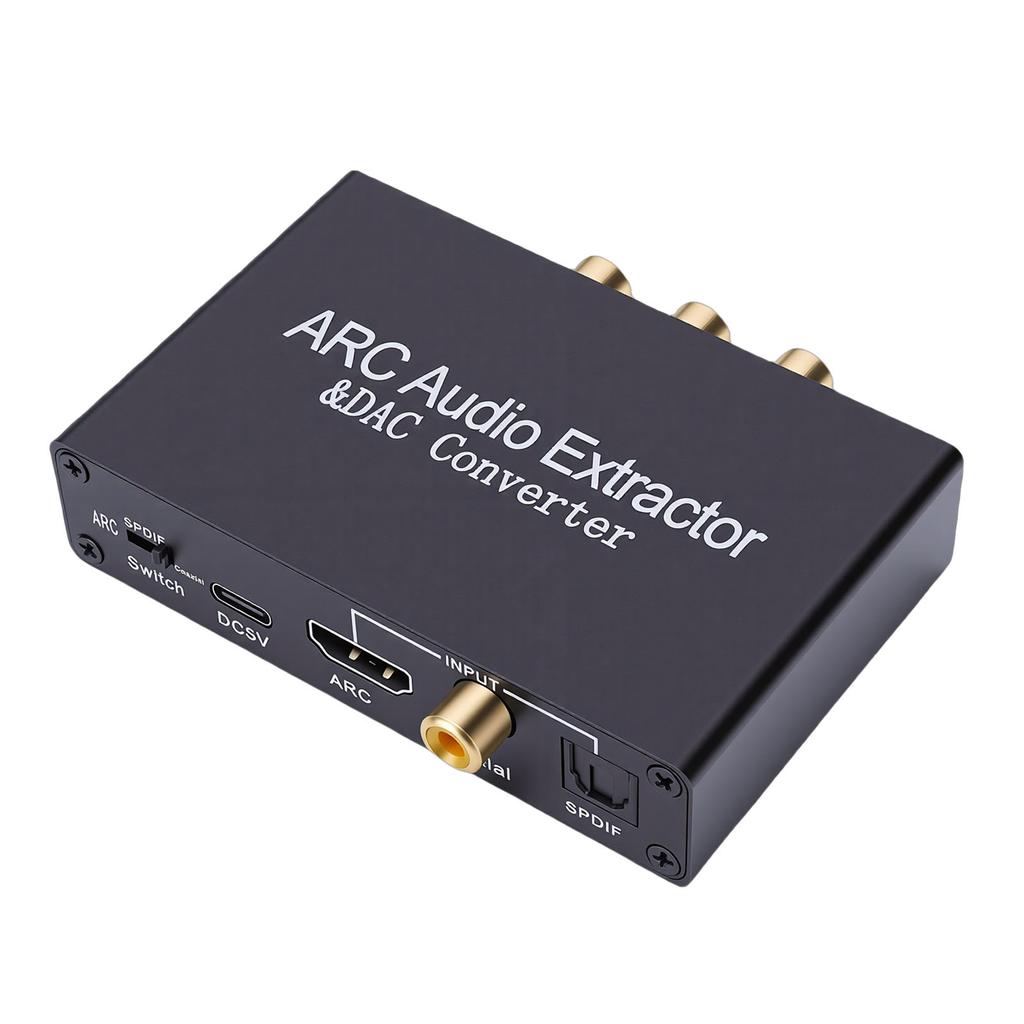
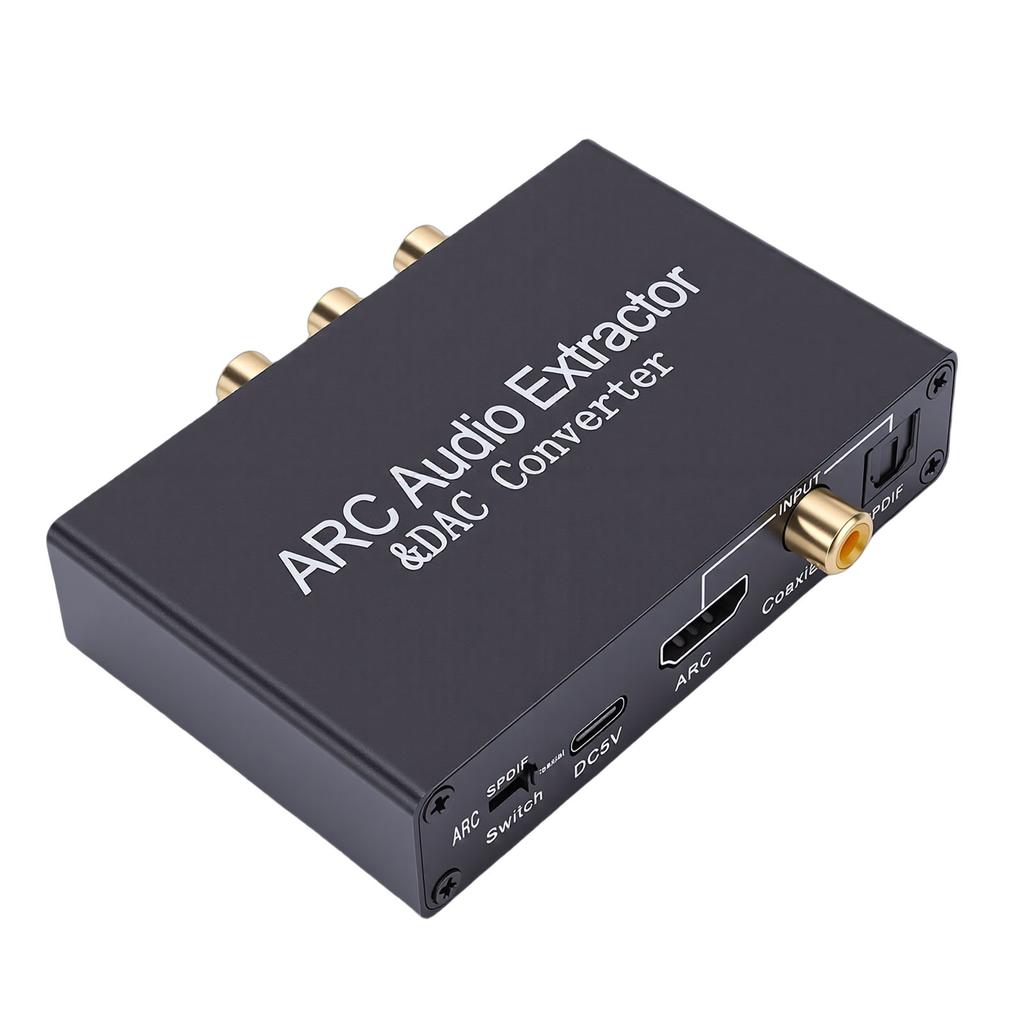
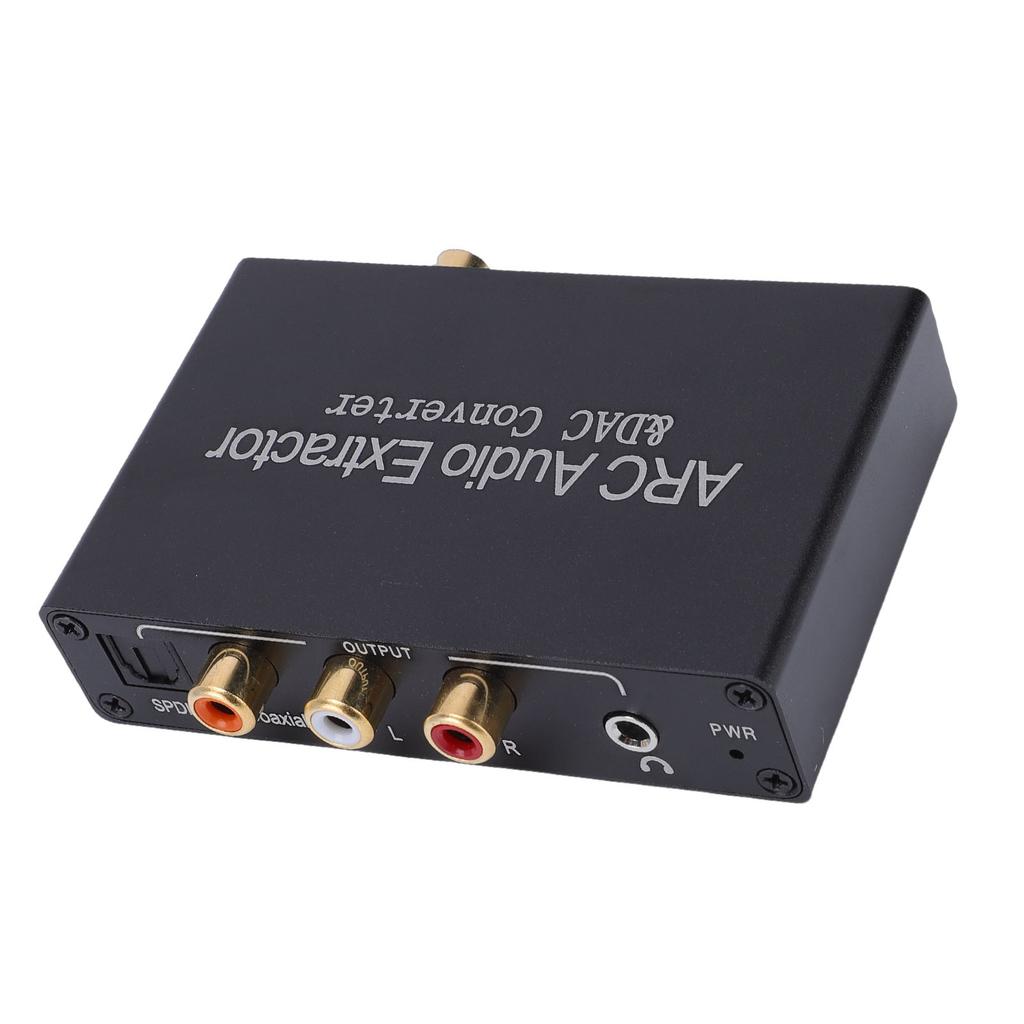
1. HD ARC Sound Extractor: Dieser Extractor kann Audiosignale von Fernsehern, die die ARC-Funktion unterstützen, an optische, koaxiale, L/R-Stereo- und 3,5-mm-Kopfhöreranschlüsse übertragen und löst so Kompatibilitätsprobleme zwischen Fernsehern und Soundsystemen.
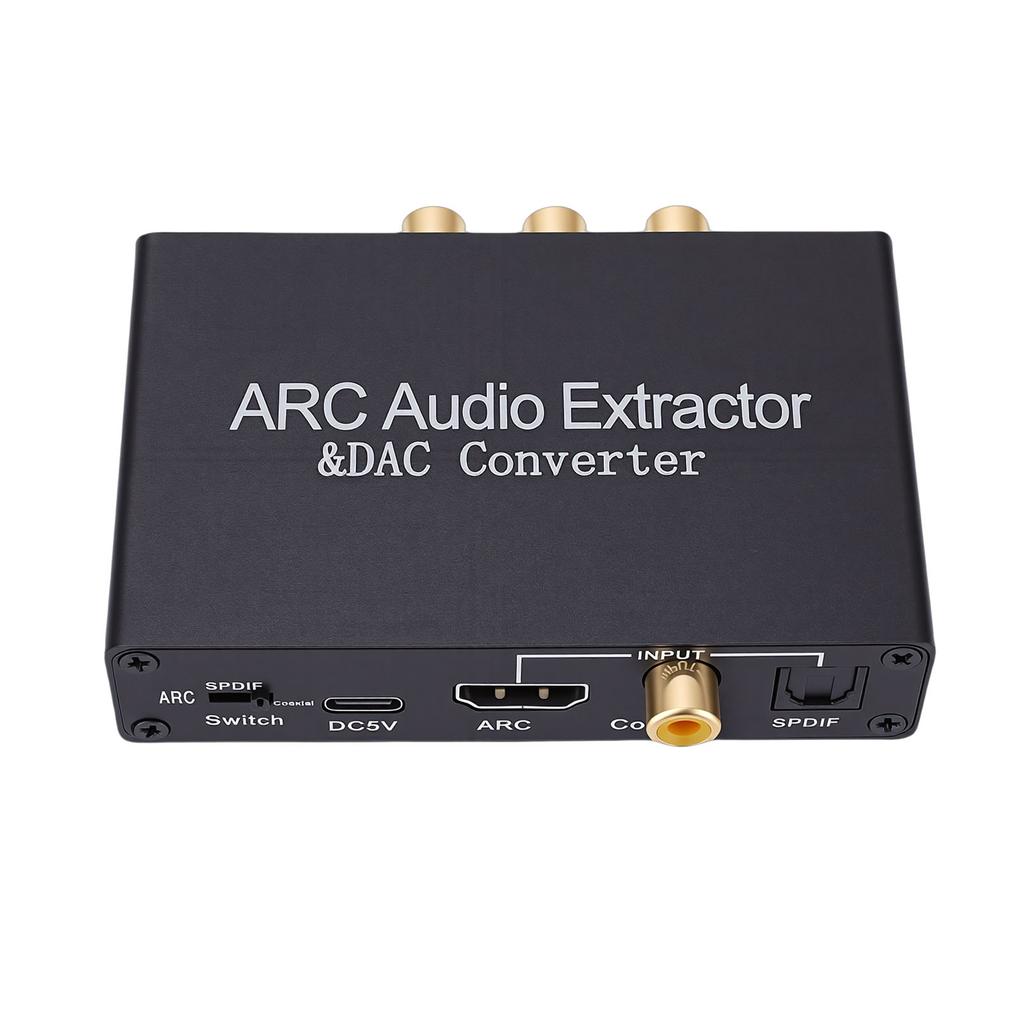
2. Digital-Analog-Wandler: Ausgestattet mit koaxialen und optischen digitalen Sound-Eingangsschnittstellen kann dieser Konverter digitale PCM LPCM-Signale in analogen Sound-Ausgang umwandeln.. Umschaltung der Eingangsmodi mit einer Taste, einfach zu bedienen. Der DAC unterstützt nur das PCM-Eingabeformat und unterstützt keine Dekodierungsfunktion.
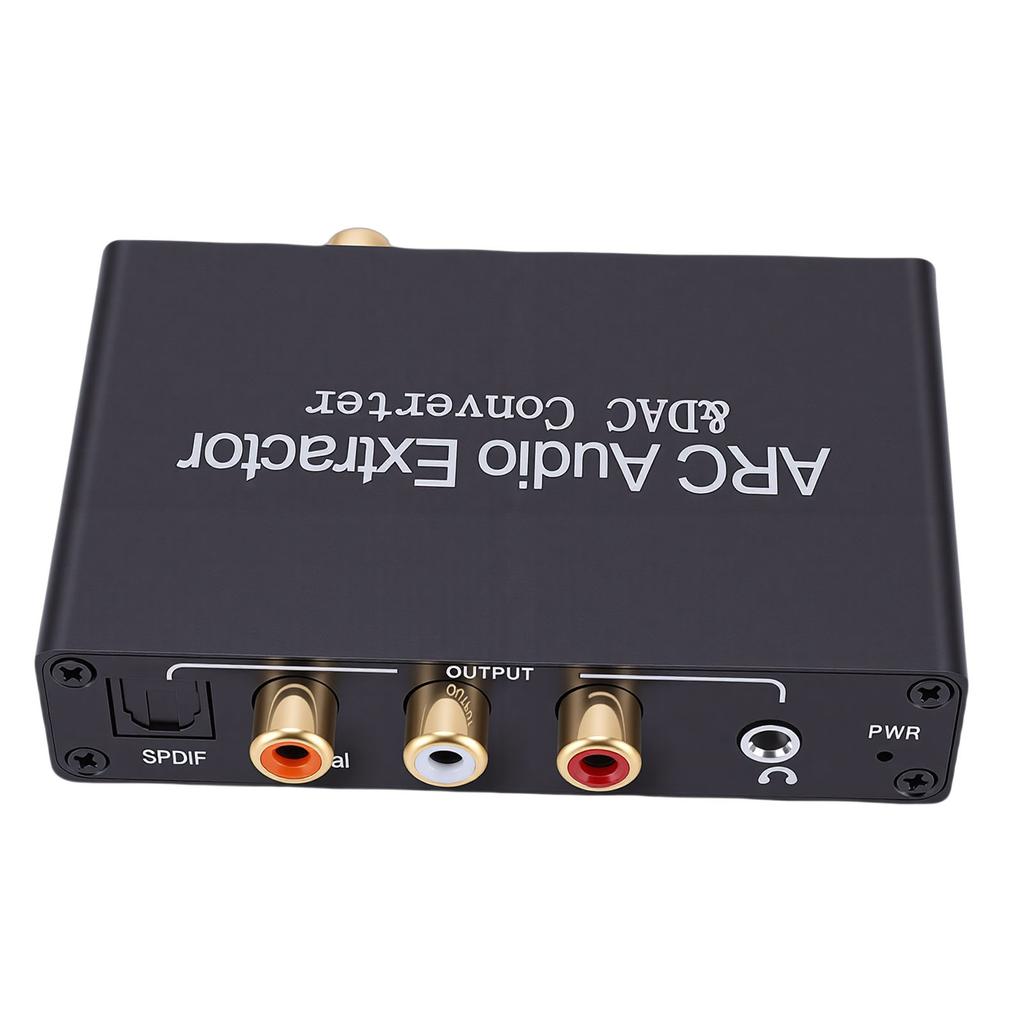
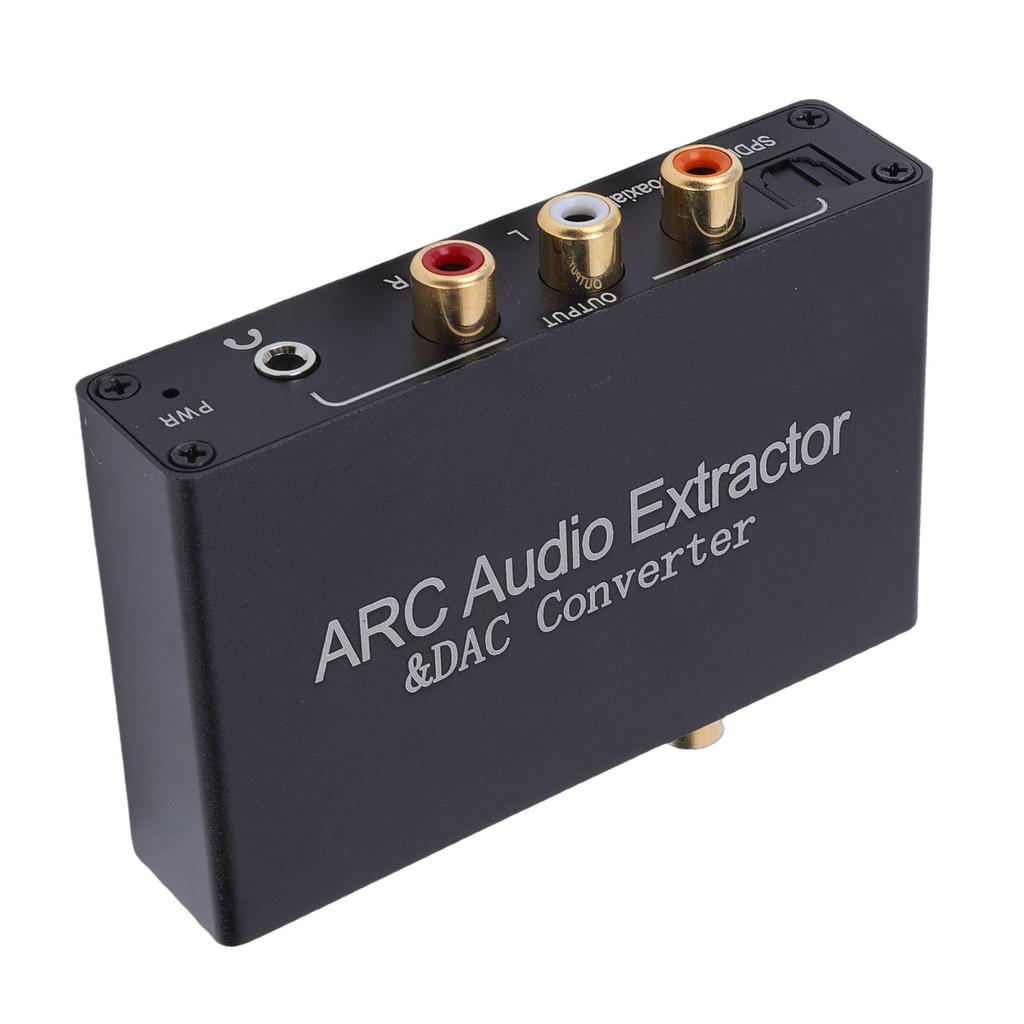
3. Gleichzeitige Ausgabe: Der ARC-Extraktor kann gleichzeitig Ton über die optischen, koaxialen, L/R- und 3,5-mm-Kopfhöreranschlüsse ausgeben.. Bitte stellen Sie die Audioausgabe vor der Verwendung auf PCM oder LPCM ein.. Keine Unterstützung für Dolby AC3, keine Unterstützung für Dolby Digital Plus usw.. formate.
4. Hohe Abtastrate: Unterstützt Sound-Abtastraten bis zu 192 kHz, kompatibel mit 32 kHz, 44,1 kHz, 48 kHz, 96 kHz und 192 kHz Abtastraten sowie 24-Bit SPDIF-Eingang-Bitstream, was eine HiFi-Soundausgabe für ein klares und detailliertes Klangerlebnis gewährleistet.
5. Breite Kompatibilität: Kompatibel mit HDTV- und Standard-HD-Multimedia-Schnittstellen-Quellgeräten, die die ARC-Funktionalität unterstützen.. Kein Treiber oder Software erforderlich, Plug-and-Play, kompatibel mit Geräten wie Verstärker, DVD-Player, Spielkonsole, PC, Laptop.
Spezifikation:
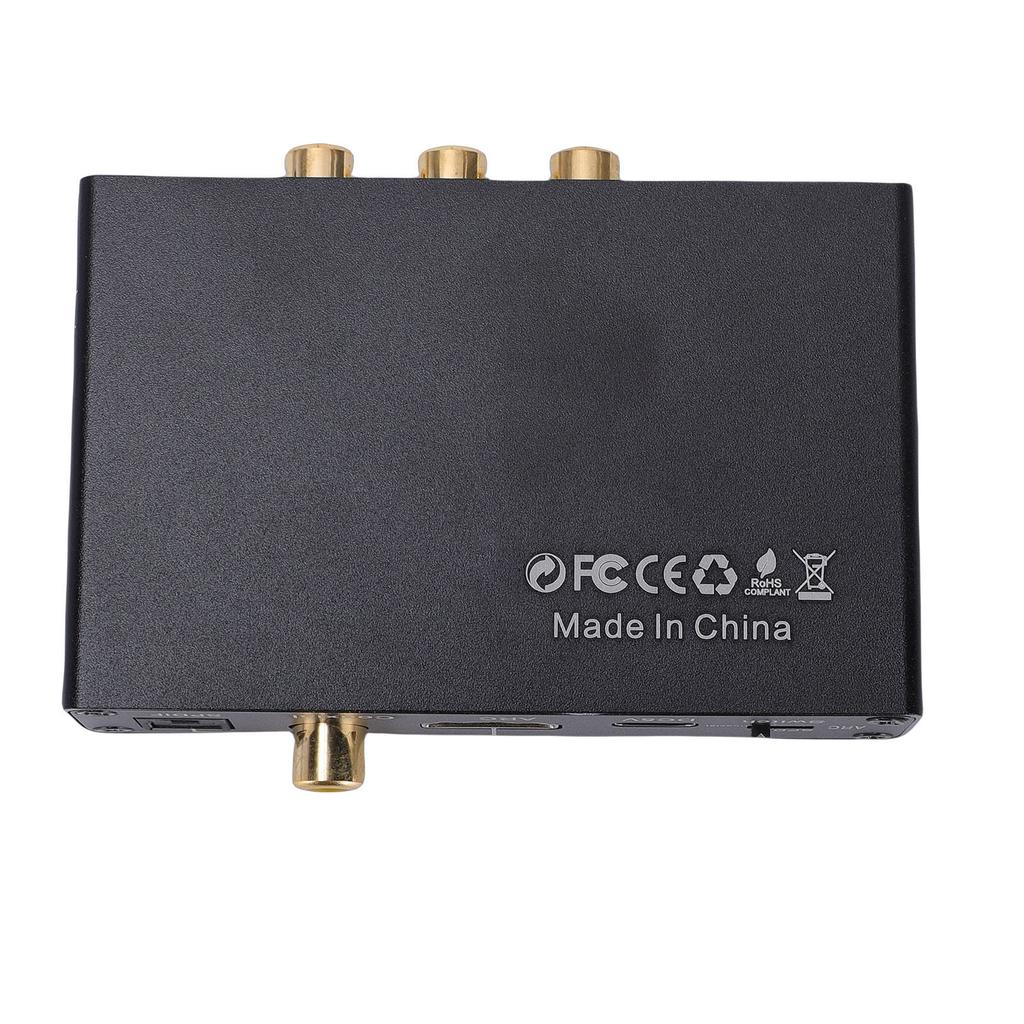
Gegenstandsart: HD ARC Sound Extractor
Material: Aluminiumlegierung
Farbe: Schwarz
Für dich: Ca.. 90x73x21mm 3.54x2.87x0.83in
Eingang: Unterstützt optischen, SPDIF-koaxialen, HD-Multimedia-Interface ARC-Eingang
Ausgabe: Unterstützt optischen, SPDIF-koaxialen, AV L R, 3,5-mm-Stereoausgang
Anschluss für Stromversorgung: Geben Sie C ein
Klang-Abtastrate: 192kHz.
Paketliste:
1 x HD ARC Sound Extractor
1 x Netzkabel
Hinweis:
Fehlerbehebung: Stellen Sie sicher, dass die Betriebsanzeige leuchtet und der Netzadapter eingeschaltet ist.; Für den ARC-Eingang bestätigen Sie bitte, dass Ihr Gerät die ARC-Funktion unterstützt und aktiviert hat, und schließen Sie es mit einem High-Definition Multimedia Interface 1.4 oder höher Kabel an den ARC-Port an.. Wenn kein Ton ausgegeben wird oder statische Geräusche auftreten, stellen Sie bitte die Tonausgabe des Fernsehers auf PCM LPCM ein und verwenden Sie einen Adapter zur Stromversorgung.. Wenn kein Ton im 5.1-Kanal vorhanden ist, überprüfen Sie bitte, ob die Tonquelle im 5.1-Format vorliegt, und stellen Sie den optischen Audioausgang des Geräts auf Quellenausgabe ein.


 Geld zurück bei Nichtlieferung