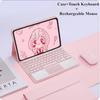
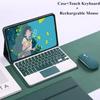
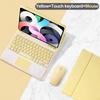
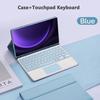
Battery Included : Yes
High-concerned chemical : None
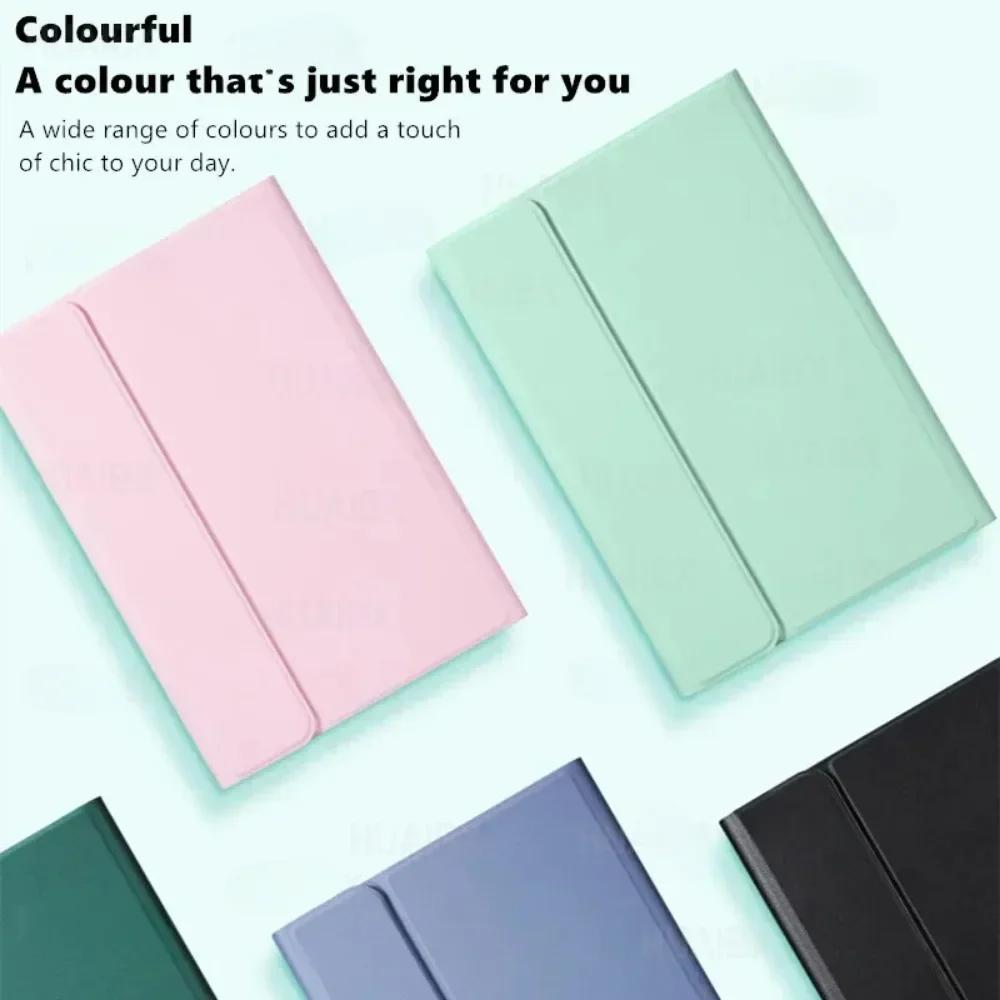
Pattern Type : Solid
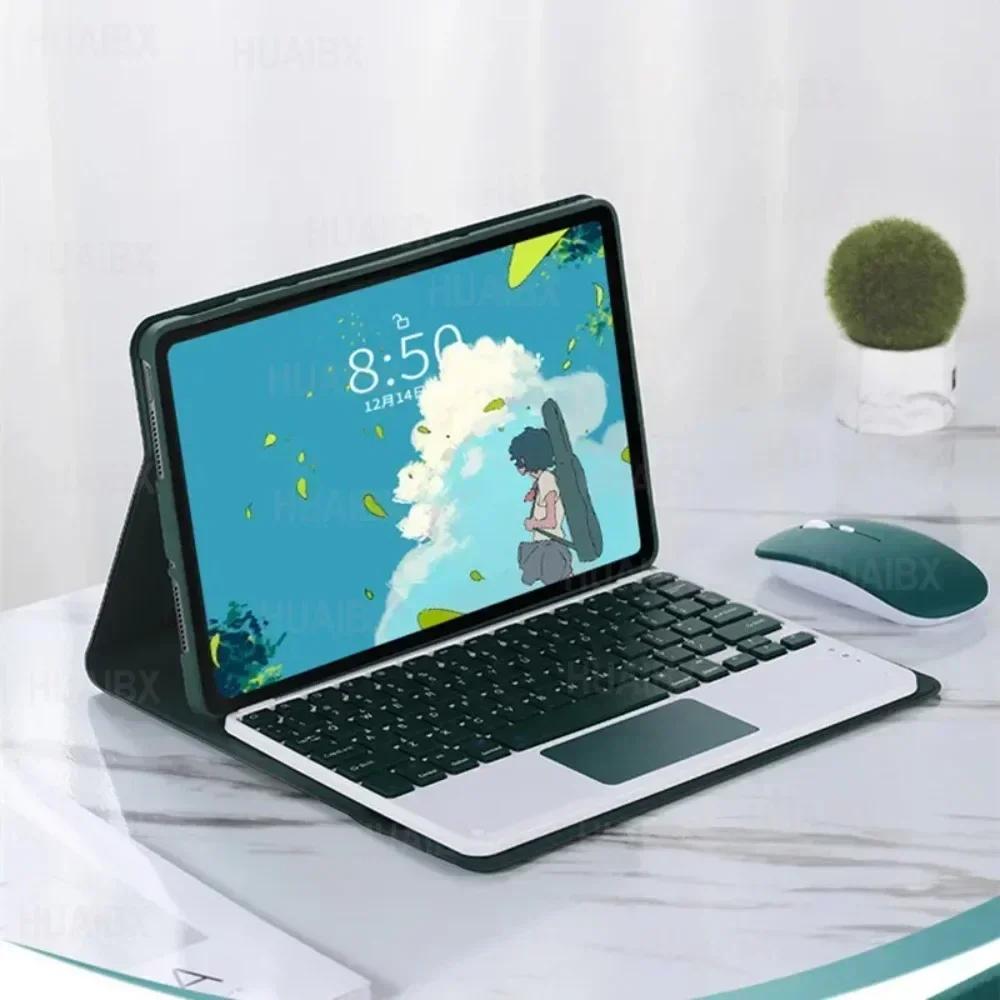
Style : Fashion
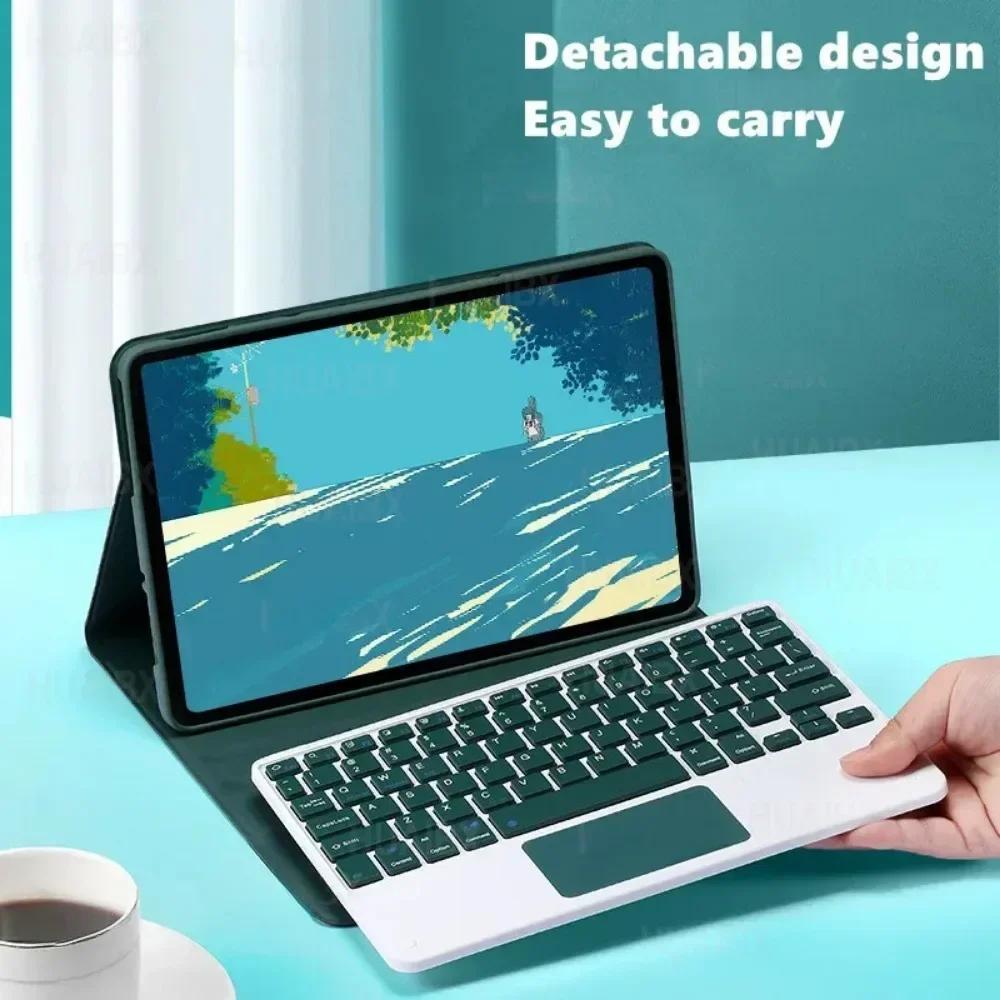
Feature : Shockproof,Drop resistance,Anti-Dust
Package : Yes
Length : 10.6inch
Width : 10.6inch
Material : Faux Leather
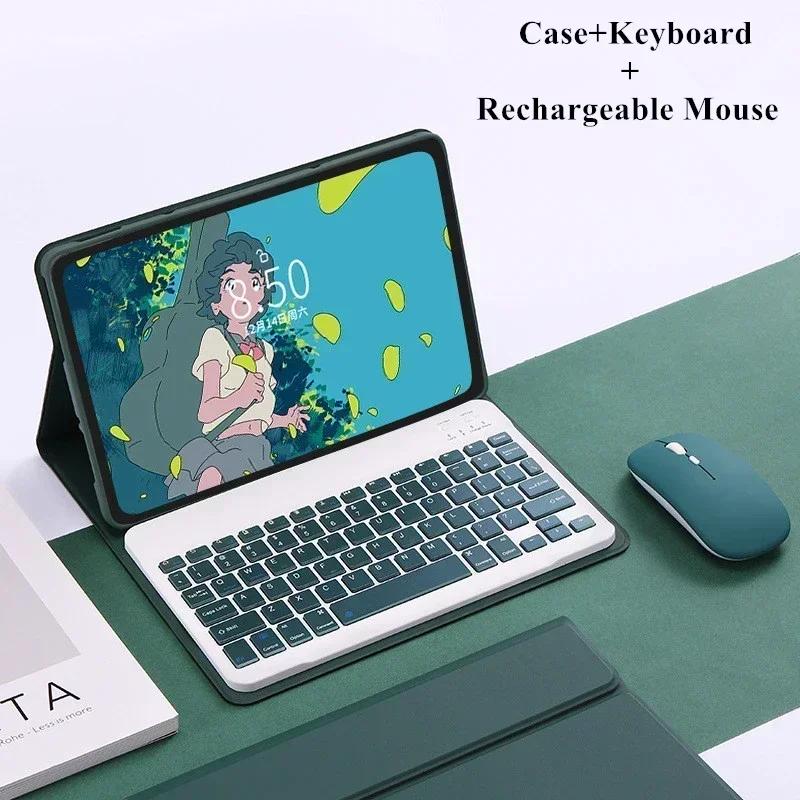
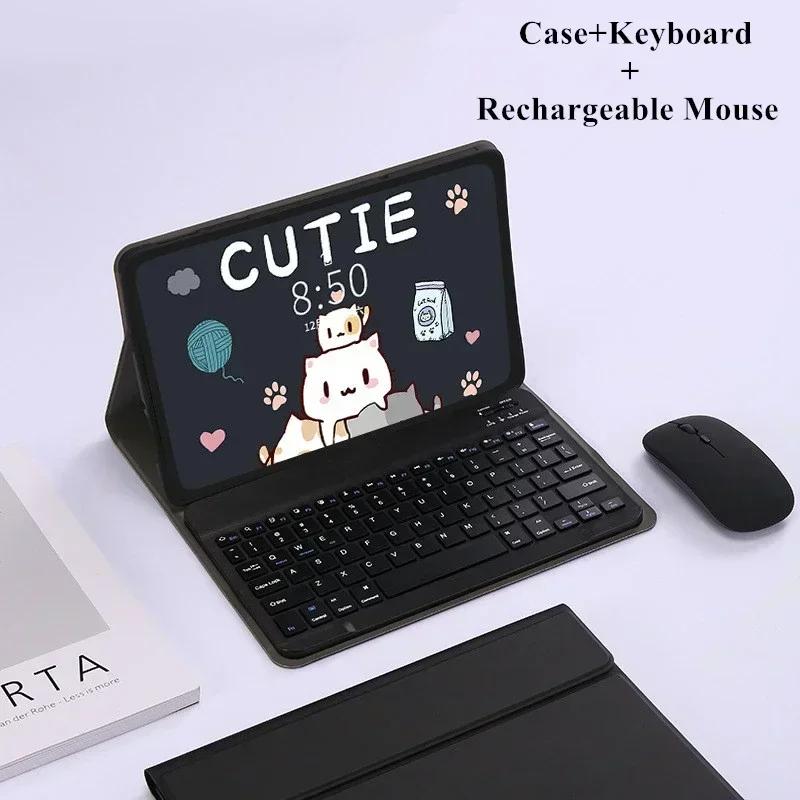
Type : With Keyboard
Application Laptop Size : 10.6
English Keyboard: There are only English letters on the keyboard.
Multilingual version of the keyboard: English letters and inscribed language letters combined.
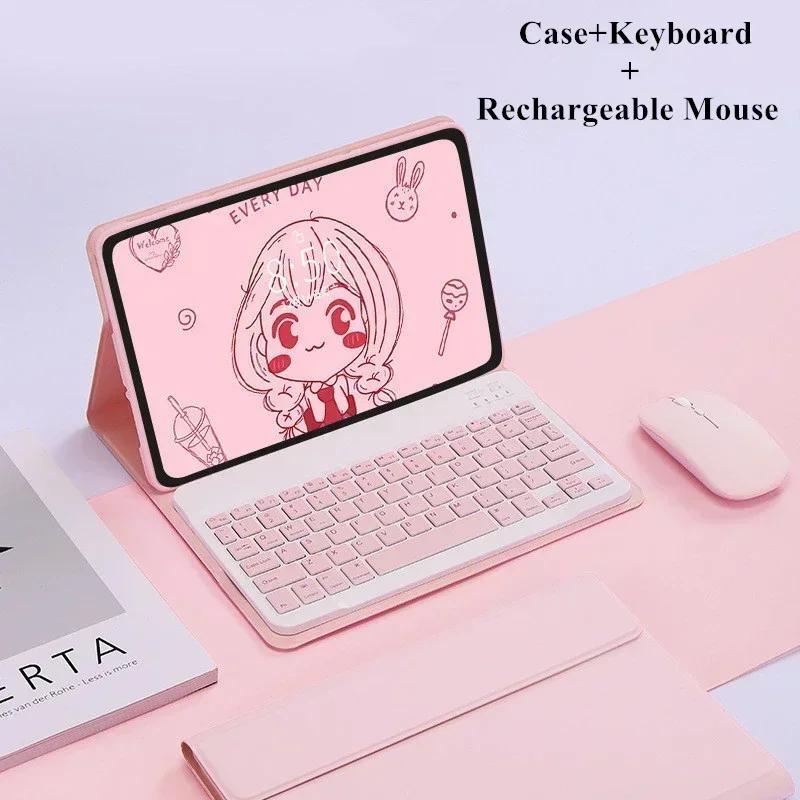
2,Mouse:Push the switch to the "Bluetooth" icon, find the Bluetooth connection with "Mouse" in the device Bluetooth list.
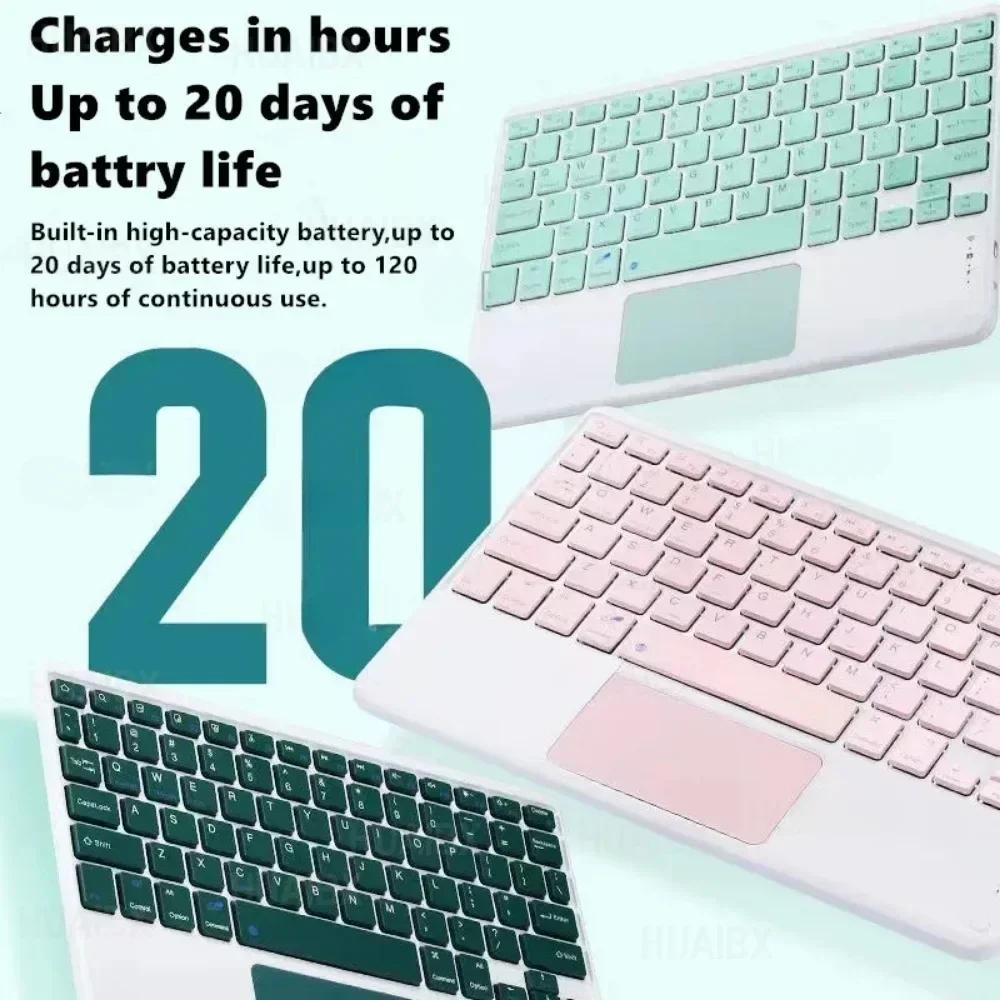
3,Normal Keyboard:Push the switch in the upper right corner to "ON", press "Connect", and find the Bluetooth connection with "Keyboard" in the device Bluetooth list.
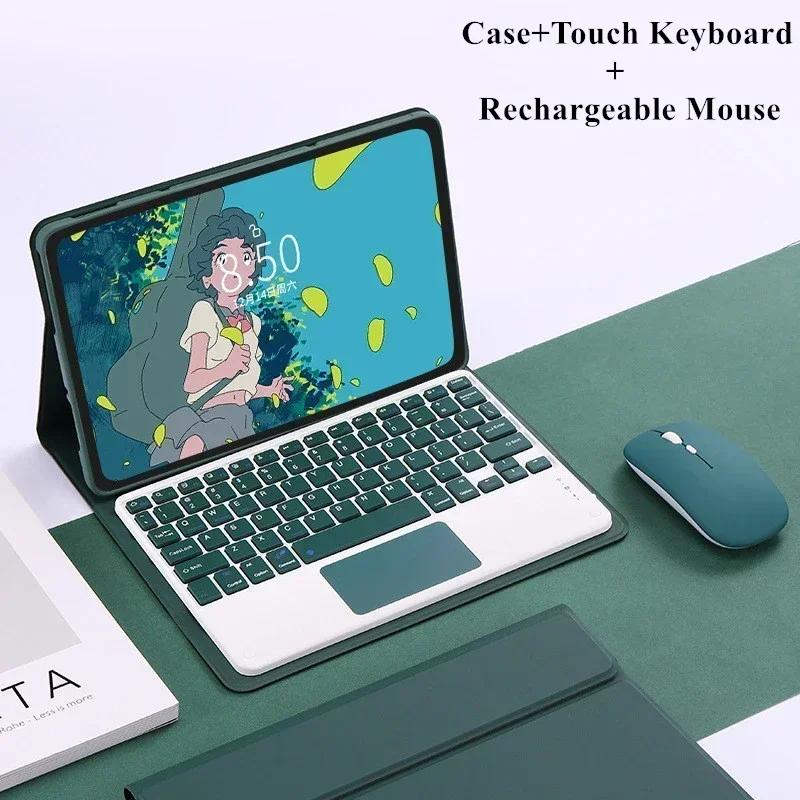
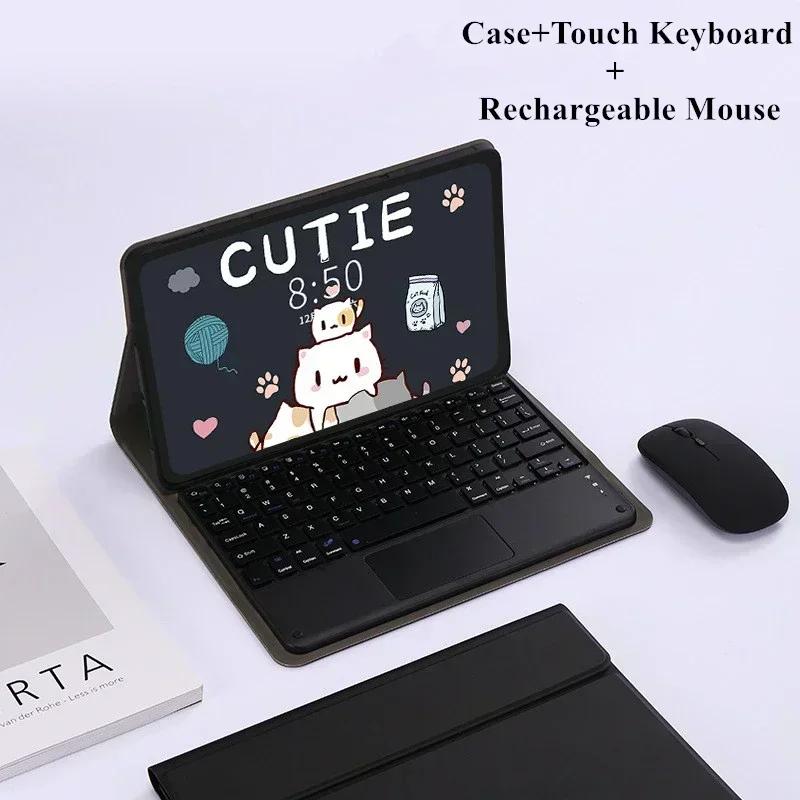
4,Touchpad Keyboard:turn on keyboard ,press Fn+C to,then find the Bluetooth connection with "Keyboard" in the device Bluetooth list.FAQ
Q:What should I pay attention to when connecting the mouse for the first time?
A:When the mouse is connected for the first time, you need to press the left button, the right button and the scroll wheel at the same time for about 3-5 seconds.
Q: Is the scroll direction of the mouse USB connector and Bluetooth connection the same?
A:No, they are different. When using the USB connector, the scroll wheel slides in the same direction as the computer mouse. Bluetooth connection is the opposite.
Q: How to switch between different systems?
A:Fn+Q=Android, Fn+W=Windows, Fn+E=IOS.
Q:The bluetooth keyboard letters are messy?
A:Please check the settings according to the prompts,
Q:How to configure the input method for different languages keyboard?
A:Take the samsung tablet as example,open "Settings--"ystem"--"Language & input"--"Add New Keyboard". (For other systems, please set them in the system settings according to the tips of the iPad example.)
Q:How does the mouse change teh scroll wheel sliding direction on the device?
A:The mouse is connected, open "General" - "Trackpad & Mouse" - close "Natural Scrolling".
Label:Yes







 Geld zurück bei Nichtlieferung