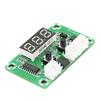
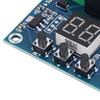
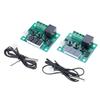
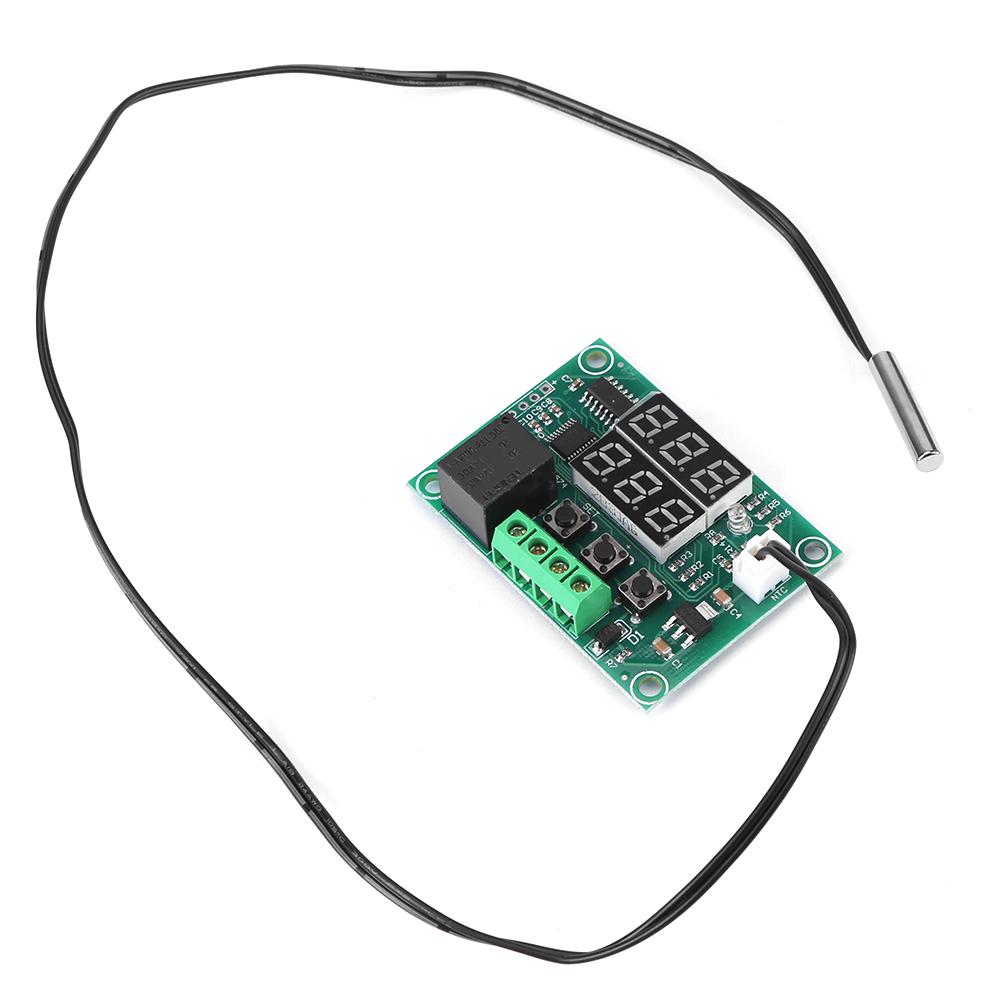
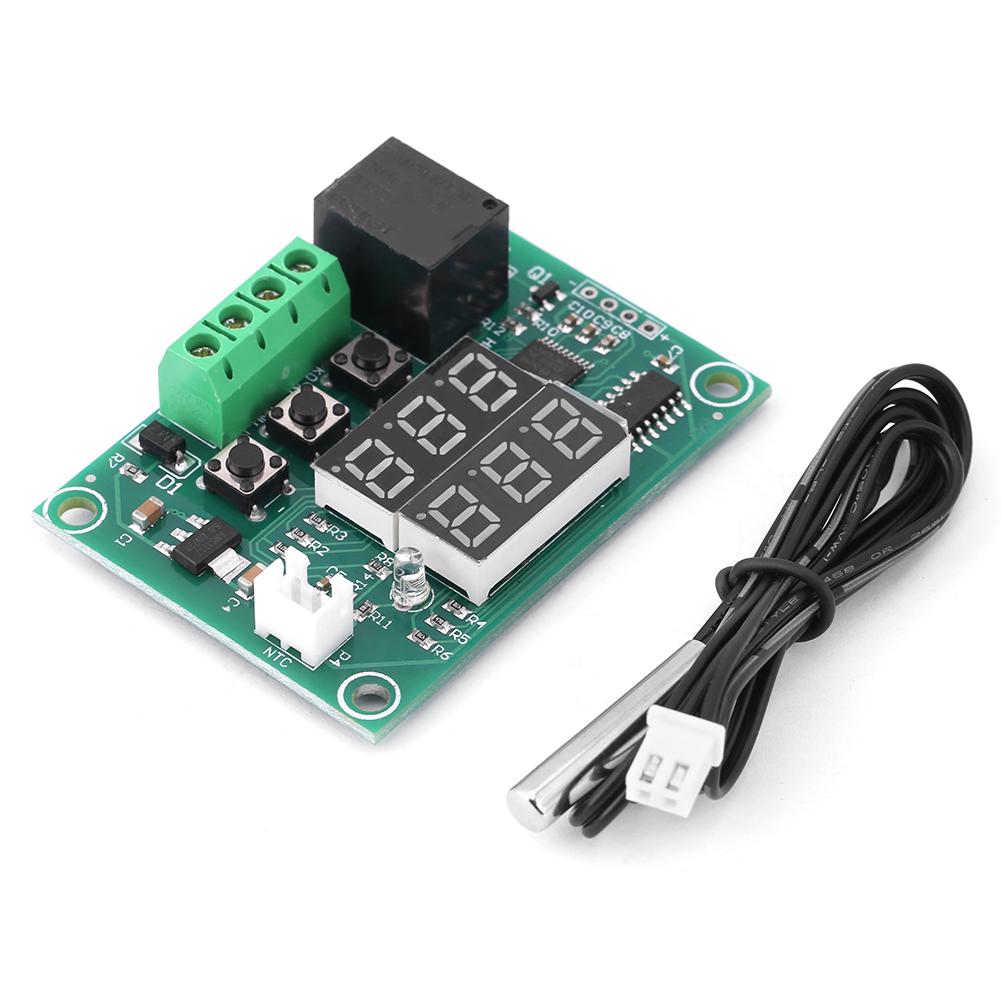
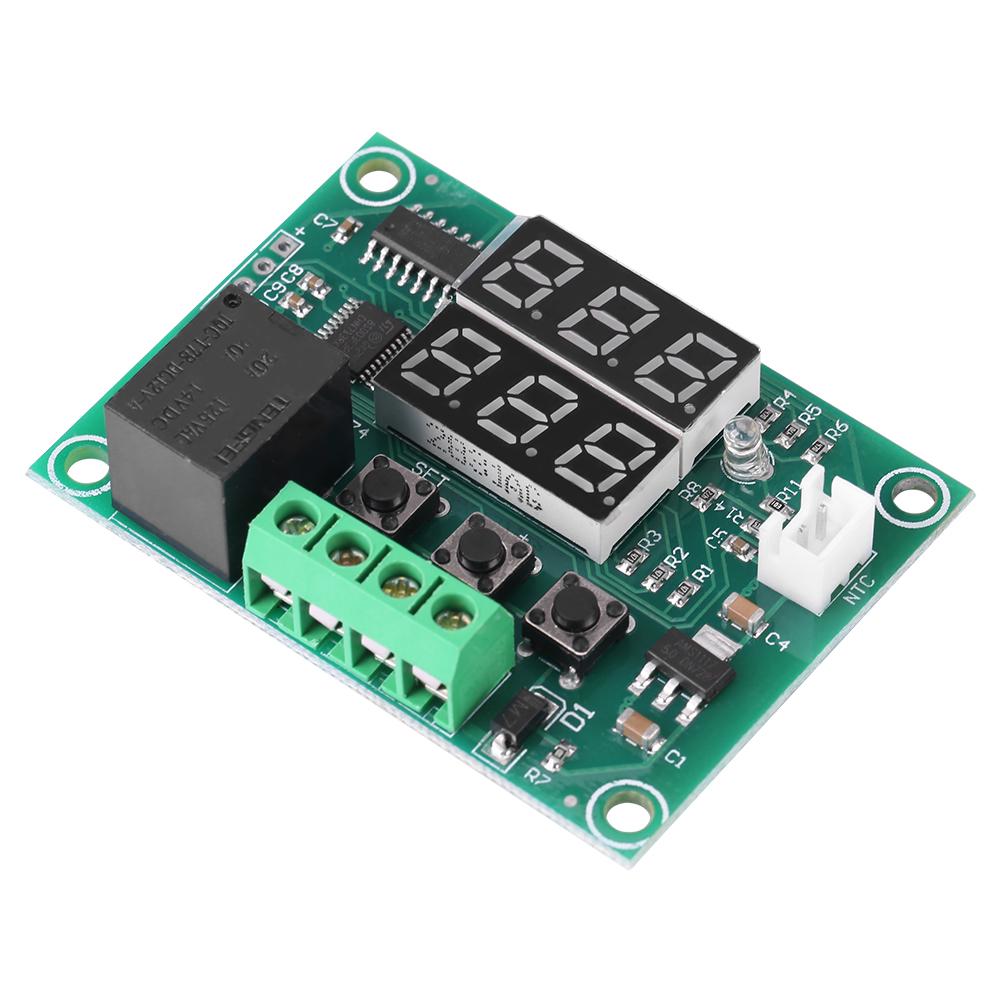
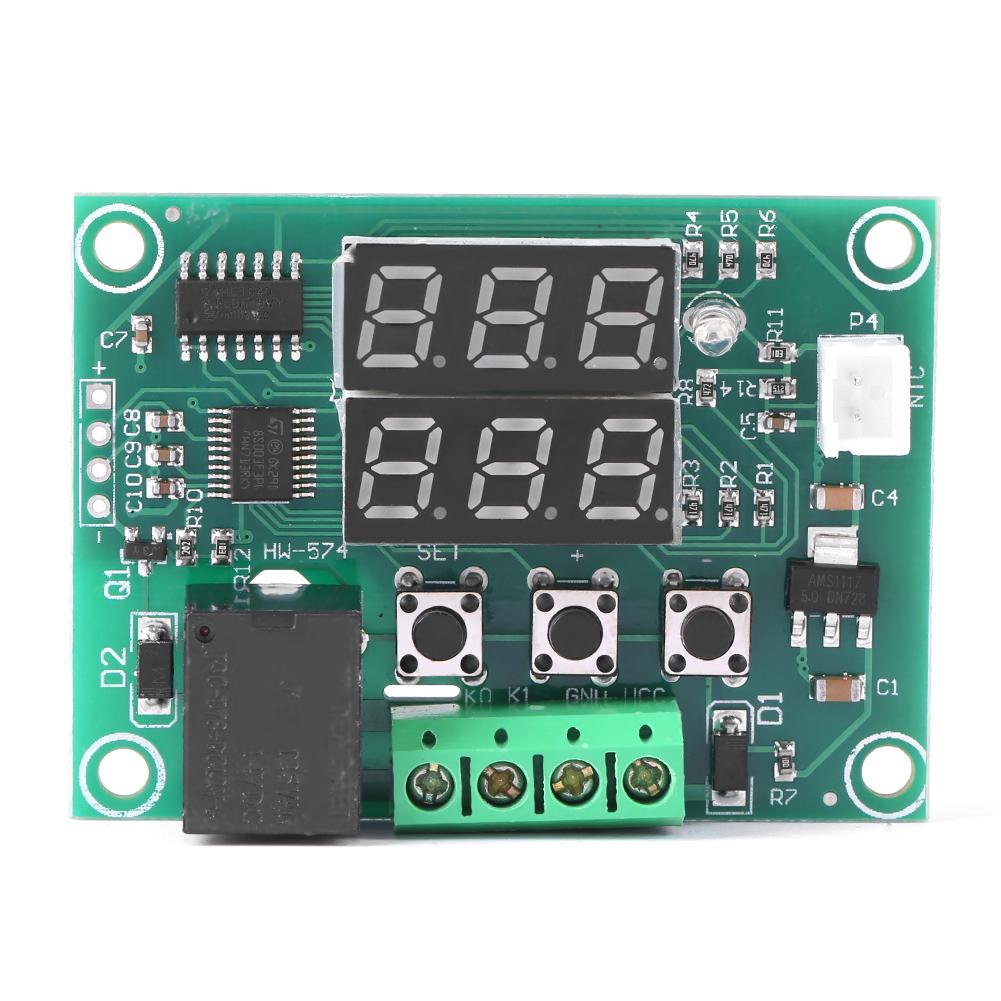
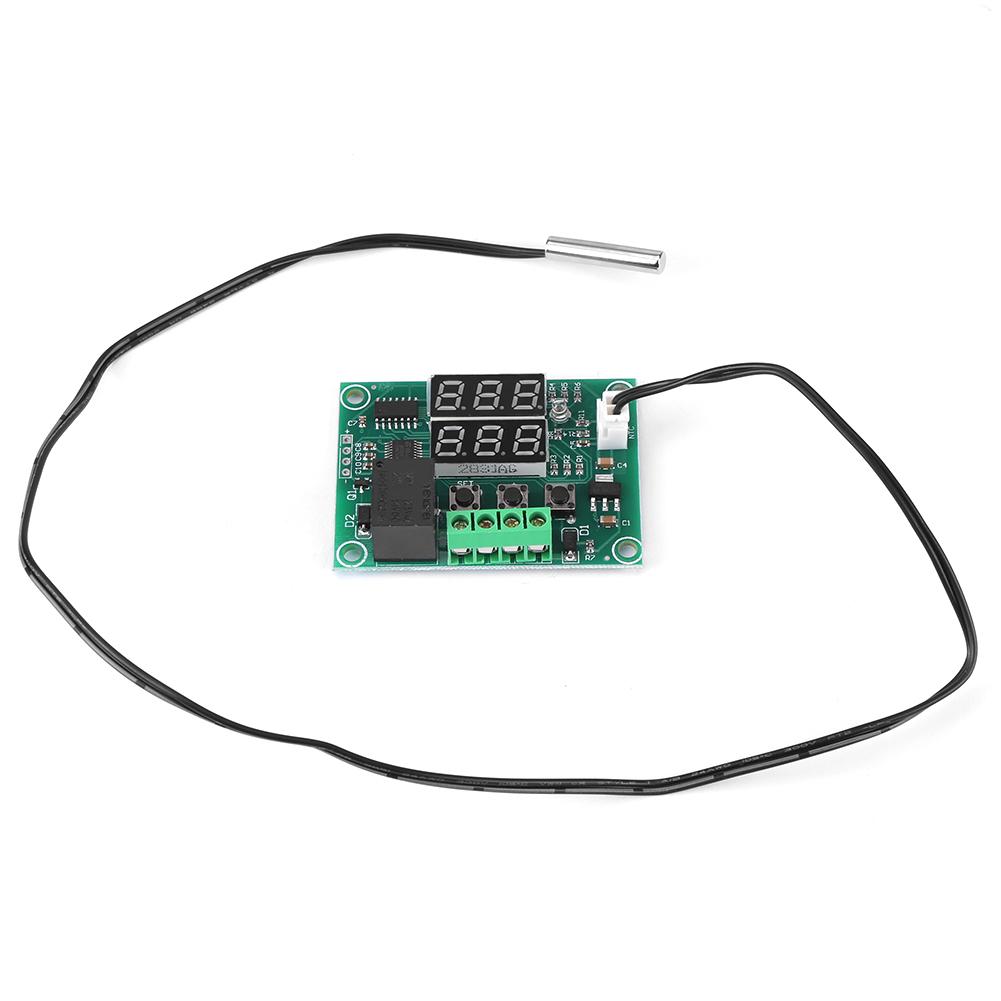
Dieser Temperaturregler ist mit einem zweifarbigen LED-Display ausgestattet und hat eine hohe Auflösung von 0,1 Grad Celsius.
Es unterstützt Temperaturkorrektur, Temperaturalarm und eine verzögerte Startfunktion.
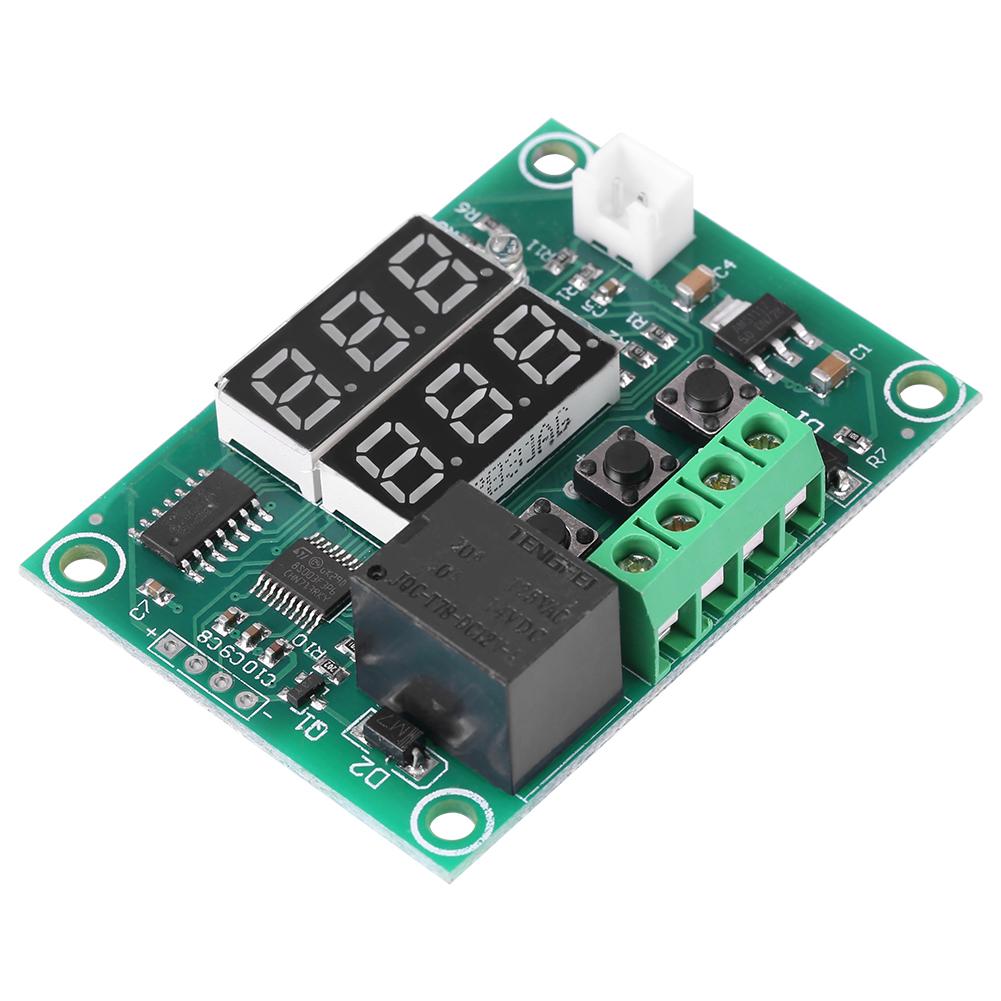
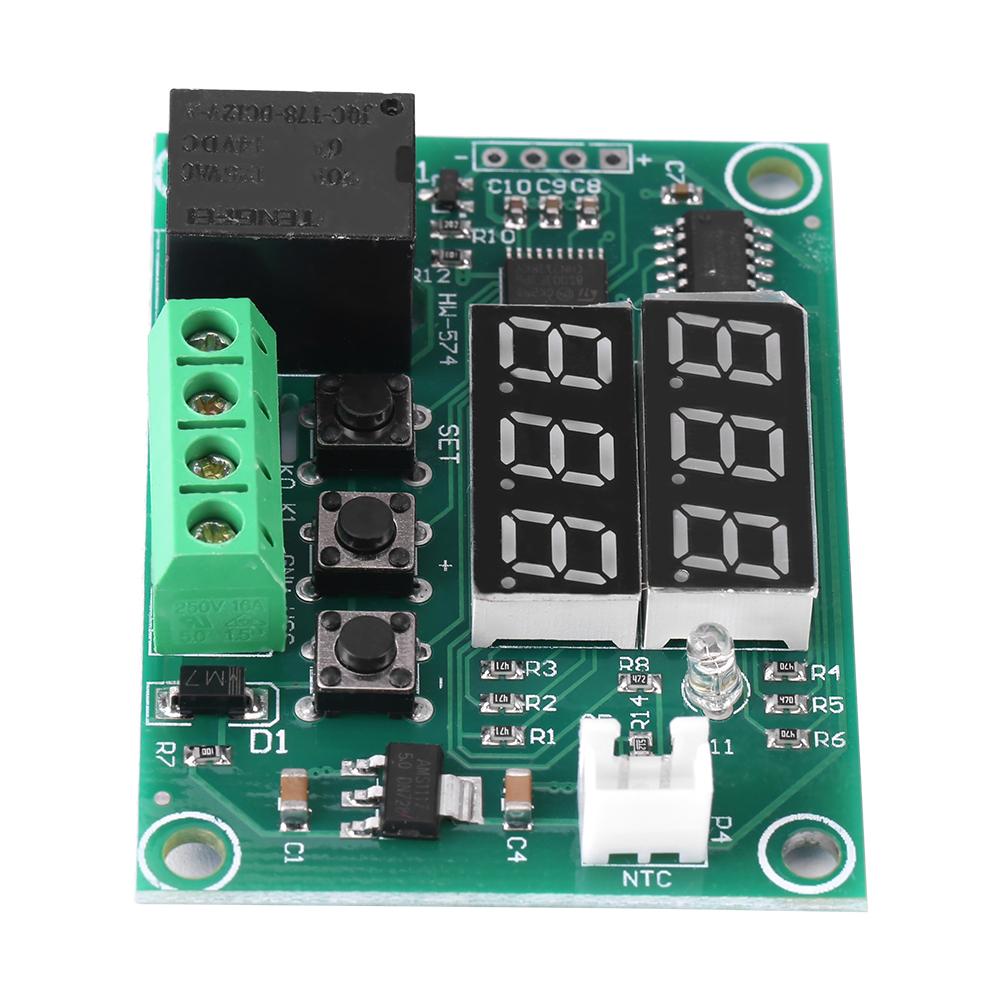
Ausgestattet mit Schraubklemmen für eine bequeme und einfache Verdrahtung
Merkmale:
Dieser Temperaturregler ist mit einem zweifarbigen LED-Display ausgestattet und hat eine hohe Auflösung von 0,1 Grad Celsius.
Es unterstützt Temperaturkorrektur, Temperaturalarm und verzögerte Startfunktion.
Entwickelt mit Schraubklemmen für bequeme und einfache Verdrahtung.
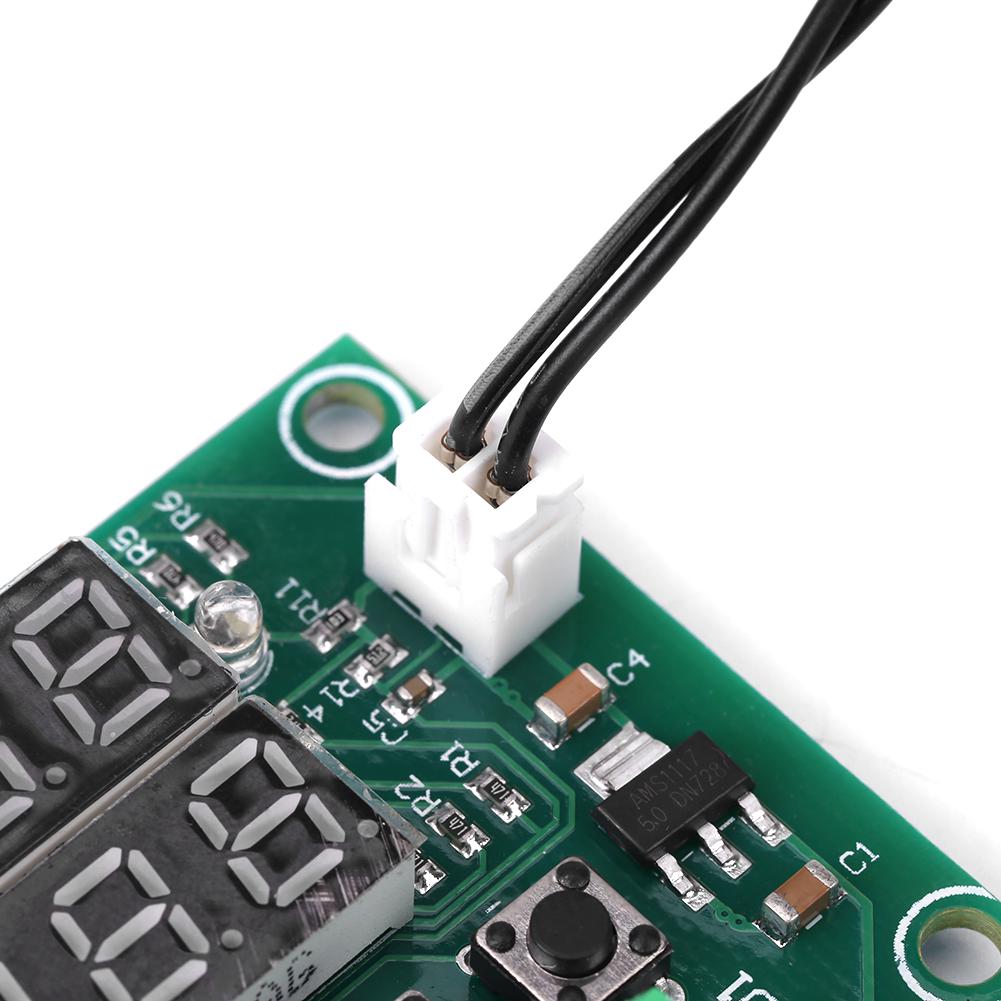
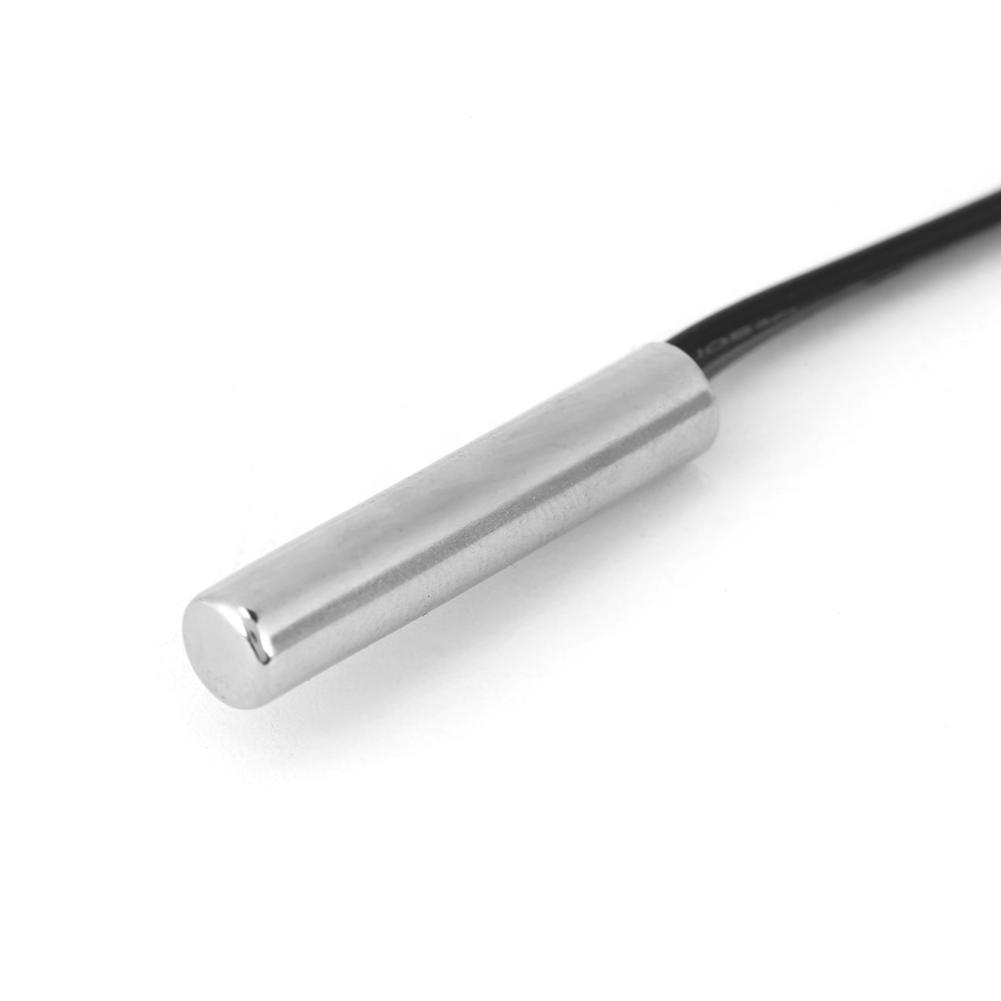
Wasserbeständige Sonde hat eine höhere Empfindlichkeit, ist mit Silikon versiegelt, besser geeignet für die Flüssigkeitstemperaturmessung, sicher und .
Weit verbreitet für die Temperaturregelung in Schränken, Industrieanlagen, Gemüse- und Blumengewächshäusern usw.
Spezifikationen:
Regelbereich -50 Grad Celsius .110 Grad Celsius
Steuerung 0,1 Grad Celsius
Sensoreingang 10K wasserdichter Sensor L=0. 5M
Temperaturalarm -49 Grad Celsius .110 Grad Celsius
Eingangsspannung 12V
Ausgangstyp Relaisausgang . 10A
Rückgabe Differenz Set 0.1.30 Celsius
Startverzögerung 0,10 Minuten
Temperaturkorrektur -10 Grad Celsius .+10 Grad Celsius
Rotes DisplayGemessene Temperatur
Grünes DisplayEinstellung Temperatur
Anweisung:
K0-K1-Terminal:
Der Ausgangstyp des Thermostats ist ein Relaisausgang, K0 und K1 entsprechen einem Erweiterungsrelais. ; 12V Stromversorgung der Thermostat, Sensor erkennt Temperatur, internes Temperaturregelprogramm steuert Relaisausgang und Last (Wenn die Last über ein Wechselstromnetzteil versorgt wird, ist es K0 und K1 an den Außenleiter anzuschließen.)
Funktionseinstellung Bereich Standard
P0 Temperaturregelmodus H(heiß)CelsiusC(kalt) C.
P1 Rücklaufdifferenz Einstellung 0.1.30 Celsius 2 Celsius
P2 Temperaturkorrektur -10,10 Grad Celsius 0 Grad Celsius
P3 Startverzögerung 0,10 (Mindest.) 0
P4 Temperaturalarm -49,110 Grad Celsius 110 Grad Celsius SET Taste: einstellen
+ Schaltfläche: Temperatur erhöhen
- Taste: Temperatur senken
auf Werkseinstellungen: Einschalten, und Tasten gleichzeitig etwa 3 Sekunden lang gedrückt halten.
P0 Temperiermodus:
Dieser Parameter muss zum ersten Mal über den Controller gesetzt werden. Wenn es zum Heizen verwendet wird, stellen Sie es als H ein; Wenn es zur Kühlung verwendet wird, stellen Sie es auf C ein.
P1-Rückkehr-Unterschied:
Halten Sie die SET-Taste gedrückt, um die interne Einstellung einzugeben, wählen Sie die P1-Einstellung, drücken Sie erneut die SET-Taste, um den Rückgabedifferenzwert festzulegen. (Rückgabedifferenzwert ist der Wert, den der Controller neu startet, nachdem er die eingestellte Temperatur erreicht und gestoppt hat. Wenn wir beispielsweise den Heizmodus verwenden und den Regler bei 40 Grad Celsius stoppen und bei 35 Grad Celsius wieder starten lassen, beträgt die zurückgegebene Differenz 5.)
P2 Temperaturkorrektur:
Diese Funktion wird zur Temperaturkorrektur verwendet, wenn eine Abweichung zwischen der gemessenen Temperatur und der realen Temperatur besteht. Korrekturtemperatur = Gemessene Temperatur + Korrekturwert.
Wenn die gemessene Temperatur beispielsweise 25,6 Grad und die tatsächliche Temperatur 25,8 Grad beträgt, legen Sie P4 auf 0,2 fest, sodass die Endtemperatur 25,6 + 0,2 = 25,8 Grad beträgt.
P3-Startzeitvorwahl:
Diese Funktion wird normalerweise zum Kühlen verwendet.. Wenn der Controller im Kühlschrank verwendet wird, muss dieser Wert eingestellt werden. Abhängig vom Gegendruck kann dieser Wert zwischen 3 und 6 Minuten eingestellt werden. Wenn Sie es nicht zur Steuerung von verwenden oder die Verzögerungsfunktion nicht benötigen, können Sie es ignorieren.
P4-Temperatur-Alarm:
Stellen Sie den Temperaturalarmwert ein, wenn die Echtzeittemperatur diesen Wert überschreitet, blinkt das Display zum Alarm.
Beispiel für die Einstellung des Heizmodus:
Die elektrischen Heizgeräte sollten so gesteuert werden, dass sie bei 35 Grad Celsius die Heizung abstellen und wieder einschalten, wenn die Temperatur auf 30 Grad Celsius gesunken ist. ;
1, Halten Sie die SET-Taste 3 Sekunden lang gedrückt, um die interne Einstellung einzugeben, und stellen Sie P0 als H ein.
2. Halten Sie die SET-Taste gedrückt, um zur Echtzeit-Temperaturanzeige zurückzukehren. Drücken Sie die SET-Taste erneut, die grüne Anzeige blinkt, und stellen Sie dann den Wert auf 35 Grad Celsius ein.
3. Die Standard-Rücklaufdifferenz beträgt 2. Sie muss auf 5 eingestellt werden, wenn ein Neustart bei 30 Grad Celsius gewünscht ist. . Halten Sie die SET-Taste gedrückt, um die interne Einstellung einzugeben, wählen Sie P1 und ändern Sie den P1-Wert in 5.
Cool


 Geld zurück bei Nichtlieferung