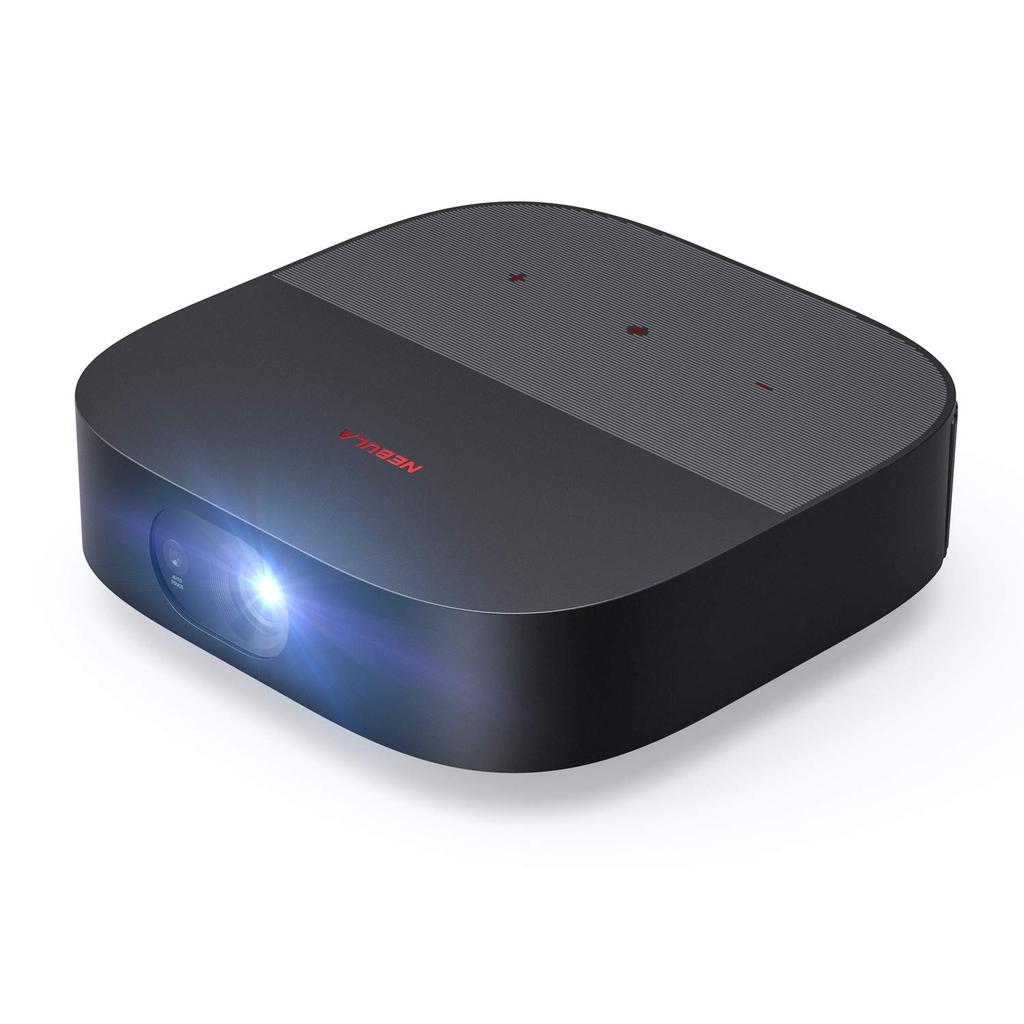
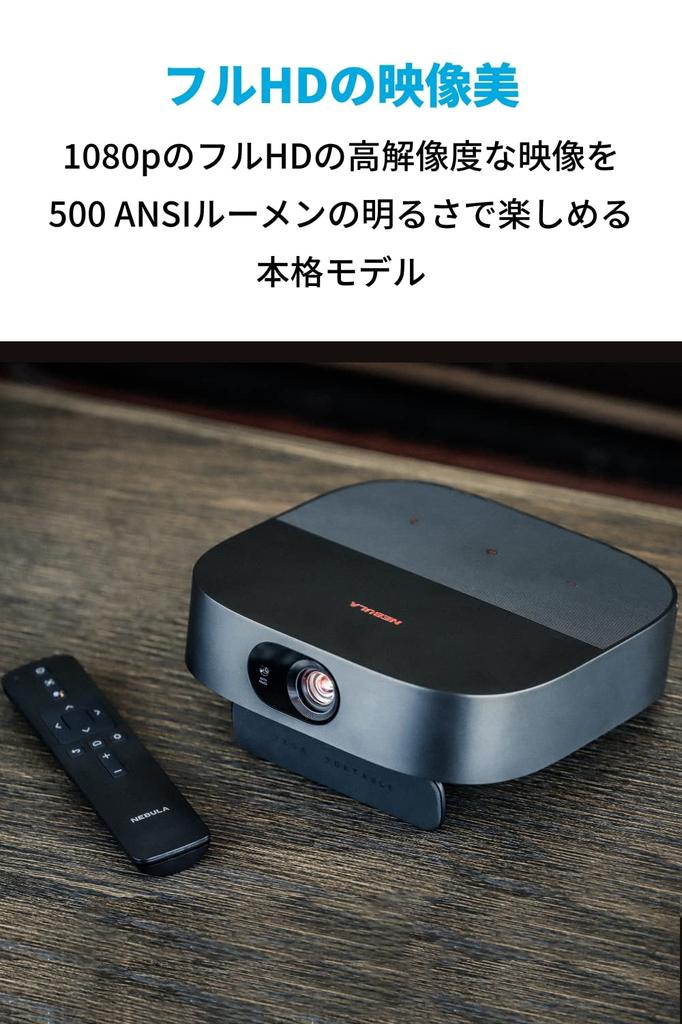
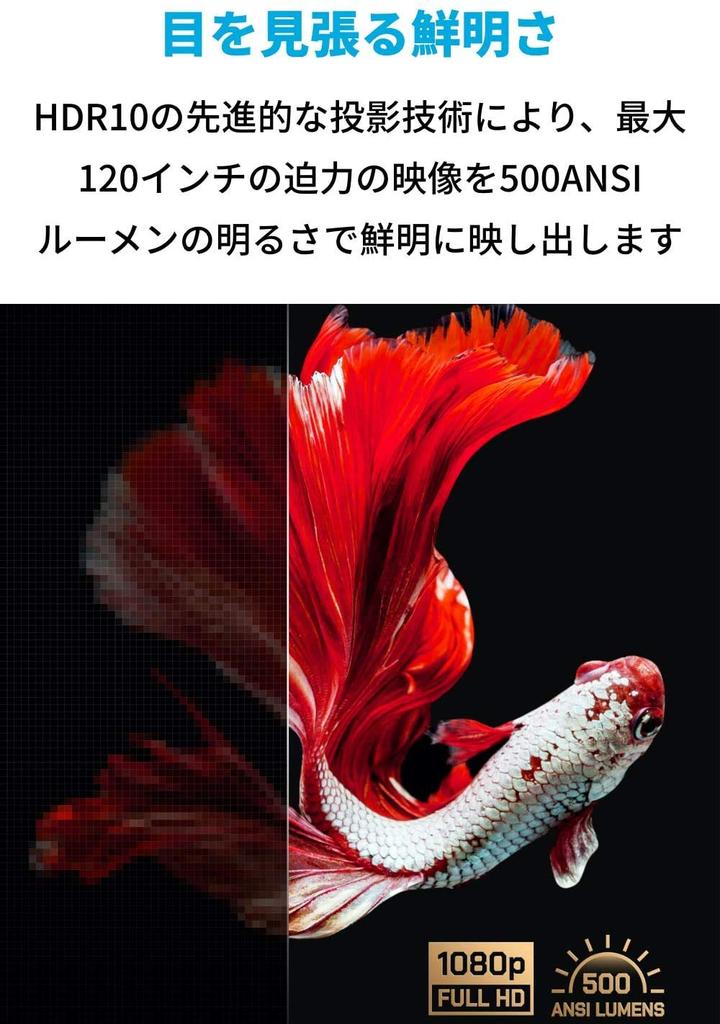
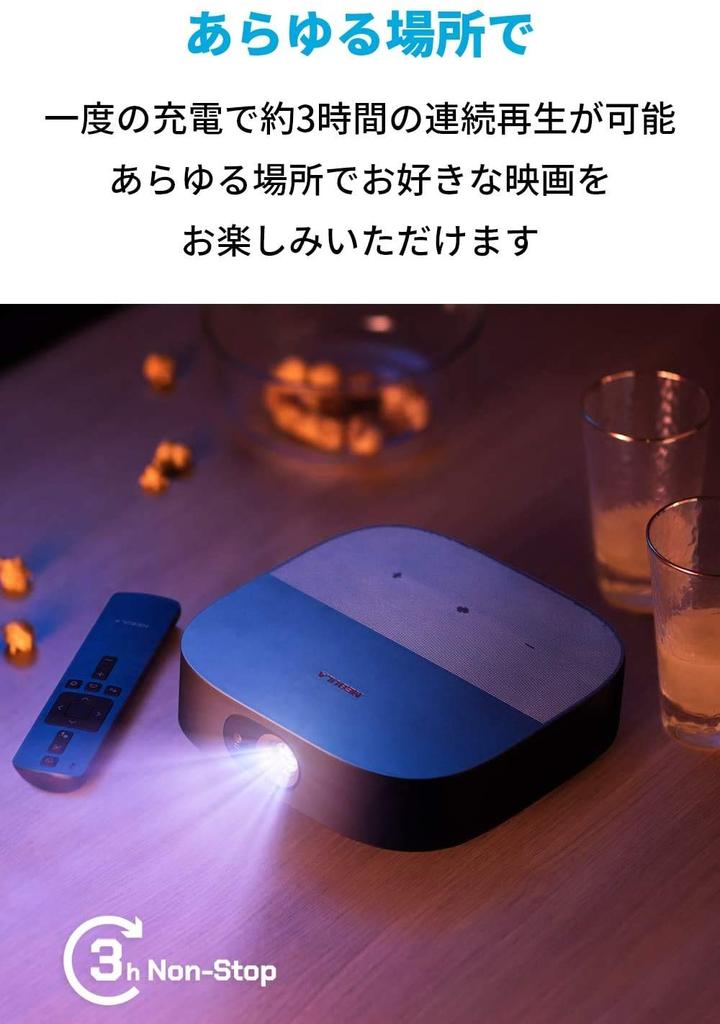
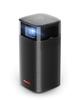
Top-of-the-line mobile projector: This is the top-of-the-line mobile projector (as of February 2021) that supports full 1080p HD and 500 ANSI lumens of brightness. It also features a built-in HDMI output, allowing for approximately 3 hours of continuous playback on a single charge. Enjoy your favorite movies anywhere.
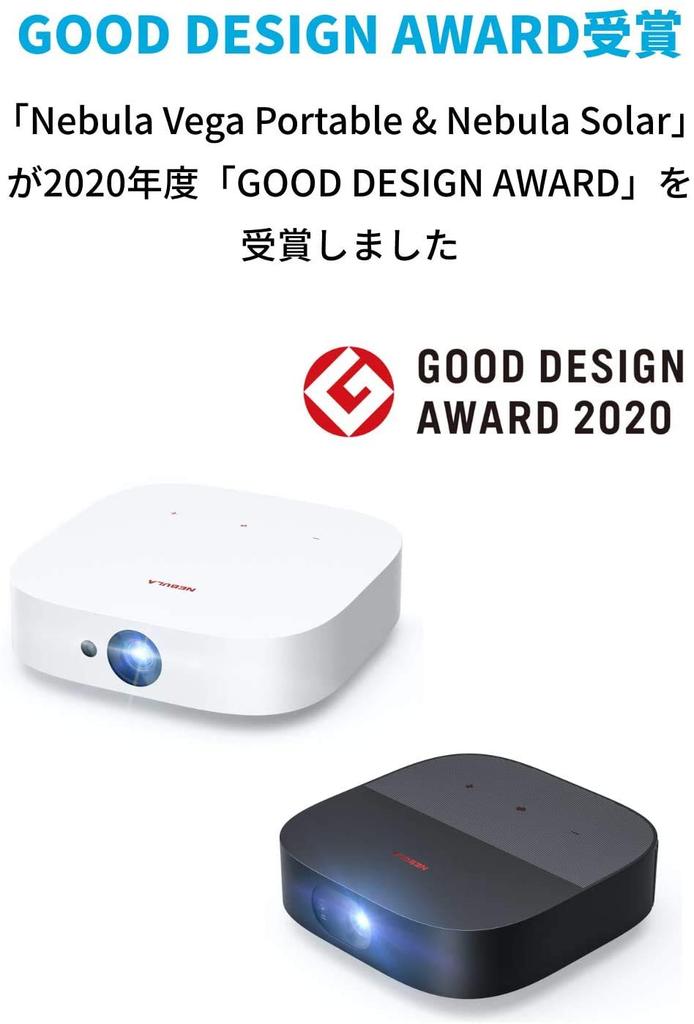
Winner of the Good Design Award: This product has been awarded the Good Design Award, Japan's only comprehensive design evaluation and recommendation system. Please come and experience this innovative design for yourself.
Powered by Android TV 9.0: Enjoy endless entertainment with over 5,000 apps, including YouTube, Amazon Prime Video, Netflix, Hulu, Disney+, Abema TV, and DAZN. Cast your favorite apps from Android, iOS, Mac, and Windows devices. To use Netflix, search for and download Nebula Manager from the Google Play Store on the device itself. To mirror or screencast from an iPhone or iPad, you'll also need to download AirScreen from within Nebula Manager.
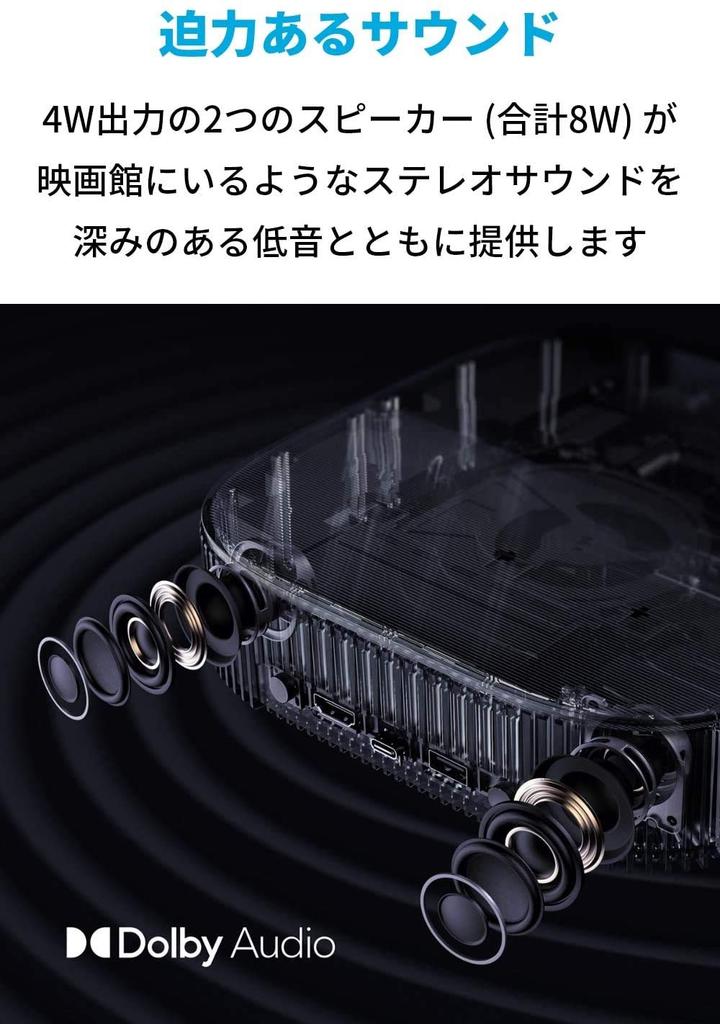
Powerful sound: Equipped with two 4W output speakers (8W total), it delivers cinema-like stereo sound with deep bass, even when used as a home projector.
Package contents: Nebula Vega Portable, remote control (includes two AAA batteries), quick start guide, Power Delivery USB charger, USB-C to USB-C cable, customer support. Technical conformity mark certified product (frequency bands: Bluetooth: 2.4GHz, Wi-Fi: 2.4GHz/5GHz). *Brightness (luminous flux) is measured according to the ANSI IT7.228-1997 standard, and the listed values are average values measured in our test environment. Brightness may vary depending on usage conditions and will decrease over time.
Nebula Vega Portable
High-end mobile projector
Package contents: Anker Nebula Vega Portable, remote control (includes 2 AAA batteries), quick start guide, Power Delivery compatible USB charger, USB-C to USB-C cable, up to 24 months warranty (*Orders from authorized retailers are eligible for an 18-month warranty, with an additional 6 months of warranty coverage under certain conditions. Please see "Seller Comments" for details. Your order number serves as your warranty card.), customer support
Product Specifications
Size: Approx. 192 x 192 x 59 mm Weight: Approx. 1.5 kg
display
Display Technology: 0.23 DMD inch 1080p DLP Resolution: 1920 x 1080 pixels Brightness: 500 ANSI lumens Lamp Life: Approximately 30,000 hours Aspect Ratio: 16:9 Projection Distance: 120 inches @ 3.18 m / 100 inches @ 2.66 m / 80 inches @ 2.12 m / 60 inches @ 1.6 m / 40 inches @ 1.06 m Offset: 100% Focus Adjustment: Autofocus (3 seconds) Projection Mode: Front / Rear / Ceiling (Front) / Ceiling (Rear) Keystone Correction: Vertical: Auto / Manual
Level: Manual only
Interface
HDMI: HDMI 2.0 (Maximum 4K input) *Output is 1080p USB-A: USB flash drive USB-C: USB Power Delivery compatible
operation
Physical button: Power Touch button: Volume / Mode switch (Bluetooth speaker power) Infrared remote control: Power / Auto focus / Google Assistant / Up / Down / Left / Right / Select / Back / Home / Settings / Volume
It can be controlled using the Nebula Connect remote control app for Android and iOS.
Hardware
CPU: Quad-Core A55 Chipset GPU: Quad Core Mali G31 RAM: 2GB DDR ROM: 8GB eMMC: 20,000mAh Speaker Driver: 2 x 4W Wi-Fi: 802.11a / b / g / n / ac Dual Frequency 2.4 / 5GHz
Bluetooth standard: 4.2 dual mode / A2DP Fan noise: less than 30dB
software
OS: Android TV 9.0 Google Assistant: Supported Chromecast: Supported Operating Mode: Projector mode, Bluetooth speaker mode OTA: Supported App Store: Google Play Operating Time: Approximately 3 hours Charging Time: Approximately 3 hours (when using a 65W USB Power Delivery compatible USB fast charger) Audio Decoding: Dolby Audio Formats: MP3 / WMA / RM / FLAC / Ogg Video Decoding: HDR10 Video Formats: mkv / wmv / dat / avi / mov / iso / mp4 / rm
Note:
A remote control is required to use the Google Assistant. Nebula Connect does not support the Google Assistant.
Copyrighted content from Netflix cannot be mirrored or screencast. To watch copyrighted content from these content providers, please download the app directly from your device.
If you want to use AirPlay, you will need to download AirPin (PRO) from within Nebula Manager.
Use only the charger provided. Do not use any other charger.






![Anker Nebula Capsule Pro Mobil ANSI Lumen DLP (Android Projektor) [150 / / 360-Grad-Lautsprecher]](https://img.joomcdn.net/b9703fa29a13fbc518da504862a7a1e0e98e84dc_100_100.jpeg)


![Anker Nebula Capsule Mobile ANSI DLP Home Schwarz (Android Projektor) [100 Lumen, Display, 360°-Lautsprecher, Unterhaltung]](https://img.joomcdn.net/abe76f6832309a434162e414c24250af7aecba19_100_100.jpeg)


