---------------------------------------------------
【Spannungskompatibilität】
Unsere Produkte werden so ausgewählt, dass sie internationale Spannungsbereiche unterstützen (z.B. 100–240 V).
Stellen Sie jedoch vor der Verwendung sicher, dass Ihre lokale Spannung kompatibel ist, da eine falsche Spannung dennoch zu Fehlfunktionen führen kann.
【Steckertyp】
Unsere Produkte verwenden japanische Steckertypen (Typ A oder B).
Bitte verwenden Sie ggf. einen Konvertierungsadapter.
【Wichtiger Hinweis zu Transformatoren und Adaptern】
Ein Transformator passt die Spannung an die Anforderungen Ihres Geräts an.
Ein Konvertierungsadapter ändert lediglich die Steckerform und passt die Spannung nicht an.
Die Verwendung nur eines Konvertierungsadapters ohne Transformator kann zu Schäden am Produkt führen.
【Haftung】
Für Fehlfunktionen oder Schäden, die durch unsachgemäßen Gebrauch entstehen, wie etwa den Betrieb des Produkts ohne entsprechende Spannung oder Ausrüstung, übernehmen wir keine Verantwortung.
---------------------------------------------------
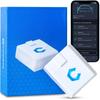
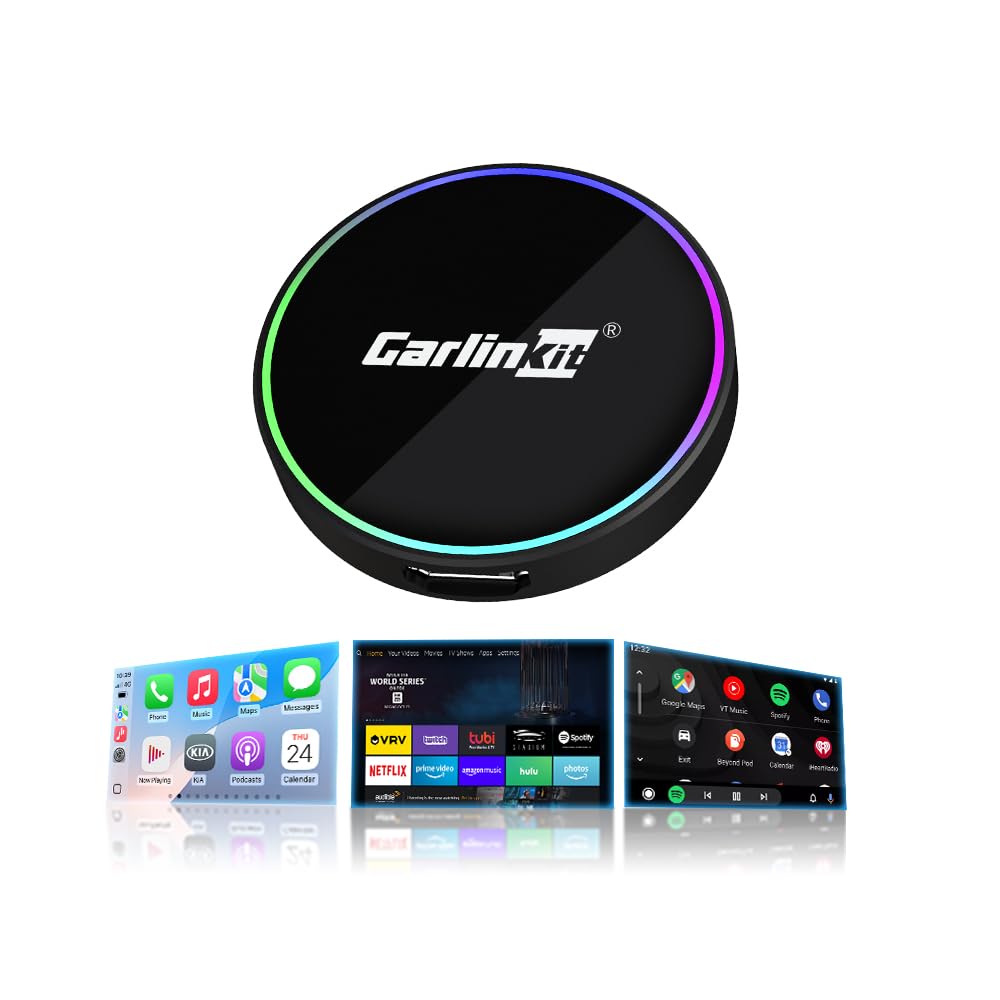
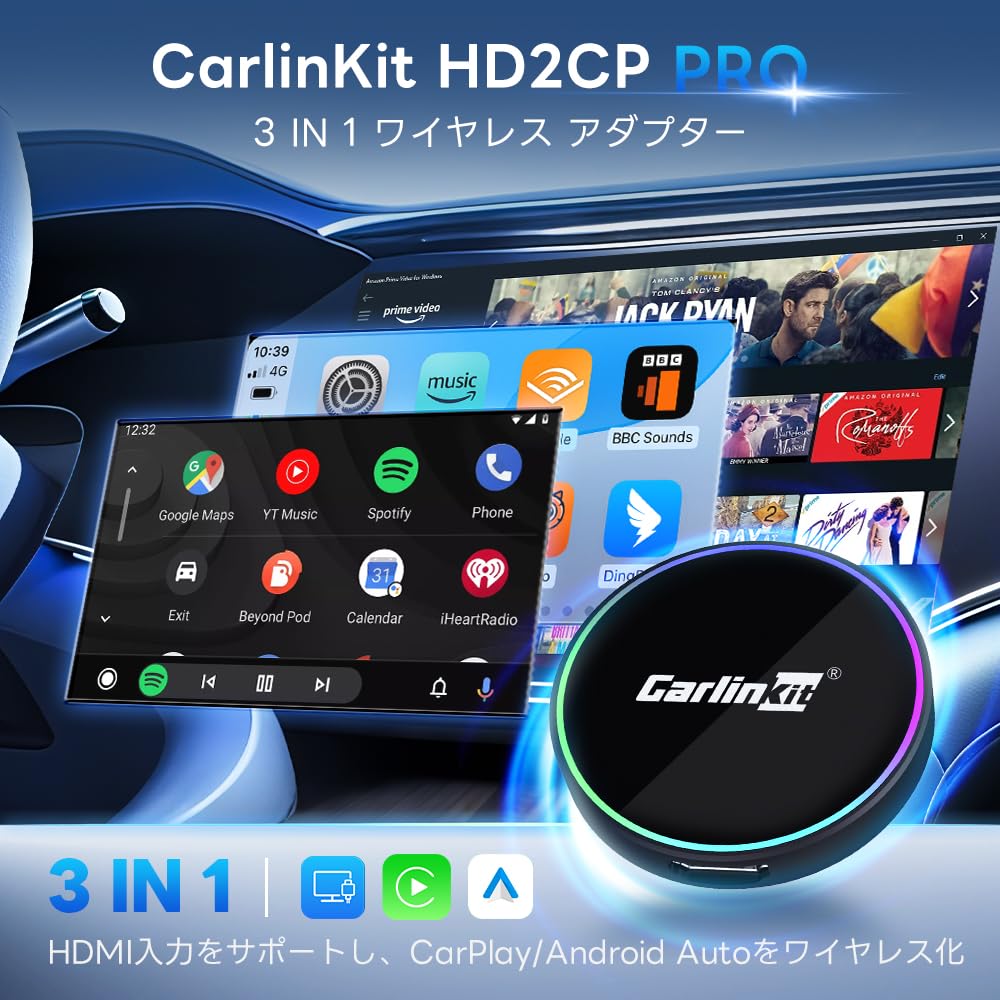
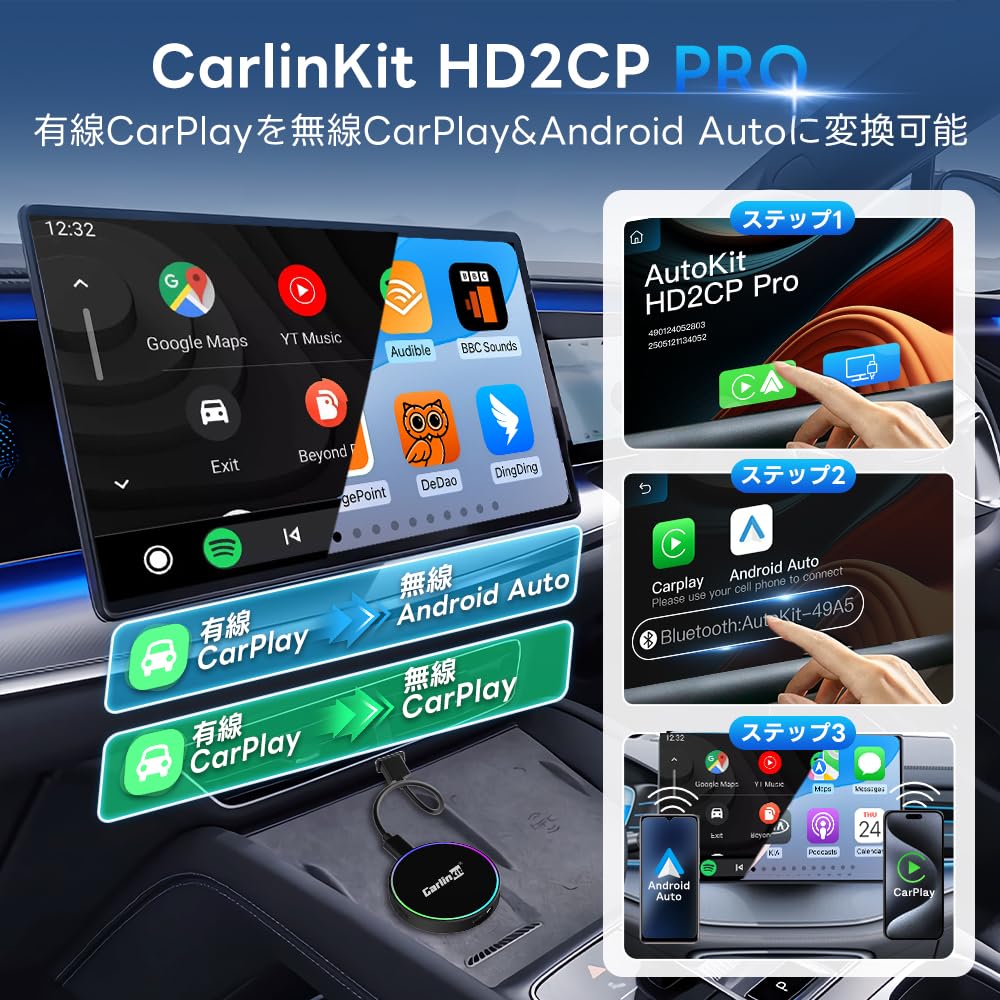
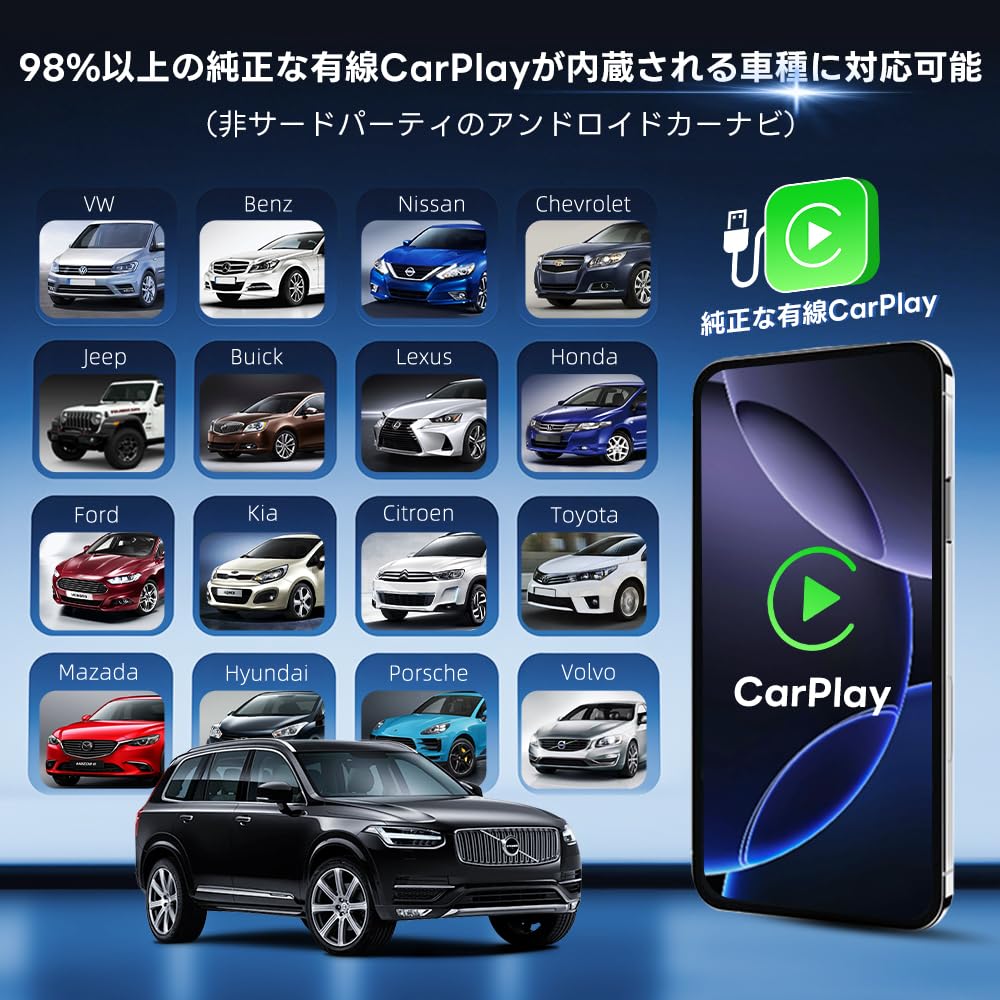
[HD2CP Pro 3-in-1-Adapter]: Dieses Produkt ermöglicht es Ihnen, das kabelgebundene CarPlay Ihres Originalautos mit kabellosem CarPlay/Android Auto zu verbinden.. Es wertet auch CarPlay auf HDMI auf, unterstützt den HDMI-Eingang und ermöglicht es Ihnen, ein HDMI-Signal in Ihr Auto einzuspeisen.. Es ist auch mit Fahrzeugen kompatibel, die ein originales kabelgebundenes CarPlay haben (Android-Auto-Navigationssystem von Drittanbietern).
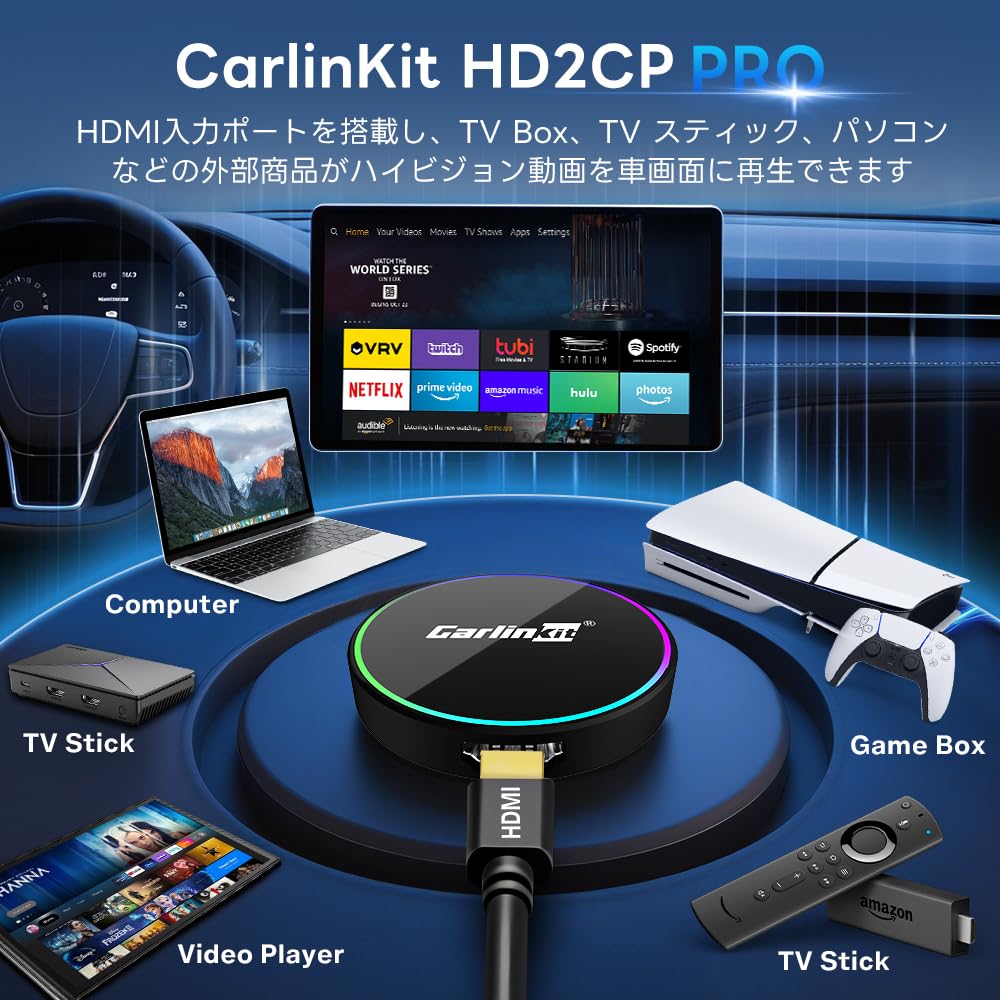
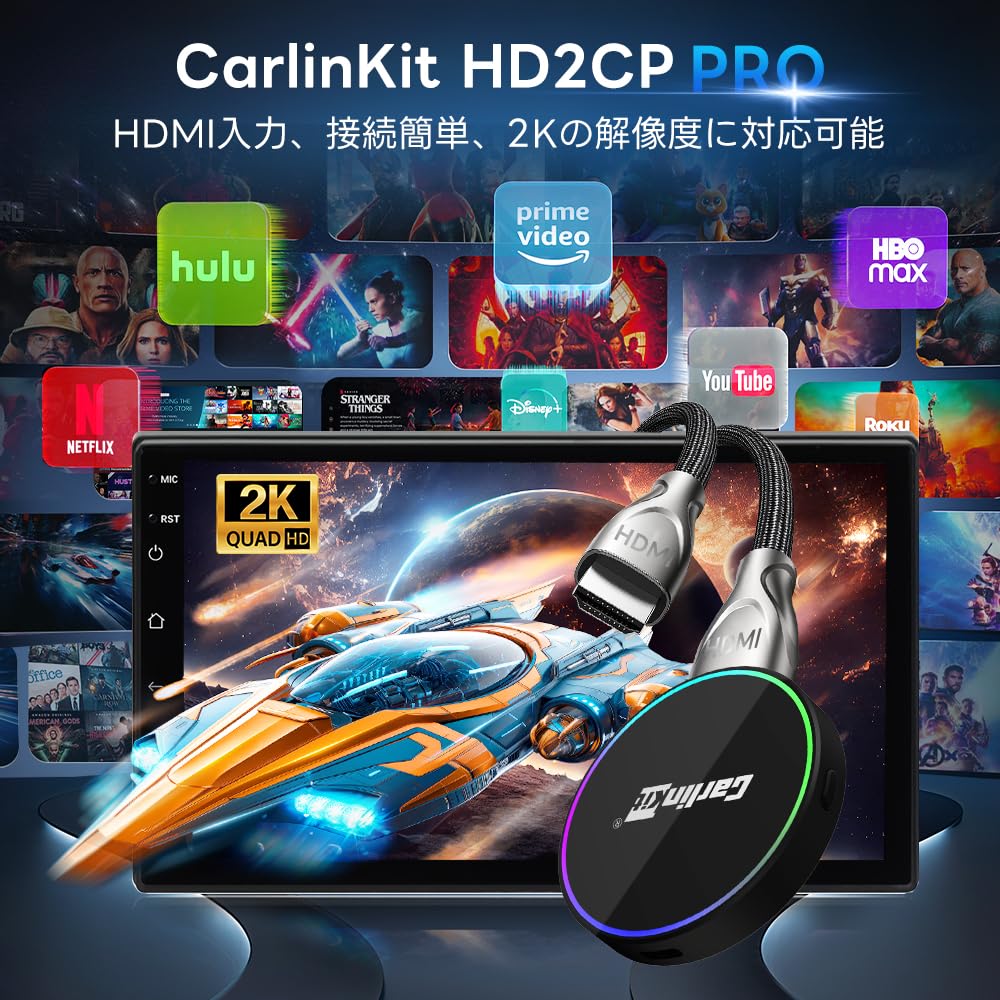
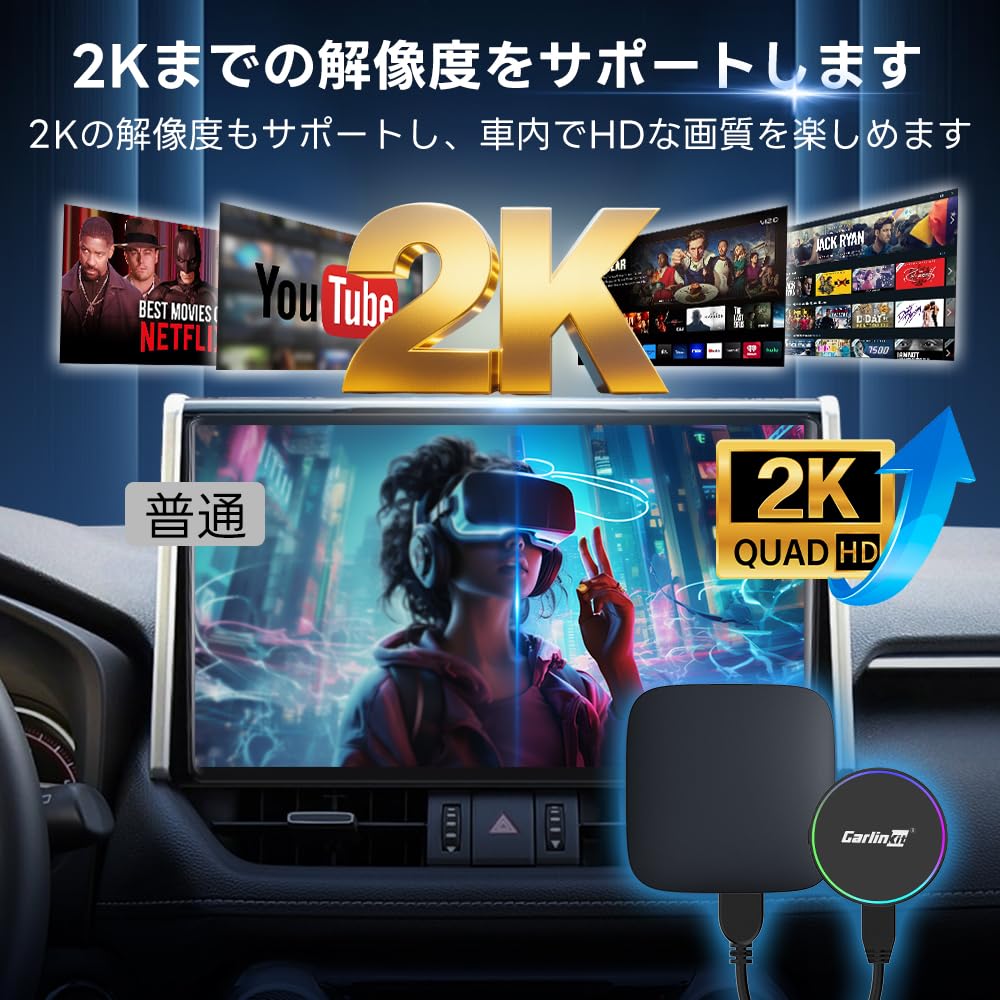
[HDMI-Eingangsanschluss & Videowiedergabe]: Schließen Sie einen TV-Stick, eine TV-Box oder ein anderes Gerät an den HDMI-Eingang an, um Videos abzuspielen.. Die 2K-Auflösung bei 30 Bildern pro Sekunde bietet ein reichhaltiges visuelles Erlebnis. Sie können auch Spiele spielen! Es unterstützt auch den Anschluss von Spielekonsolen. Verbinden Sie den HDMI-Eingangsanschluss, um den Inhalt Ihres Computers mit dem Bildschirm Ihres Autos zu synchronisieren.. Um die HDMI-Eingangsfunktion zu nutzen: 1. Stecken Sie das Produkt in den USB-A/Typ-C-Anschluss Ihres Autoradios. 2. Verwenden Sie ein HDMI-Kabel, um das externe Gerät mit dem HDMI-Anschluss an der Box zu verbinden.. 3. Sobald verbunden, können Sie hochauflösende Videos, Spiele und mehr genießen.
[Wie man sich mit kabellosem CarPlay/Android Auto verbindet]: 1. Stecken Sie das Produkt in den USB-A/Typ-C-Anschluss Ihres Autoradios. 2. Schalten Sie das WLAN und Bluetooth Ihres Smartphones ein. 3. Öffnen Sie die Bluetooth-Oberfläche Ihres Smartphones und suchen Sie nach dem Bluetooth-Namen, der auf dem Gerät Ihres Autos angezeigt wird.. 4. Klicken Sie auf „Verbinden“ und stimmen Sie der Nutzung von CarPlay/Android Auto zu. Sobald die Verbindung erfolgreich ist, können Sie kabelloses CarPlay/Android Auto nutzen.
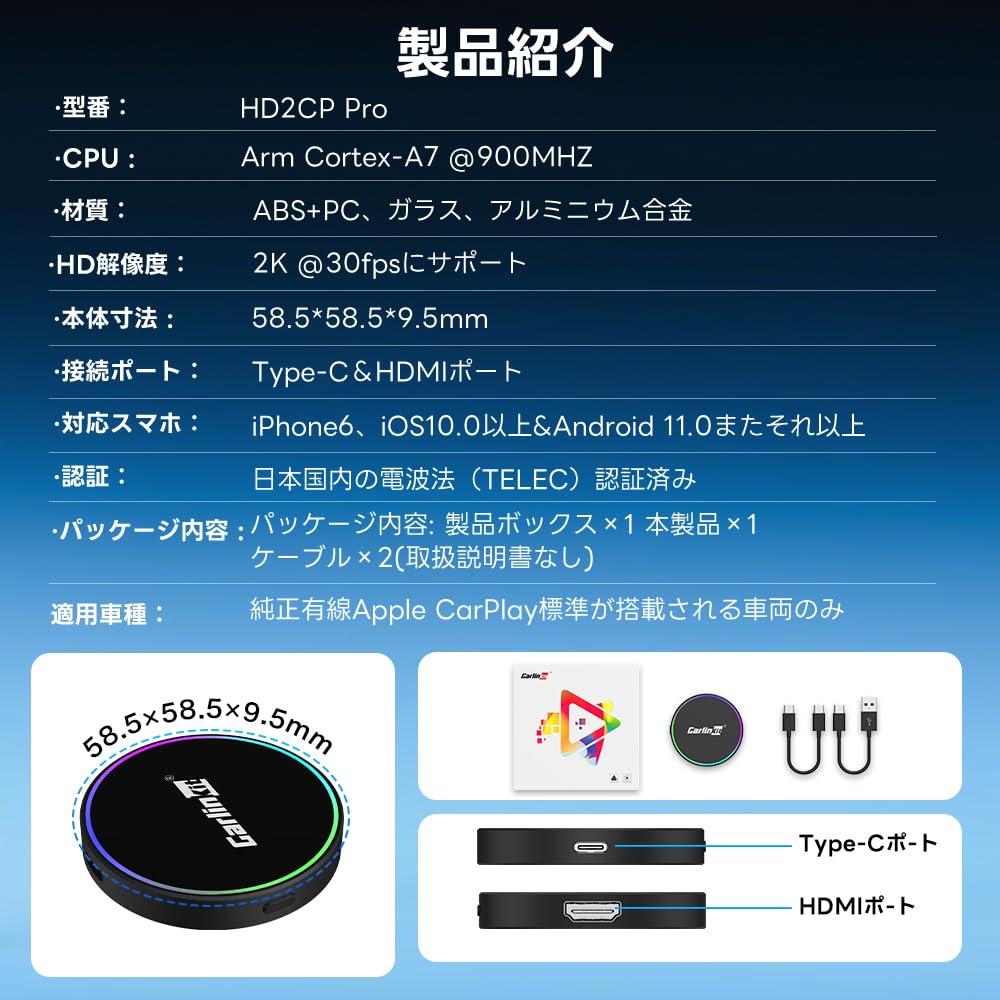
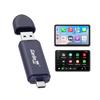
Wichtige Informationen: ① Dieses Produkt ist mit Werksfahrzeugen mit Touchscreen und kabelgebundener CarPlay-Funktion kompatibel (Android-Auto-Navigationssysteme von Drittanbietern). ② Halten Sie die Reset-Taste an der Seite des Produkts gedrückt, um den Verbindungsverlauf zu löschen.. ③ Packungsinhalt: 1 x Produktbox, 1 x Produkt, 2 x USB-Adapter (keine Bedienungsanleitung). ④ Dieses Produkt hat nur eine Umwandlungsfunktion; Es hat kein eingebautes System. Es kann mit einem externen Gerät verbunden werden (z. B. TV-Box, Videoplayer, Laptop, Spielkonsole usw.) und auf dem originalen Autodisplay abgespielt. ⑤ Nach der Verbindung unterstützt der Fahrzeugnavigationsbildschirm keine Funktionseinstellungen. ⑥ Wenn Sie Fragen zum Produkt haben, kontaktieren Sie uns bitte über [Kontoservice] - [Bestellhistorie] - [Verkäufer kontaktieren] oder die im Handbuch angegebene E-Mail-Adresse.
[Konformitätszertifikat für technische Standards & 1 Jahr Garantie]: Gemäß dem Funkgesetz müssen Produkte mit Funkfunktionalität eine Konformitätsbescheinigung für technische Standards erhalten. (oder Konstruktionsdesign-Zertifizierung). Dieses Produkt besitzt die oben genannte Konformitätsbescheinigung für technische Standards, sodass Sie es bedenkenlos verwenden können.. Zertifizierungsnummer für die Konformität mit technischen Standards: R210-181448. Sollten Sie jedoch Fragen zum Produkt haben, zögern Sie bitte nicht, uns zu kontaktieren.
[HD2CP Pro 3-in-1-Adapter]: Dieses Produkt ermöglicht es Ihnen, das kabelgebundene CarPlay Ihres Originalautos mit kabellosem CarPlay/Android Auto zu verbinden.. Es wertet auch CarPlay auf HDMI auf, unterstützt den HDMI-Eingang und ermöglicht es Ihnen, ein HDMI-Signal in Ihr Auto einzuspeisen.. Es ist auch mit Fahrzeugen kompatibel, die ein originales kabelgebundenes CarPlay haben (Android-Auto-Navigationssystem von Drittanbietern).


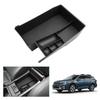
![[GAFAT] Subaru Legacy Outback BT-Serie, 6. Generation, 2021-Heute Su*ba*ru Auto-Aufbewahrungsbox, Legacy](https://img.joomcdn.net/3e003a488ed8a27c84ea0db5b2f6cd7f7e04336c_100_100.jpeg)