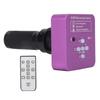
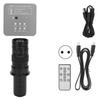
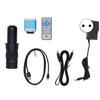
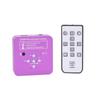
Feature:
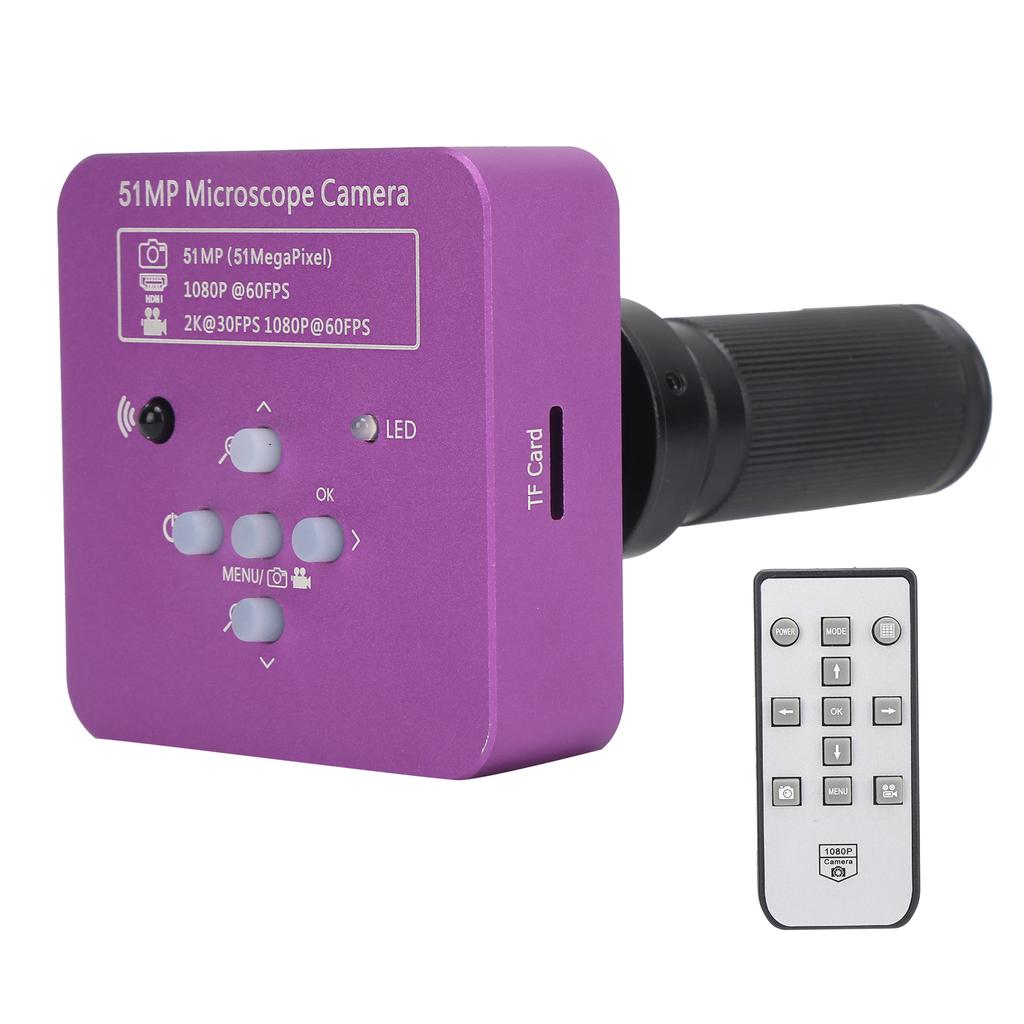
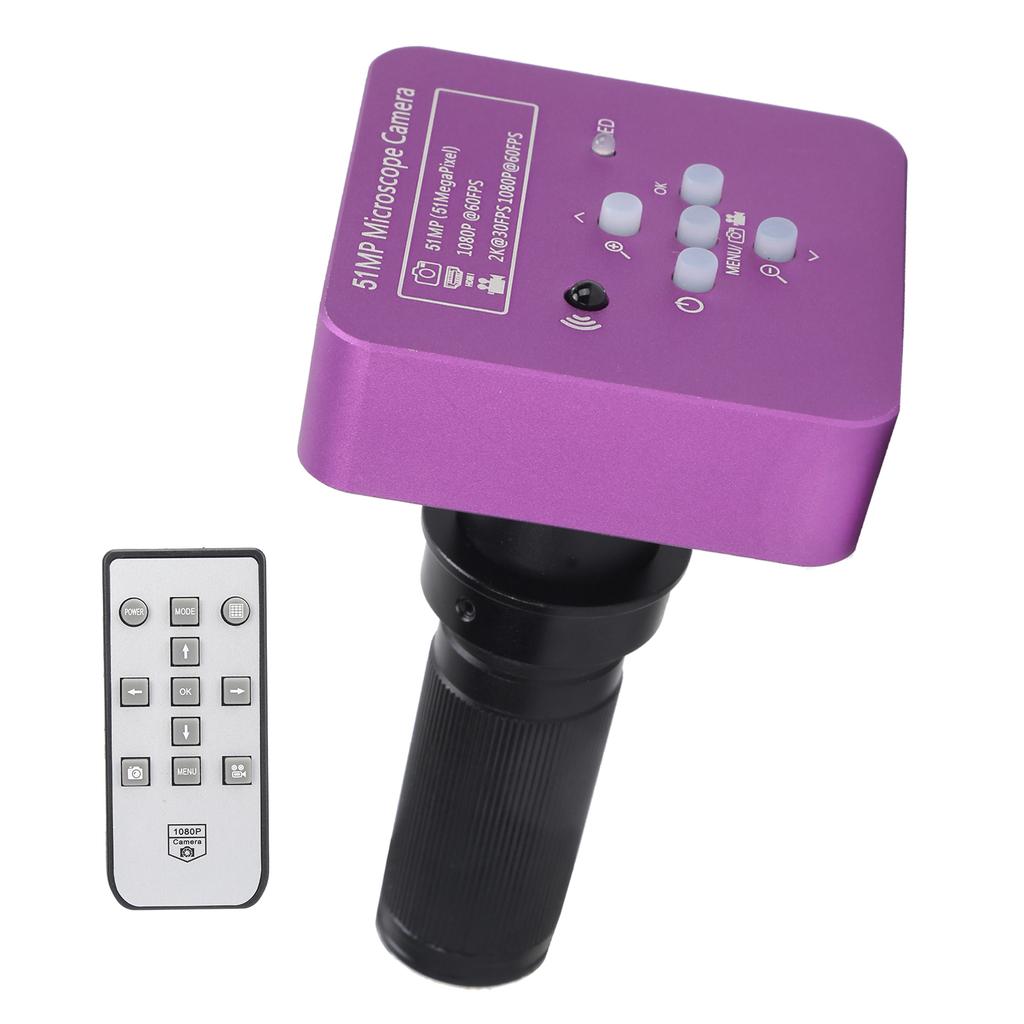
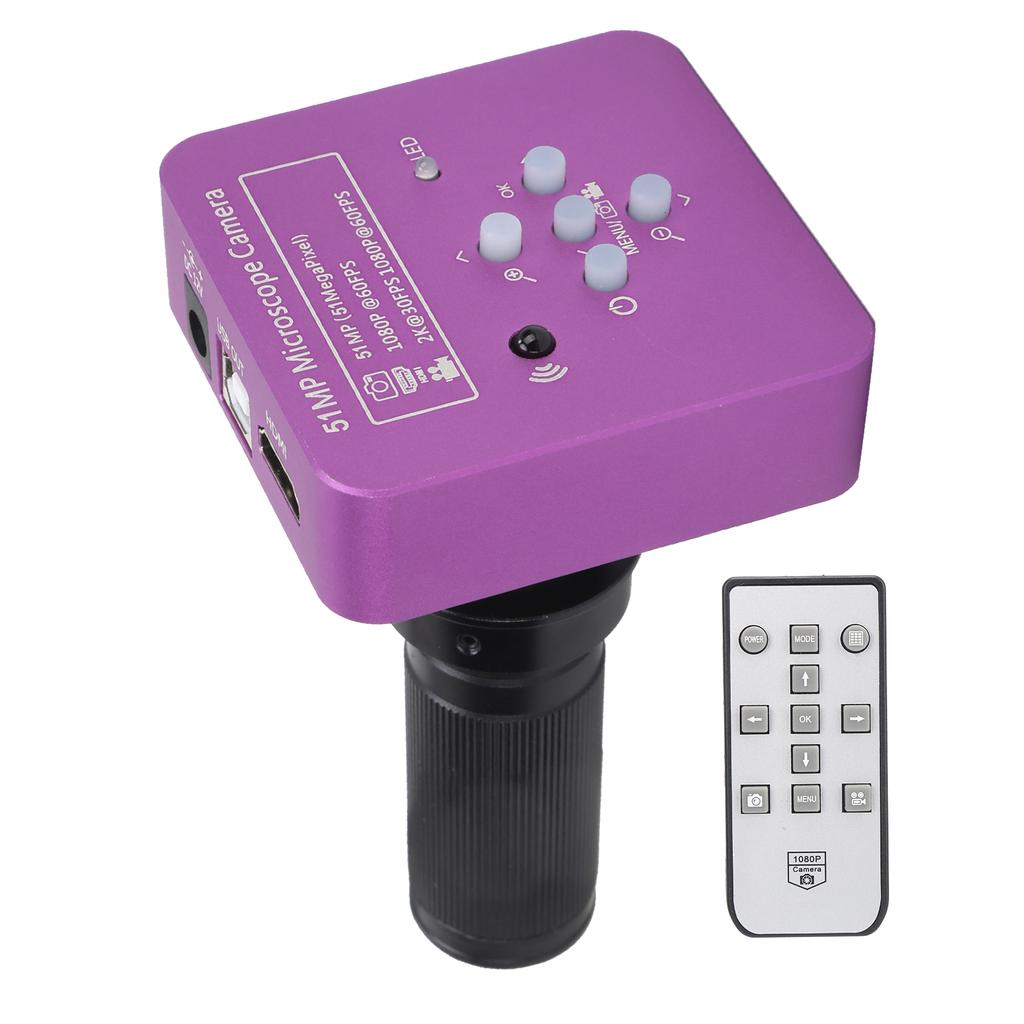
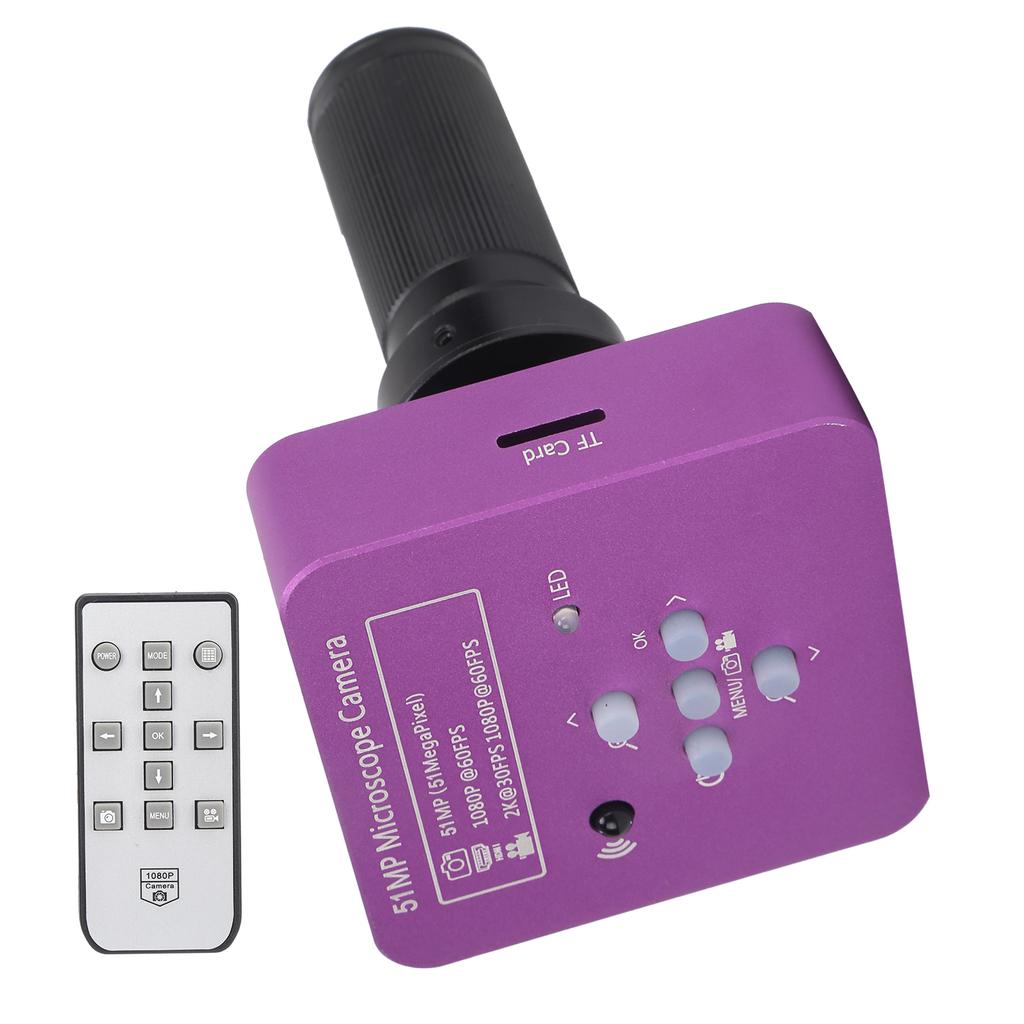
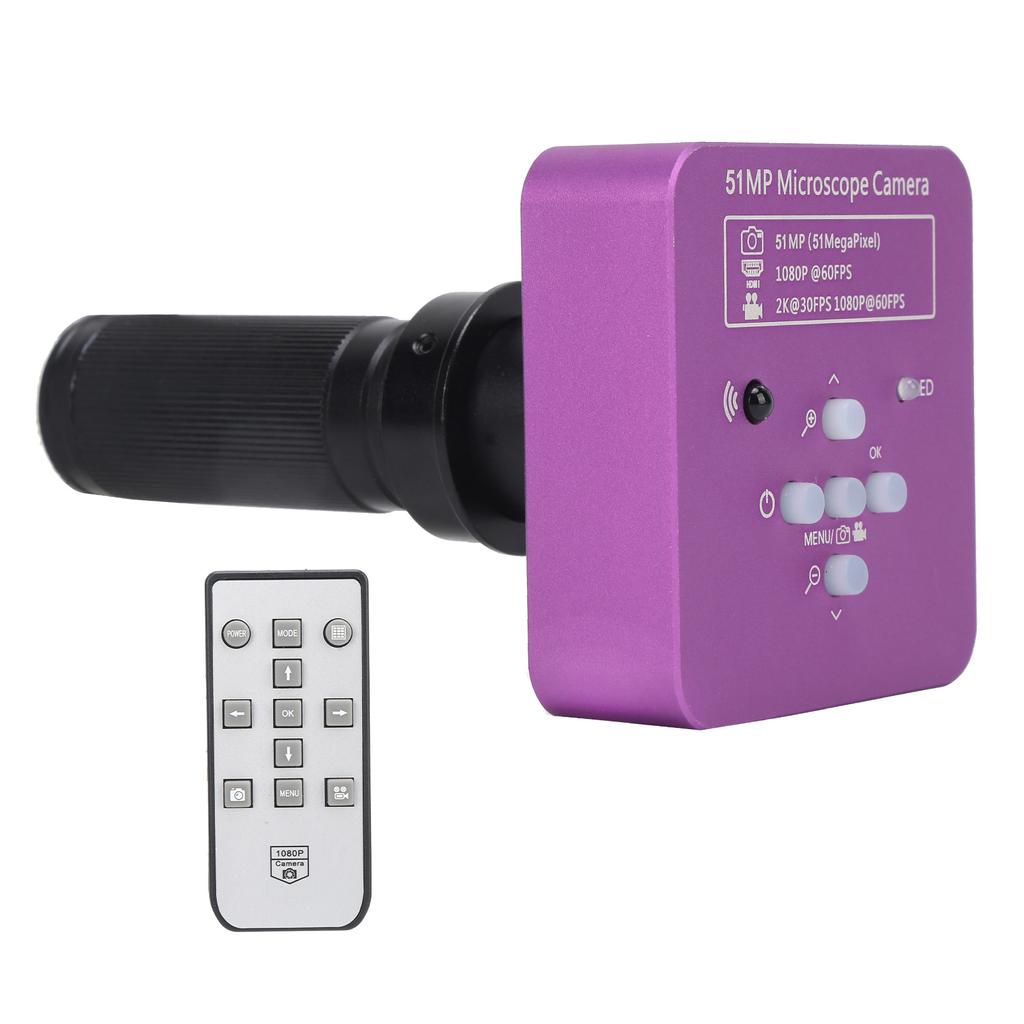
1. 51MP 1 2.33in CMOS sensor , which supports HD Multimedia Interface and USB2.0 dual output to meet the needs of different scenarios
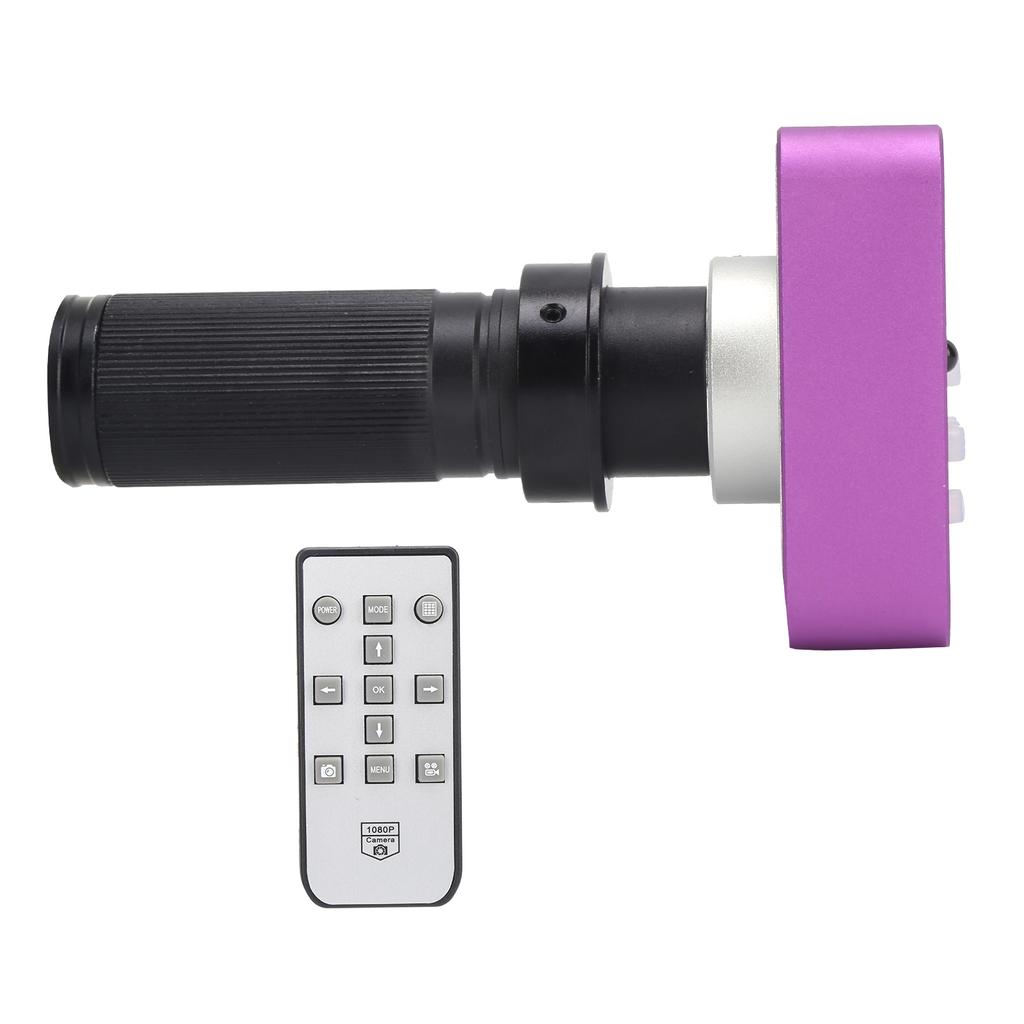
2. Equipped with 120X C mount lens for industrial microscope camera, large magnification, clear vision
3. Made of high quality aluminum alloy shell, durable, light weight, convenient and portable, long life
4. Support multiple systems, support for WindowsXP 7 8 10 system, high compatibility, meet different needs
5. It can be used for education, scientific research, laboratory, demonstration, maintenance and inspection
Specification:
Item Type: Microscope Camera.Material: aluminum alloyModel: HY 1139Image Sensor: 51MP CMOS sensor 1 2.33in
Effective Pixels: 51MP (take HD Multimedia Interface photos)
Video Format: MP4 (for memory card)
HD Multimedia Interface Video Resolution: 1920 x 1080 at 60fps
USB Video Resolution: 1920 x 1080 at 30fps; 1280 x 720 at 30fps; 640 x 510 at 30fps; 320 x 240 at 30fps
Pixel Size: 1.335micrometer * 1.335micrometer
Frame Rate: 60fps
Definition: Full HD
Shell: Metal
Lens: C CS
Video Format: MP4
Digital Zoom: support
Brightness Control: automatic manual
Color: R G B adjustable
Shooting and Recording: support
Horizontal Cursor: support multi color, adjustable size
Horizontal and Vertical Lines: support multi color, 5 horizontal vertical lines, movable
Different colors, 5 horizontal lines, 5 vertical lines, any position
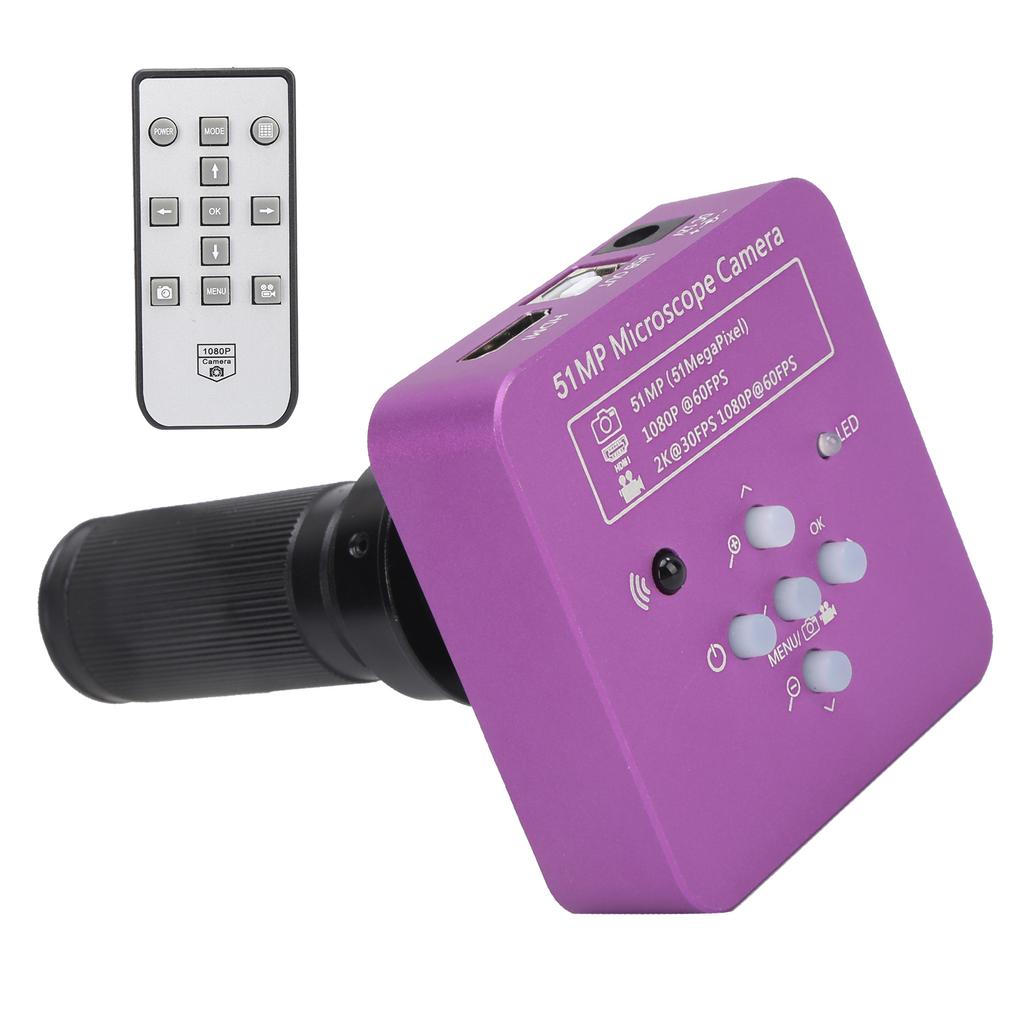
HD Multimedia Interface Interface: standard HD Multimedia Interface output (Type A)
USB Interface: standard usb2.0 interface (Type B)
120X C Mount Lens
Amplification Power: 0.12 2X (approximately 8X 120X display)
Working Distance: 350mm 13.78in
Field of view: 2.4mm 32mm 0.09 1.26in
Remote control battery type: 1 x CR2025 button battery(battery not included)
Package List:
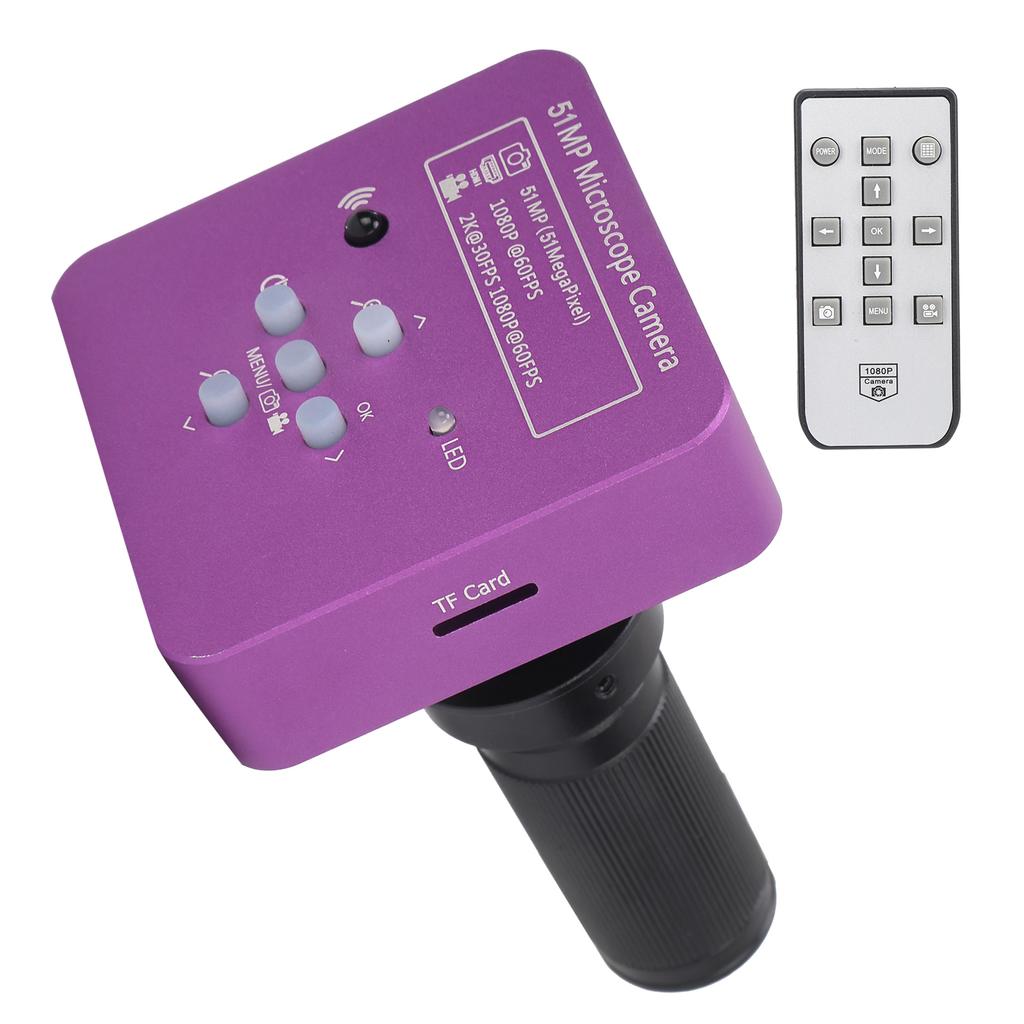
1 x Microscope Camera1 x Lens1 x USB Cable1 x Power 1 x Remote Control(battery not included)1 x Software CD1 x Manual
Note:
1. When using USB connection, please make sure that there is no memory card in the camera. memory card storage is only used for HD Multimedia Interface output. The USB output will be stored in the PC.2. When connecting the camera to the computer, just plug in the USB cable (no need to use power)