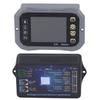
Feature:
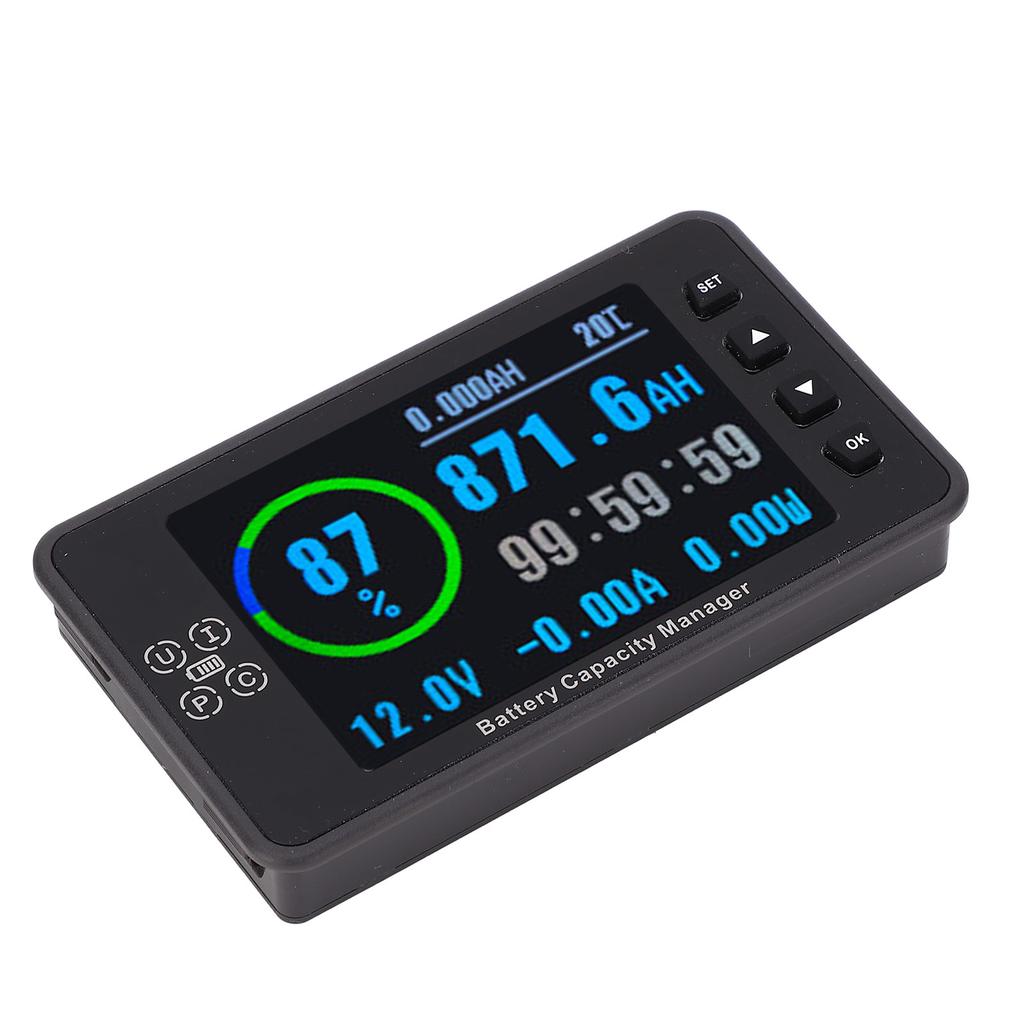
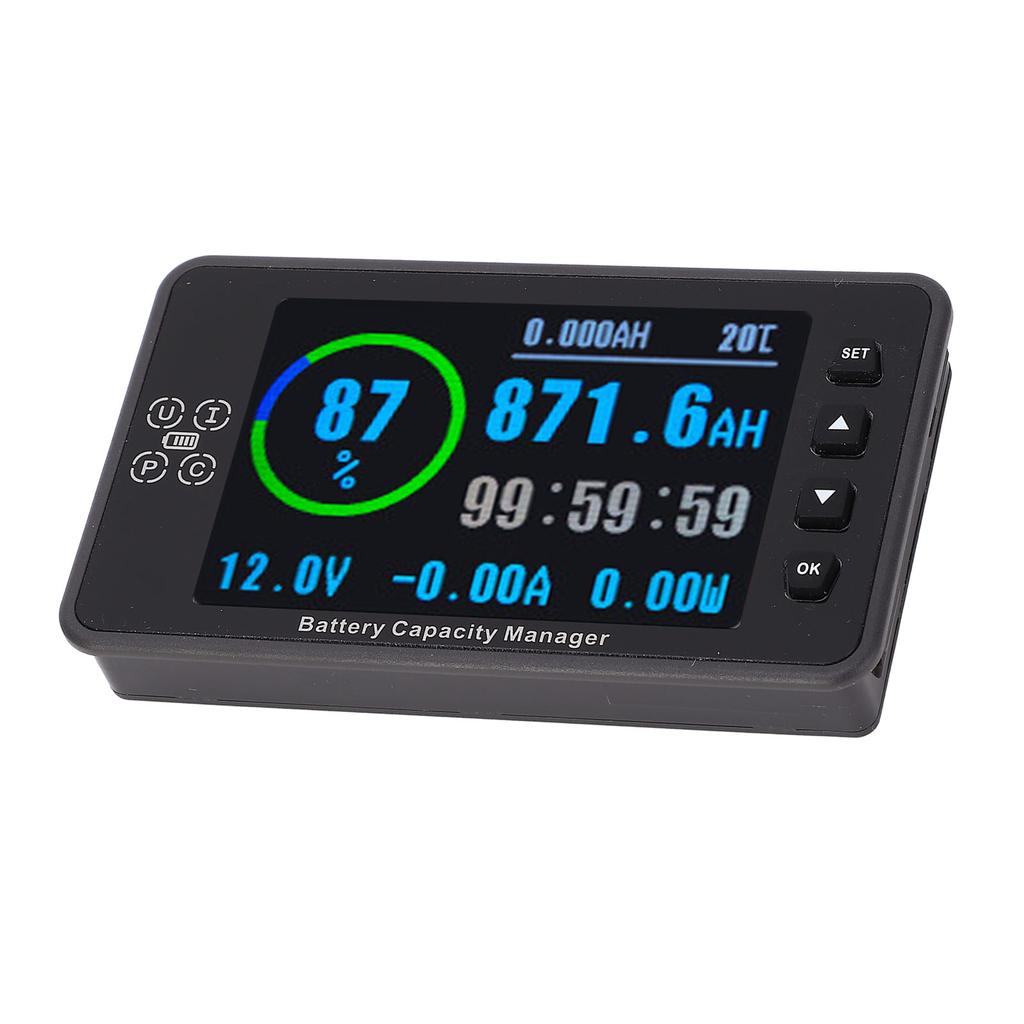
1. Comprehensive Data Display: Featuring a 3.5 inch color LCD screen, our battery data monitor provides real time information on voltage, current, power, remaining capacity, usage time, and temperature, with four display modes for easy viewing.
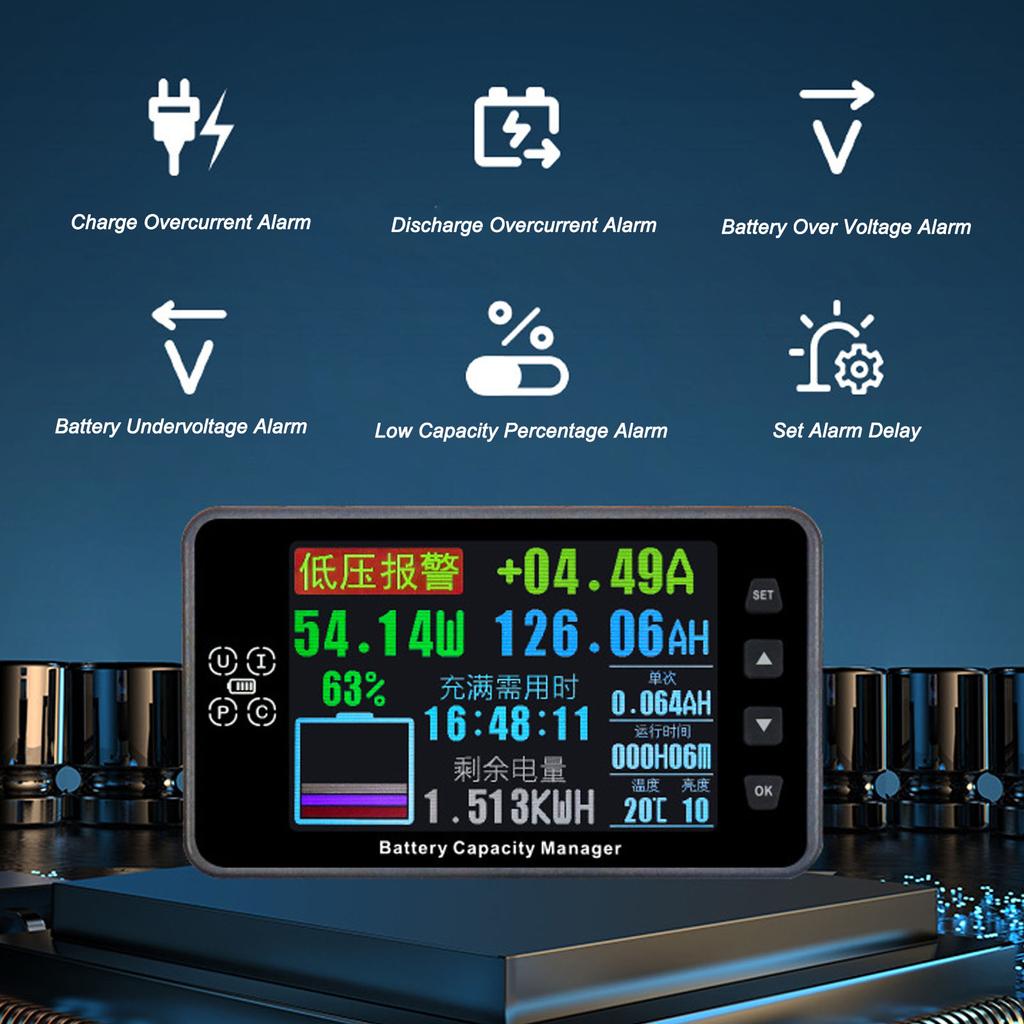
2. Advanced Alarm Functions: Equipped with overvoltage, undervoltage, overcurrent, and capacity alarms, our monitor ensures safety and efficiency during charging and discharging processes, with audible alerts for added convenience.
3. Front Waterproof Design: The acrylic film and silicone buttons on the front panel ensure water resistance without the need for additional covers, offering ease of use and safety in various environments.
4. Copper Shunt Collection: Utilizing copper screws for excellent conductivity, low heat generation, and low power consumption, our monitor features premium connectors for optimal oxidation resistance and erosion resistance.
5. Sleep Mode with Intelligent Screen Off: With a manual sleep mode, the monitor automatically lights up after 8 hours of inactivity during nighttime, providing energy saving convenience without disrupting your rest.
6. Versatile Battery Monitoring: Ideal for monitoring battery levels in various devices such as RVs, electric cycles, power tools, and solar systems, our monitor offers comprehensive tracking and control for efficient power management.
Specification:
Item Type: Battery Monitor
Material: ABS, Acrylic, Copper
Current measurement range: 0.06-300A
Capacity: 0.0AH to 99999AH
Energy: 0.0KWH to 9999KWH
Power value: 96KW
Temperature: -20℃ to 150℃
Current: ±(1%+5) words
Capacity: ±(1%+5) words
Temperature: ±2℃
Automatic Filling Of Delayed Capacity: 0-2005
Delay Capacity Automatic Clearing: 0-2005
Charge Overcurrent Alarm: 0.1-800A
Discharge Overcurrent Alarm: 0.1-800A
Low Capacity Percentage Alarm: 0-99
Battery Overvoltage Alarm: 0.1-200V
Battery Undervoltage Alarm: 0.1-200V
Delay Alarm Time: 0-200S
Power Consumption:
Screen :0.4W
Bright Screen :0.8W
Display Language: Chinese, English
Mailing Address: 1-250
Measurement Rate: 20 times/second
Serial Communication Baud Rate: 9600Bps
Serial Port Transmission Protocol Format: Private Protocol
Click SET to switch the interface display;
Simple interface;
1. Click the Up key to increase the display brightness. Click the down key to reduce the display brightness;
2. Press the OK key to switch the temperature unit.
3. Hold down the up key to pop up the capacity filling popup window and press the up key to move to the confirmation position and click OK to fill up the capacity. Hold down the down key to pop up the capacity clearing popup window and press the up key to move to the confirmation position and click OK to empty the capacity;
4. Hold down the SET key to enter the parameter setting page, click the down key or up key to switch the setting item, click SET key to select the adjustment item, click OK key to switch the step value of the adjustment parameter, click up key to change the parameter value, hold down the SET key to exit the parameter setting screen and save the setting parameter.
Full data interface;
1. Click the Up key to increase the display brightness. Click the down key to reduce the display brightness;
2. Press the OK key to clear the single ampere hours;
3. Hold down the up key to popup the capacity filling popup window and press the up key to move to the confirmation position and click OK to fill up the capacity. Hold down the down key to popup the capacity clearing popup window and press the up key to move to the confirmation position and click OK to empty the capacity;
4. Hold down the SET key to enter the parameter setting page, click the down key or up key to switch the setting item, click SET key to select the adjustment item, click OK key to switch the step value of the adjustment parameter, click up key to change the parameter value, hold down the SET key to exit the parameter setting screen and save the setting parameter.
Curve interface;
1. Press the up key to increase the refresh time, the down key to decrease the refresh time, and click OK to enable or pause the curve.
2. Hold down the SET key to enter the parameter setting page, click Down or up to switch the setting item, click SET to select the adjustment item, click OK to switch the step value of the adjustment parameter, click up to change the parameter value, hold down the SET key to exit the parameter setting screen and save the setting parameter.
Historical data interface;
Long press SET to popup the popup window to clear data. Click the up key to move to the confirmation position and click OK to clear data.
Package List:
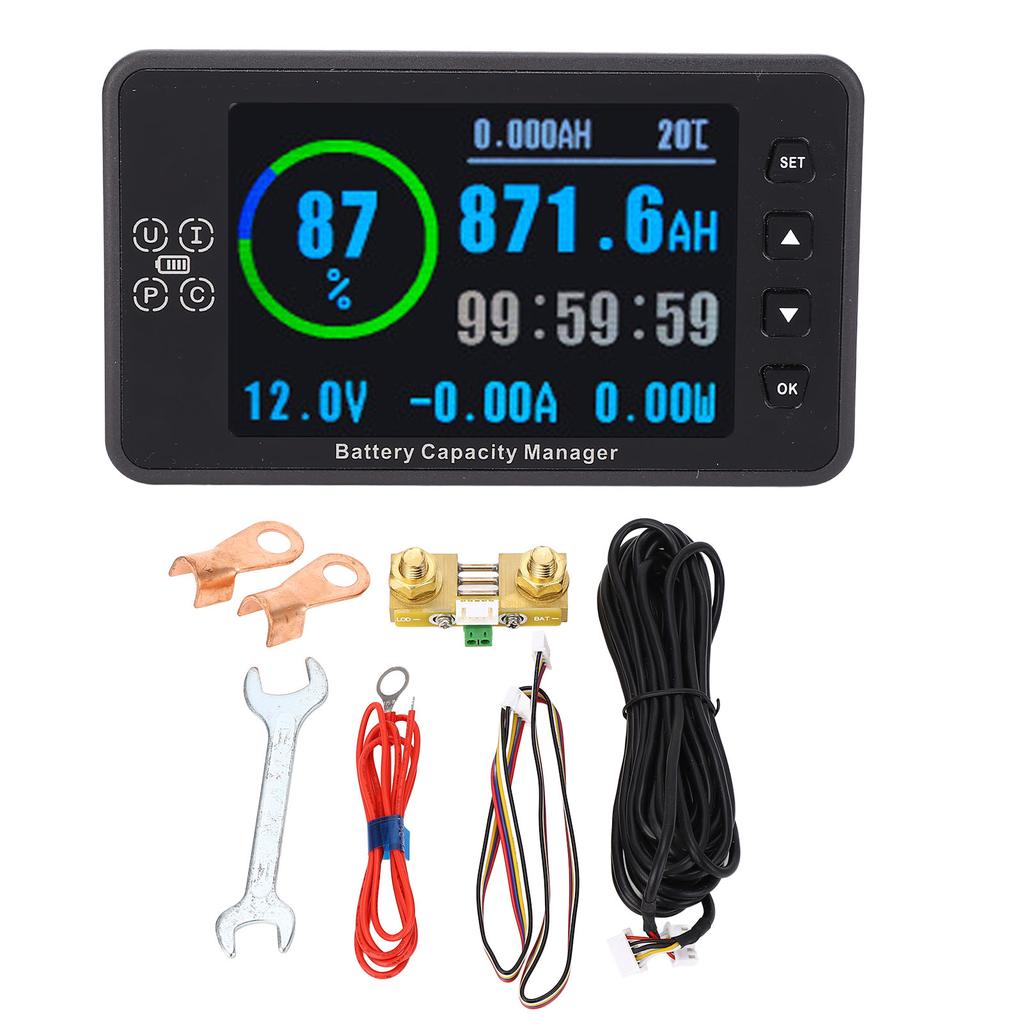
1 x Display
3 x Connecting Cables
1 x Wrench
2 x Terminals
1 x Current Collection Module